





Most marketplace founders spend weeks comparing plugins, payment gateways, and commission models.
Yet many overlook one of the biggest factors influencing their marketplace’s long-term success: the theme.
A WooCommerce theme isn’t just responsible for how your marketplace looks.
It affects:
- How quickly pages load
- How easily customers discover products
- How confidently vendors manage their stores
- And even how well your site performs in search engines and AI-powered search experiences
In 2027, marketplace competition has become more intense than ever.
- Buyers expect Amazon-like navigation, lightning-fast page loads, intuitive mobile experiences, and personalized product discovery.
- Vendors expect dashboards that help them manage products, orders, and customers without friction.
- Search engines and AI assistants increasingly prioritize websites that deliver structured, accessible, and user-friendly experiences.
That’s why choosing a marketplace-ready WooCommerce theme is no longer a design decision, it’s a business decision.
A poorly optimized theme can slow down your website, reduce conversions, frustrate vendors, and increase maintenance costs. On the other hand, a lightweight, flexible, and marketplace-compatible theme creates a solid foundation that supports growth, improves customer trust, and adapts as your marketplace evolves.
Whether you’re launching a niche handmade goods marketplace, a B2B wholesale platform, a rental marketplace, or a franchise network with multiple storefronts, the right theme can make scaling significantly easier.
In this guide, we’ll explore the best WooCommerce themes for online marketplaces in 2027, explain what makes a theme truly marketplace-ready, and help you choose one that aligns with your long-term business goals, not just your design preferences.
Why Your Marketplace Theme Matters More Than Ever in 2027
When WooCommerce first became popular, choosing a theme was mostly about visual appeal. Store owners compared homepage layouts, typography, and color schemes before making a decision.
Today’s marketplace operators have a much bigger challenge.
Modern marketplaces serve multiple audiences simultaneously:
- Buyers searching thousands of products
- Vendors managing their businesses
- Administrators overseeing operations
- Search engines crawling product pages
- AI assistants retrieving structured information
Every interaction depends on how efficiently your website is built.
A heavy theme filled with unnecessary animations and bloated code can increase page load times, lower search rankings, and reduce conversion rates. More importantly, it can create operational bottlenecks as your marketplace grows.
Imagine launching with 50 products. Almost any theme will perform adequately.
Now imagine managing:
- 50,000 products
- 2,000 vendors
- Thousands of daily orders
- Hundreds of product categories
- Complex search filters
- Multiple shipping methods
- Regional storefronts
- Mobile-first customers
The difference between a marketplace-optimized theme and a generic ecommerce template becomes impossible to ignore.
Marketplace growth introduces challenges that traditional online stores rarely encounter:
- Large product catalogs
- Frequent database queries
- Vendor profile pages
- Dynamic product listings
- Advanced filtering
- User-generated content
- Marketplace dashboards
- Review systems
- Multi-location inventory
- AI-powered product discovery
A well-built theme minimizes these challenges by providing clean code, responsive layouts, and compatibility with modern WooCommerce and marketplace plugins.
Just as importantly, Google’s continued focus on Core Web Vitals and the rise of AI-powered search mean performance is now directly tied to visibility. Fast, accessible websites are more likely to earn higher rankings and provide the structured content that AI assistants use when generating answers.
For marketplace founders, your theme isn’t simply the visual layer of your website, it’s part of your operational infrastructure.
Marketplace Theme vs Traditional Ecommerce Theme
Not every WooCommerce theme is designed for a marketplace.
Many themes are built with single-brand stores in mind, where one business manages one catalog and one checkout experience. While these themes may look attractive, they often fall short when multiple vendors, thousands of products, and complex marketplace workflows come into play.
Here’s how marketplace requirements differ:
Marketplace themes need to support experiences that go far beyond displaying products.
For example, buyers should be able to:
- Compare products from different vendors
- Discover trusted sellers
- Browse large catalogs effortlessly
- Use advanced search and filters
- Shop seamlessly across devices
Vendors, meanwhile, benefit from layouts that complement dashboards, product management workflows, and order processing.
Administrators need themes that remain stable as plugins, integrations, and marketplace features expand over time.
The best marketplace themes balance visual appeal with performance, flexibility, and long-term maintainability.
What Marketplace Owners Should Look for Before Choosing a Theme
It’s tempting to choose the theme with the most impressive demo.
But demos are carefully curated. Your real marketplace will include thousands of products, dozens of plugins, user-generated content, and constant updates.
Before making your decision, evaluate each theme through a marketplace lens.
1. Performance First
Website speed directly impacts:
- Conversion rates
- SEO
- Customer satisfaction
- Bounce rates
- Vendor productivity
Choose lightweight themes with clean code instead of feature-heavy themes that rely on excessive scripts.
2. Mobile Experience
More than half of ecommerce traffic now comes from mobile devices, and in many markets, mobile shopping is the default.
Your marketplace should feel effortless on smartphones, including:
- Product browsing
- Category navigation
- Search
- Checkout
- Vendor storefronts
Responsive design is no longer optional.
3. WooCommerce Compatibility
The theme should fully support the latest WooCommerce releases without requiring constant workarounds.
Look for themes that are actively maintained and updated alongside WordPress and WooCommerce updates.
4. Marketplace Plugin Compatibility
Marketplace functionality comes from specialized software such as MultiVendorX.
A suitable theme should integrate smoothly with:
- Vendor dashboards
- Store pages
- Product management
- Commission systems
- Marketplace checkout
- Shipping workflows
Compatibility reduces conflicts and minimizes future maintenance.
5. SEO & AI Readiness
Search behavior is evolving.
Beyond traditional SEO, AI-powered search engines increasingly rely on structured, well-organized content.
Choose themes that emphasize:
- Semantic HTML
- Proper heading hierarchy
- Fast page speed
- Schema compatibility
- Accessible navigation
- Crawl-friendly architecture
These elements help both search engines and AI systems understand your marketplace more effectively.
6. Customization Flexibility
Every marketplace evolves.
Your chosen theme should adapt without requiring a complete redesign.
Look for support for:
- Gutenberg
- Elementor
- Block-based editing
- Custom layouts
- Flexible headers
- Multiple archive designs
This flexibility helps your marketplace grow without locking you into a rigid design.
7. Long-Term Support
Themes are long-term investments.
A theme that isn’t actively maintained may become incompatible with future versions of WordPress, WooCommerce, or marketplace plugins.
Check:
- Update frequency
- Documentation quality
- Support responsiveness
- Community size
- Development roadmap
Reliable support reduces technical debt over time.
Our Evaluation Criteria
Rather than ranking themes purely by appearance, we evaluated them based on the factors that matter most to marketplace businesses.
Our assessment focused on:
With these criteria in mind, let’s explore the best WooCommerce themes for marketplace businesses in 2027.
1. Astra
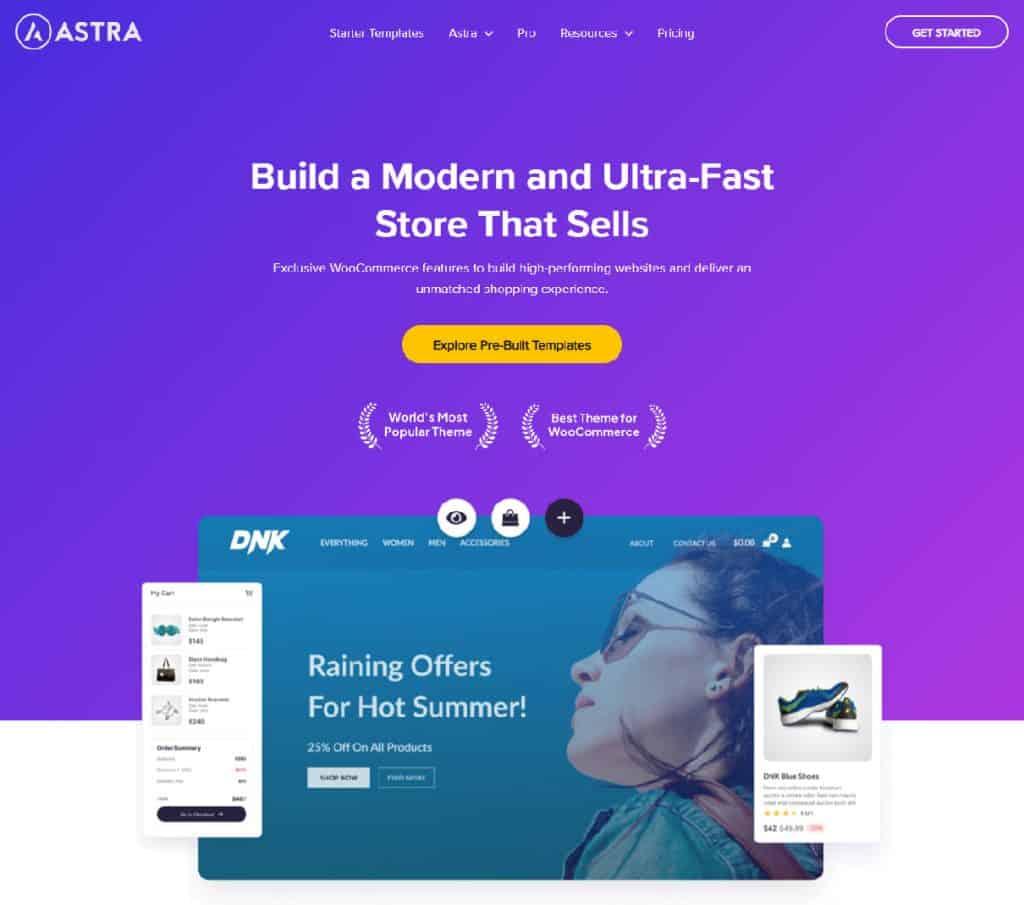
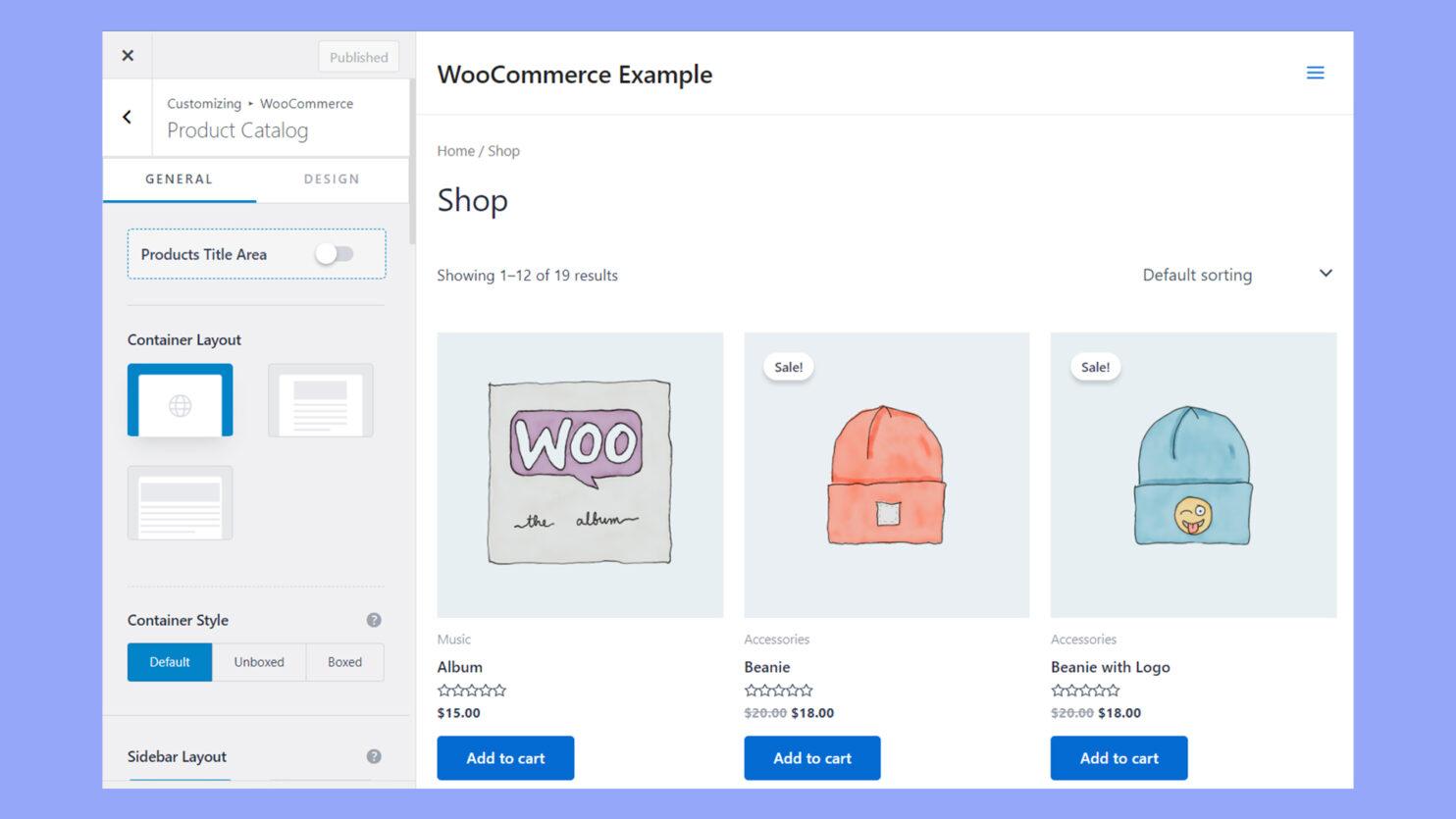
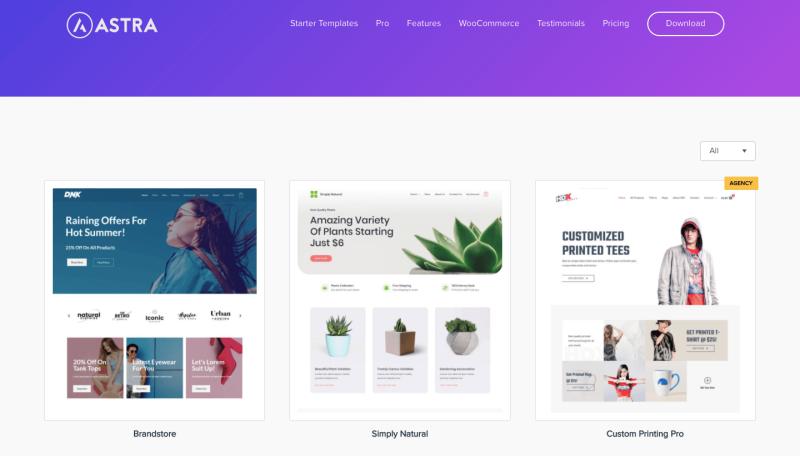
Astra continues to be one of the strongest choices for WooCommerce marketplaces thanks to its exceptional balance of speed, flexibility, and compatibility.
Its lightweight architecture ensures fast page loads even as your product catalog grows, making it an excellent foundation for marketplaces that expect long-term expansion.
Marketplace owners appreciate Astra because it integrates seamlessly with page builders, supports extensive customization, and works well with most WooCommerce extensions.
Ideal for:
- Product marketplaces
- Fashion marketplaces
- Handmade goods
- Electronics
- General multi-vendor marketplaces
Pros
- ✓Extremely lightweight
- ✓Excellent Core Web Vitals
- ✓Strong SEO foundation
- ✓Large template library
- ✓Extensive customization
- ✓Frequent updates
- ✓Large user community
Limitations
- Many advanced starter templates require the premium version.
- Highly customized layouts may require page builder expertise.
Business outcome: Astra helps marketplace operators launch quickly while maintaining the performance needed to support growing product catalogs, improving both user experience and long-term scalability.
2. GeneratePress
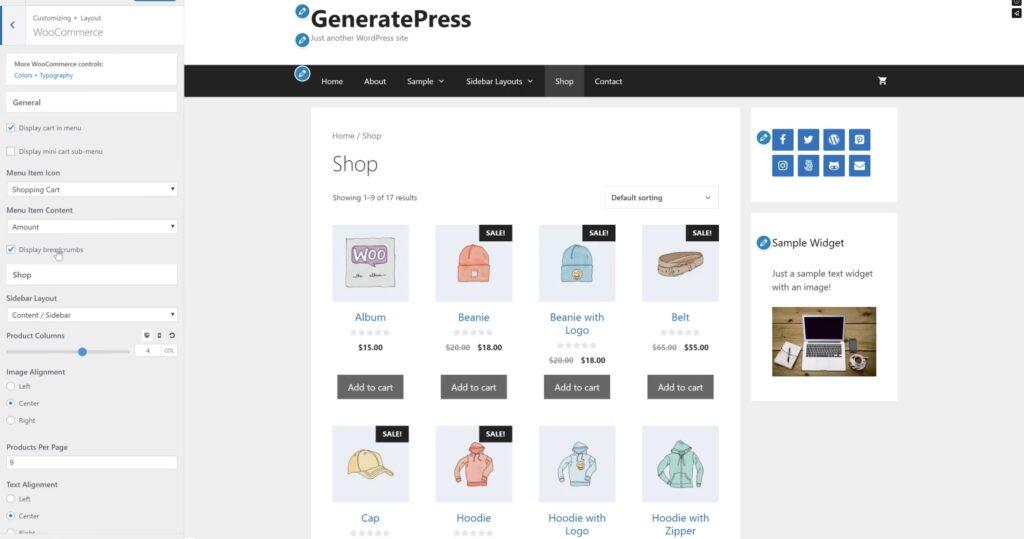
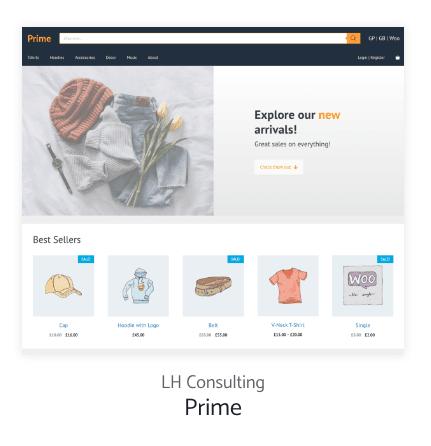
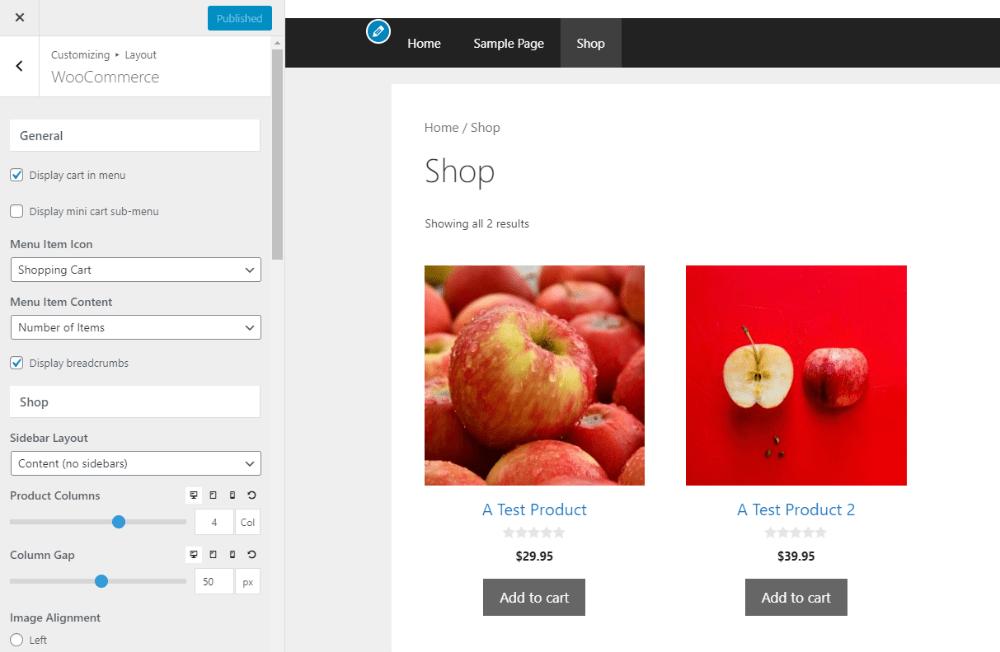
GeneratePress has earned a reputation among developers and performance-focused businesses for being one of the cleanest WordPress themes available.
Instead of overwhelming users with design effects, it prioritizes speed, accessibility, and maintainability, qualities that become increasingly valuable as a marketplace grows.
Because it produces minimal overhead, GeneratePress pairs exceptionally well with large WooCommerce marketplaces that prioritize fast search, responsive navigation, and reliable performance.
Ideal for:
- B2B marketplaces
- Wholesale marketplaces
- Enterprise marketplaces
- High-volume ecommerce
Pros
- ✓Outstanding performance
- ✓Clean codebase
- ✓Excellent accessibility
- ✓Strong SEO
- ✓Highly customizable
- ✓Developer-friendly
Limitations
- Minimalist design may require more customization to achieve a distinctive visual identity.
- Some advanced features are available only in the premium version.
Business outcome: GeneratePress provides a stable, future-proof foundation for marketplace operators who value speed, reliability, and low maintenance over visual complexity.
3. Kadence

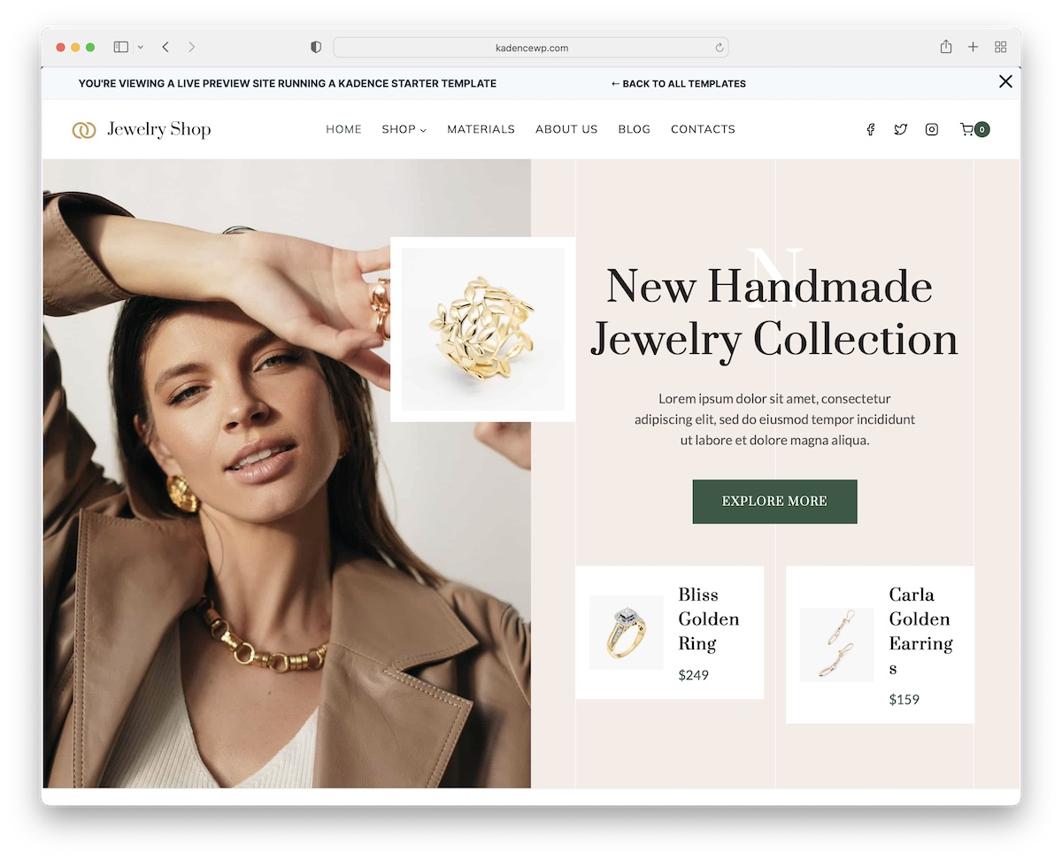

Kadence has become a favorite among WooCommerce businesses for combining modern design with excellent performance.
Its drag-and-drop header builder, flexible layouts, and advanced customization options make it easy to create a polished marketplace without sacrificing speed.
For founders who want greater creative control while maintaining strong technical performance, Kadence offers an excellent middle ground.
Ideal for:
- Lifestyle marketplaces
- Beauty marketplaces
- Home décor
- Premium niche marketplaces
Pros
- ✓Fast loading
- ✓Modern design system
- ✓Flexible customization
- ✓Excellent mobile experience
- ✓WooCommerce-focused features
Limitations
- Some premium ecommerce capabilities require a paid license.
- Advanced customization can involve a learning curve.
Business outcome: Kadence helps marketplace owners deliver a premium shopping experience that enhances customer trust and supports higher conversion rates.
4. Blocksy

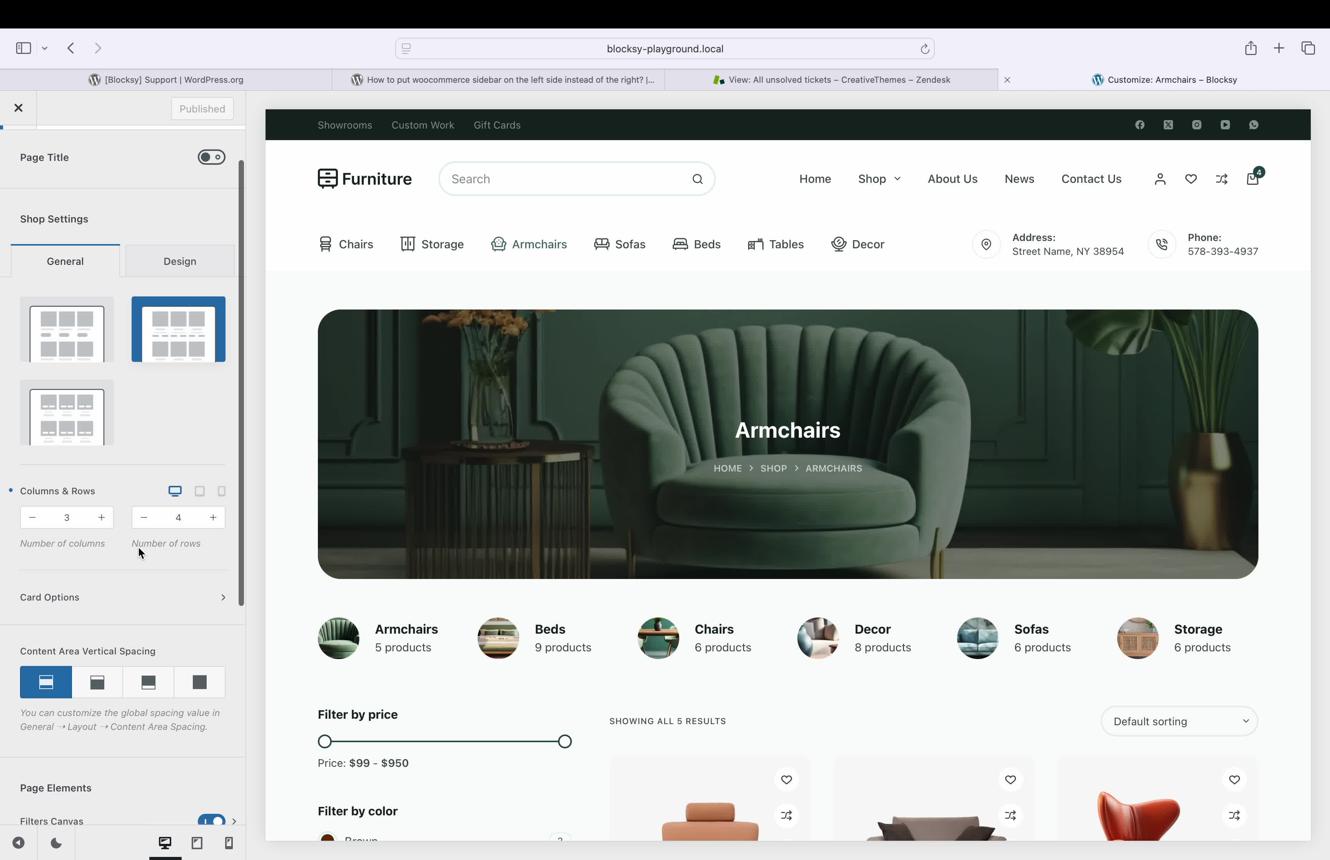
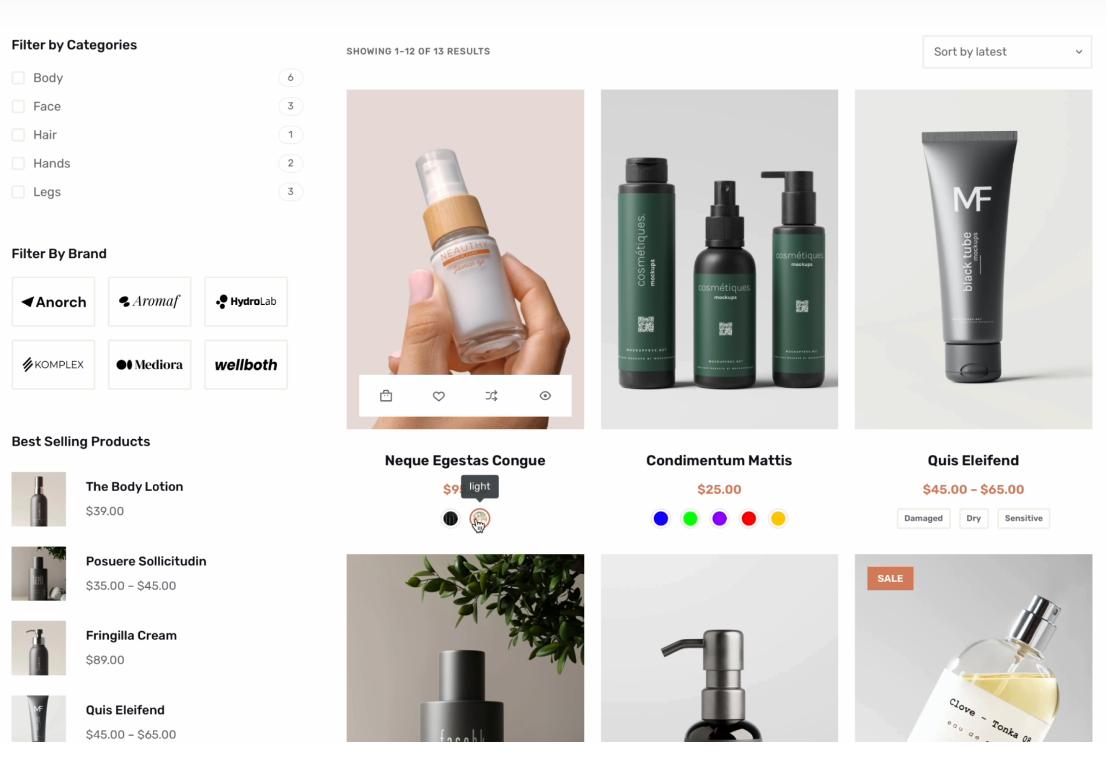
Blocksy is a modern, block-based WordPress theme designed with performance and flexibility in mind. It embraces the latest WordPress editing experience while providing advanced WooCommerce customization options out of the box.
Its clean code, responsive layouts, and extensive design controls make it a strong option for founders who want a contemporary marketplace without relying heavily on external page builders.
Ideal for:
- Creator marketplaces
- Digital product marketplaces
- Subscription marketplaces
- Startup marketplaces
Pros
- ✓Lightweight and fast
- ✓Excellent Gutenberg support
- ✓Highly customizable headers and layouts
- ✓Responsive by default
- ✓Regular updates
Limitations
- Some advanced ecommerce features are limited to the Pro version.
- Smaller ecosystem compared to older themes like Astra.
Business outcome: Blocksy enables marketplace operators to build modern, scalable storefronts that are easy to maintain and aligned with the future of WordPress.
5. Divi
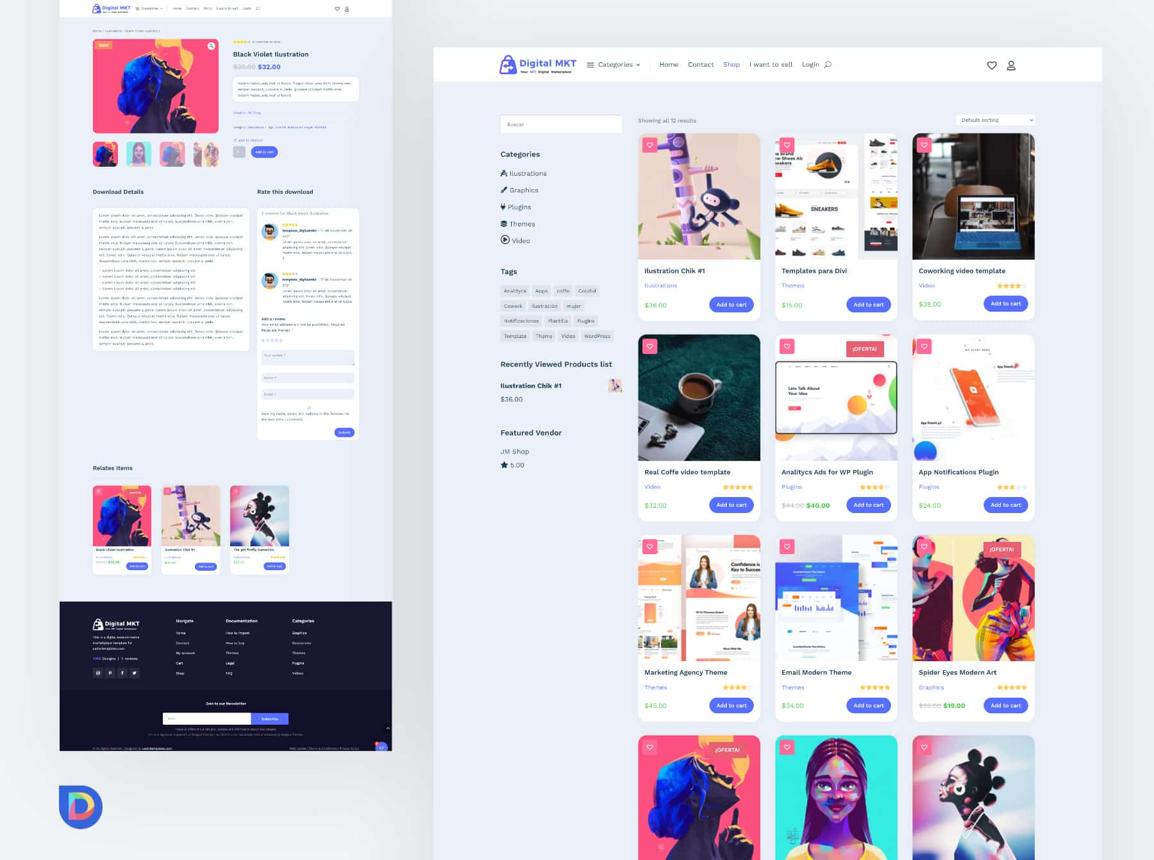
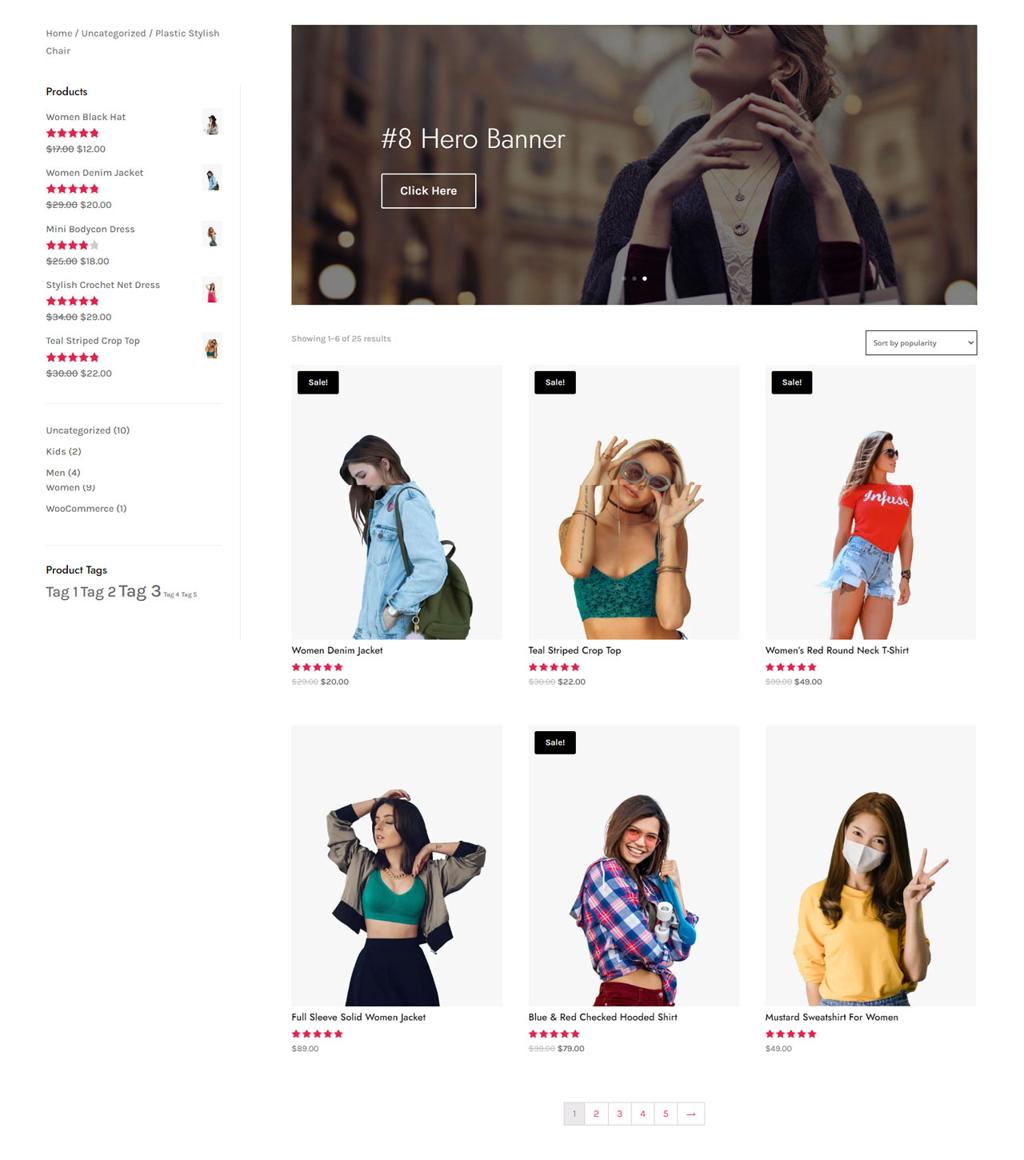
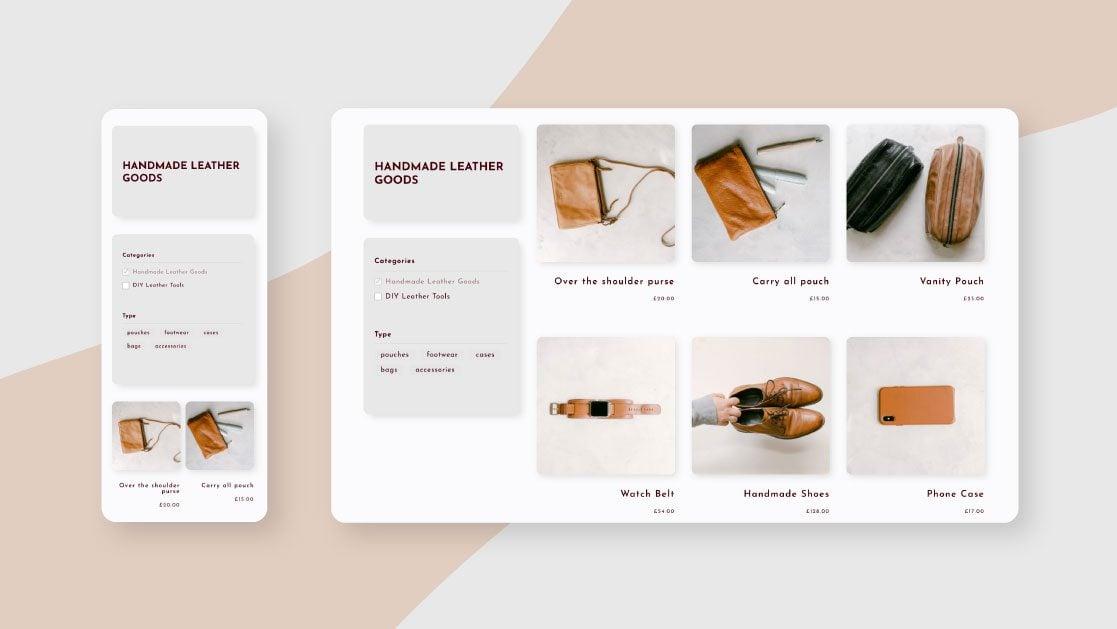
Divi remains one of the most versatile design-focused WordPress themes, offering an extensive visual builder and a vast library of templates. For marketplace founders who prioritize branding and unique customer experiences, Divi provides almost limitless design flexibility.
However, that flexibility comes with additional overhead, so careful optimization is essential for larger marketplaces.
Ideal for:
- Design-led marketplaces
- Luxury brands
- Creative services
- Boutique product marketplaces
Pros
- ✓Powerful visual builder
- ✓Extensive template library
- ✓No coding required for most layouts
- ✓Strong design flexibility
- ✓Active development and community
Limitations
- Can be heavier than lightweight performance-focused themes.
- Requires optimization to maintain excellent Core Web Vitals on large marketplaces.
Business outcome: Divi empowers marketplace owners to create highly differentiated storefronts that strengthen brand identity, making it particularly well-suited for premium and experience-driven marketplaces where visual storytelling influences purchasing decisions.
6. OceanWP
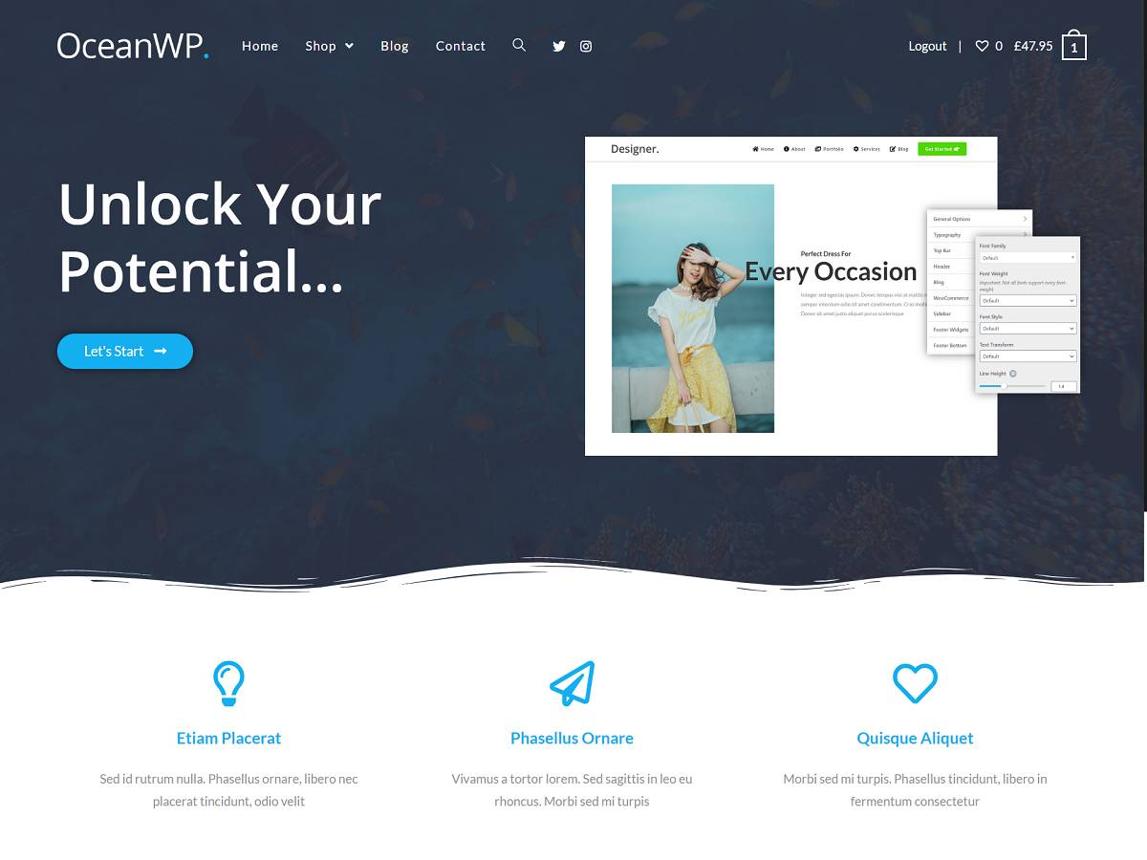
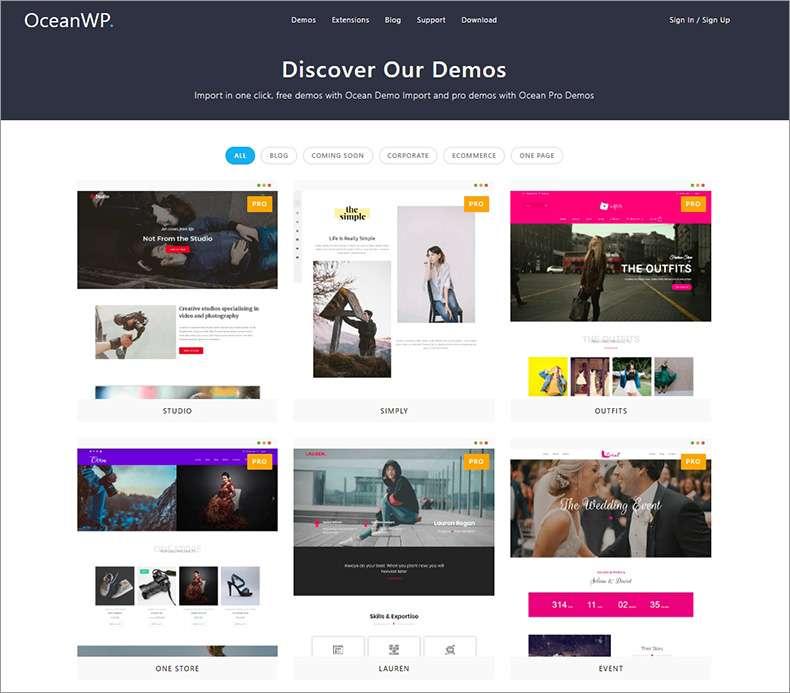
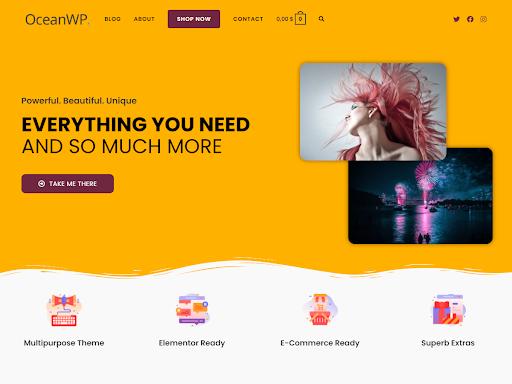
OceanWP has been a reliable choice in the WordPress ecosystem for years, and it continues to evolve with WooCommerce. Its strength lies in offering extensive customization without forcing marketplace owners into a rigid design framework.
For marketplaces that need flexibility, from regional product catalogs to specialized category pages, OceanWP provides numerous layout controls, header options, and WooCommerce-specific enhancements.
It also supports popular page builders, making it suitable for founders who want to build unique storefront experiences without extensive development work.
Ideal for
- Lifestyle marketplaces
- Home & furniture marketplaces
- Beauty and wellness platforms
- Regional ecommerce marketplaces
Pros
- ✓Highly customizable layouts
- ✓Strong WooCommerce integration
- ✓Responsive across devices
- ✓Large extension ecosystem
- ✓Flexible header and navigation options
Limitations
- Some premium extensions are required for advanced functionality.
- Too many enabled features can affect performance if not optimized.
Business outcome: OceanWP gives marketplace operators the flexibility to tailor customer journeys and vendor storefronts while maintaining compatibility with modern WooCommerce workflows.
7. Neve
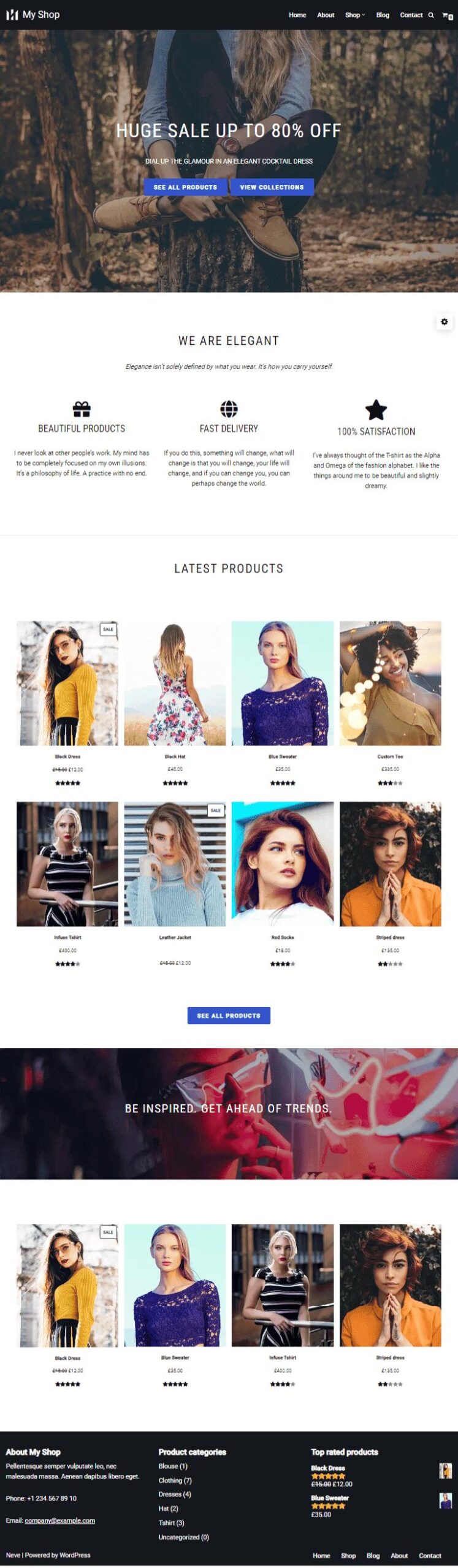
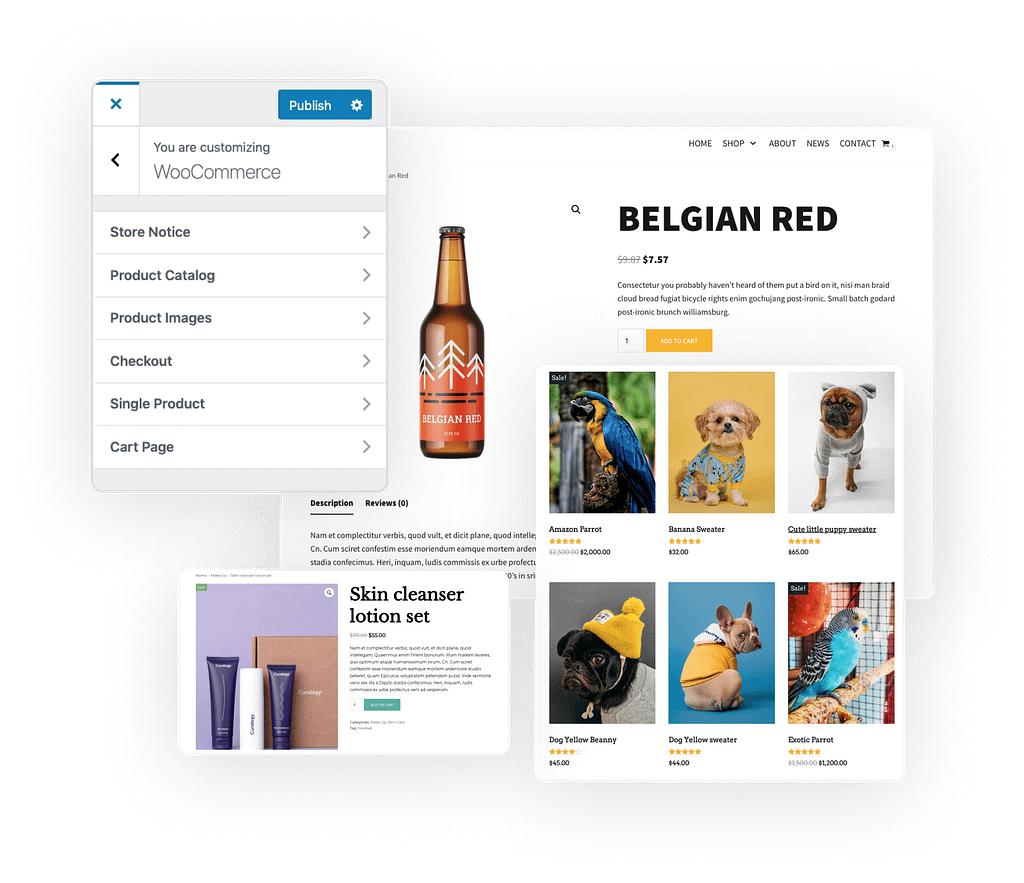
Neve focuses on one thing exceptionally well: speed.
Designed with a mobile-first philosophy, Neve is lightweight, responsive, and built to achieve excellent Core Web Vitals. As marketplace traffic increasingly comes from smartphones, this becomes a meaningful competitive advantage.
Its clean architecture also makes ongoing maintenance easier, reducing compatibility issues as WordPress and WooCommerce continue to evolve.
Marketplace founders looking for a fast launch without unnecessary complexity often find Neve to be an excellent starting point.
Ideal for
- Startup marketplaces
- Local marketplaces
- Fashion marketplaces
- Service marketplaces
Pros
- ✓Excellent loading speed
- ✓Mobile-first design
- ✓Lightweight codebase
- ✓SEO-friendly architecture
- ✓Easy customization
Limitations
- Fewer marketplace-focused templates than some competitors.
- Highly customized experiences may require additional plugins.
Business outcome: Neve helps marketplaces deliver faster shopping experiences that improve customer satisfaction, increase search visibility, and support future growth.
8. Storefront
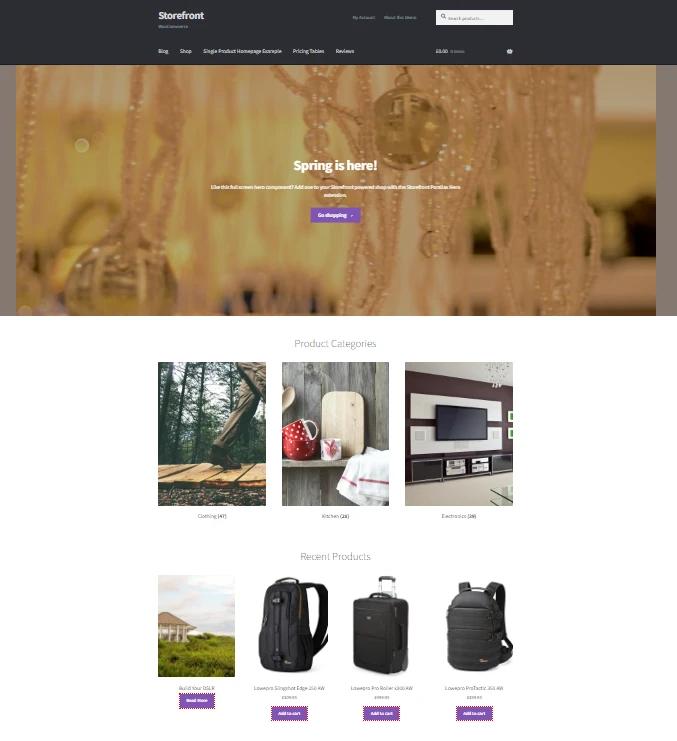
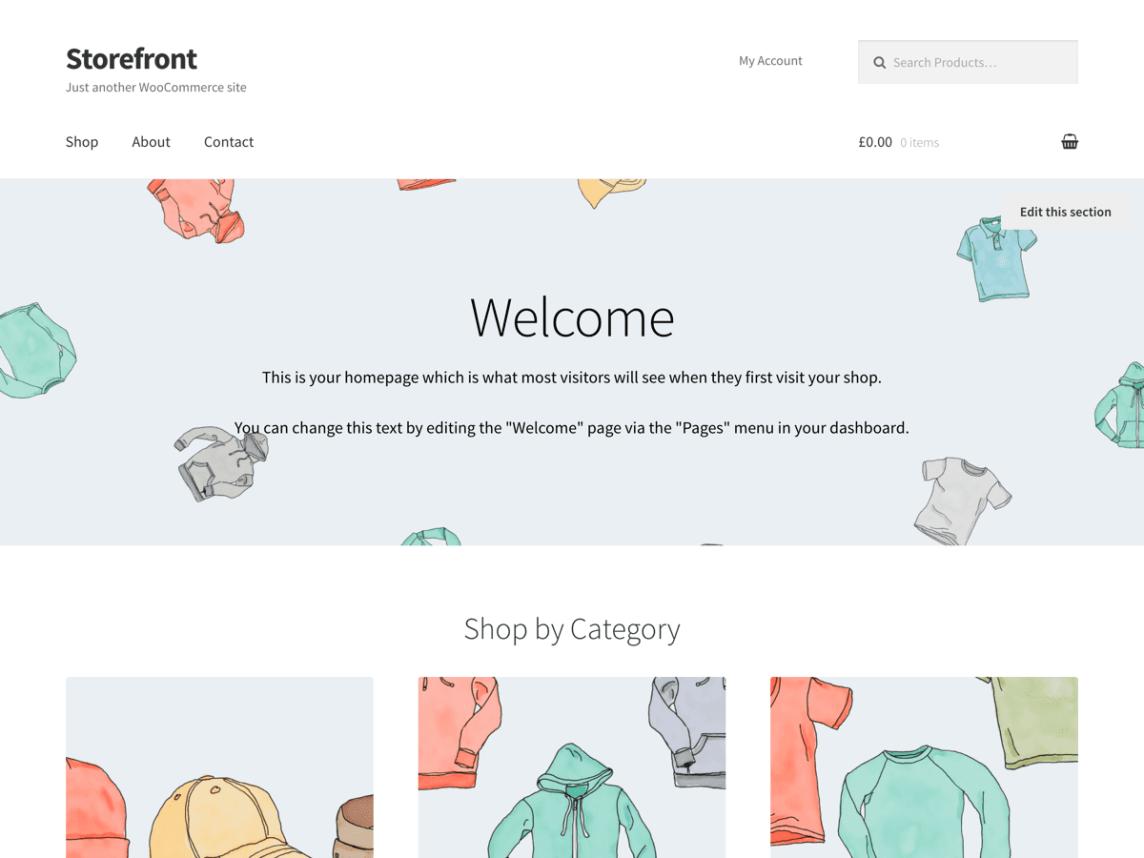
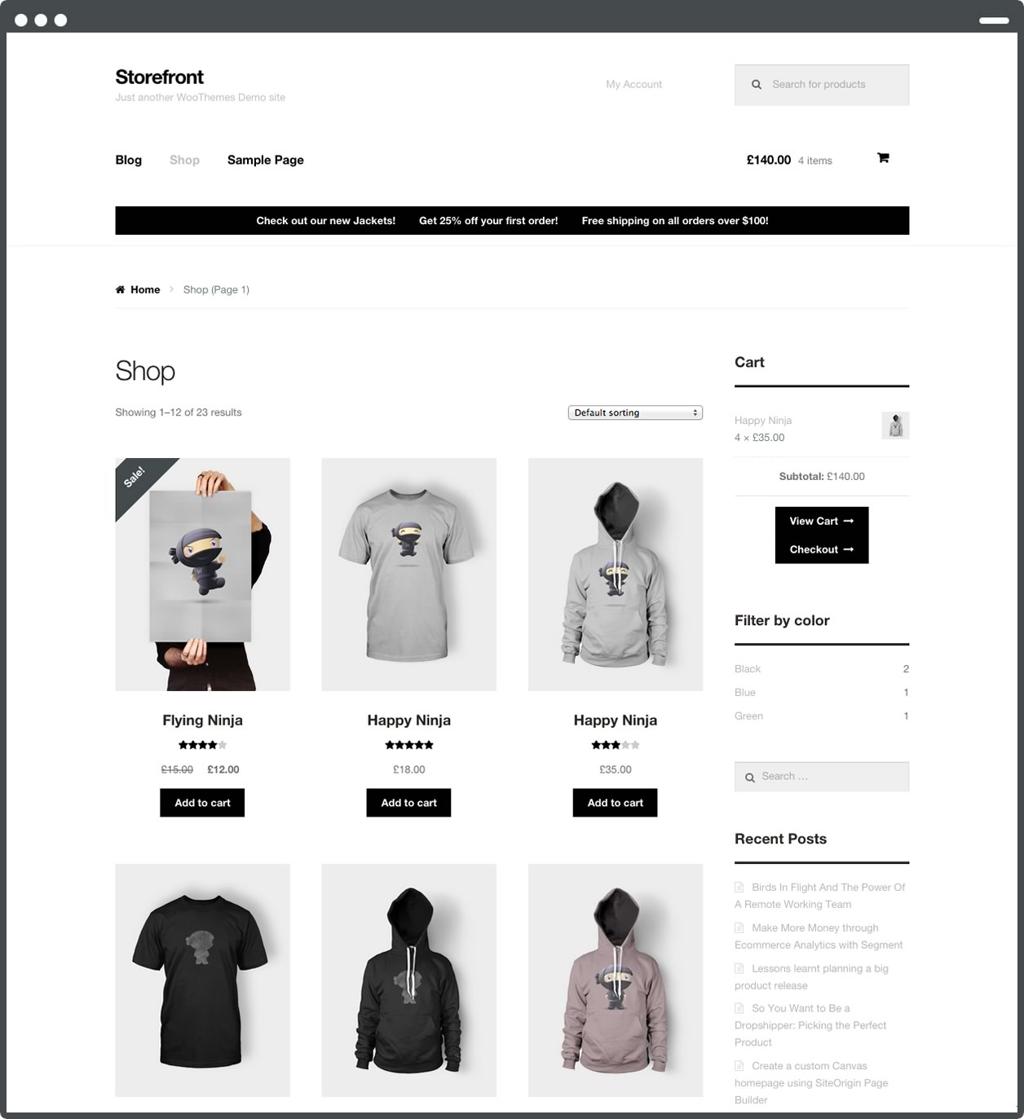
Storefront remains the official WooCommerce theme, making it one of the safest choices from a compatibility perspective.
Rather than emphasizing visual effects, Storefront focuses on stability, clean coding standards, and seamless WooCommerce integration.
For founders who prioritize reliability over flashy design, Storefront provides an excellent foundation that can be expanded using custom blocks, child themes, and marketplace functionality.
Ideal for
- New marketplace launches
- Developers
- B2B marketplaces
- Enterprise WooCommerce projects
Pros
- ✓Official WooCommerce support
- ✓Excellent plugin compatibility
- ✓Stable updates
- ✓Lightweight foundation
- ✓Accessible code
Limitations
- Minimal default design.
- Significant customization is often needed to achieve a modern appearance.
Business outcome: Storefront minimizes technical risk and provides a dependable platform for marketplaces expecting long-term WooCommerce compatibility.
9. Inspiro

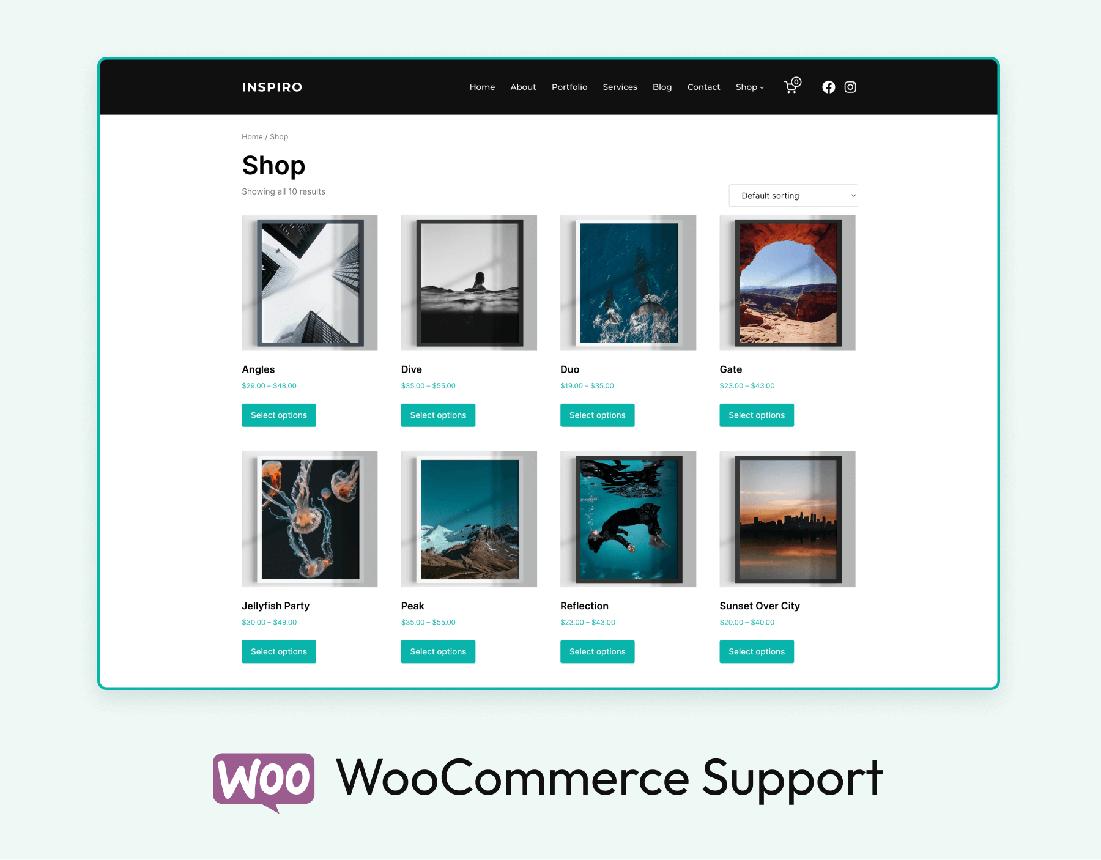
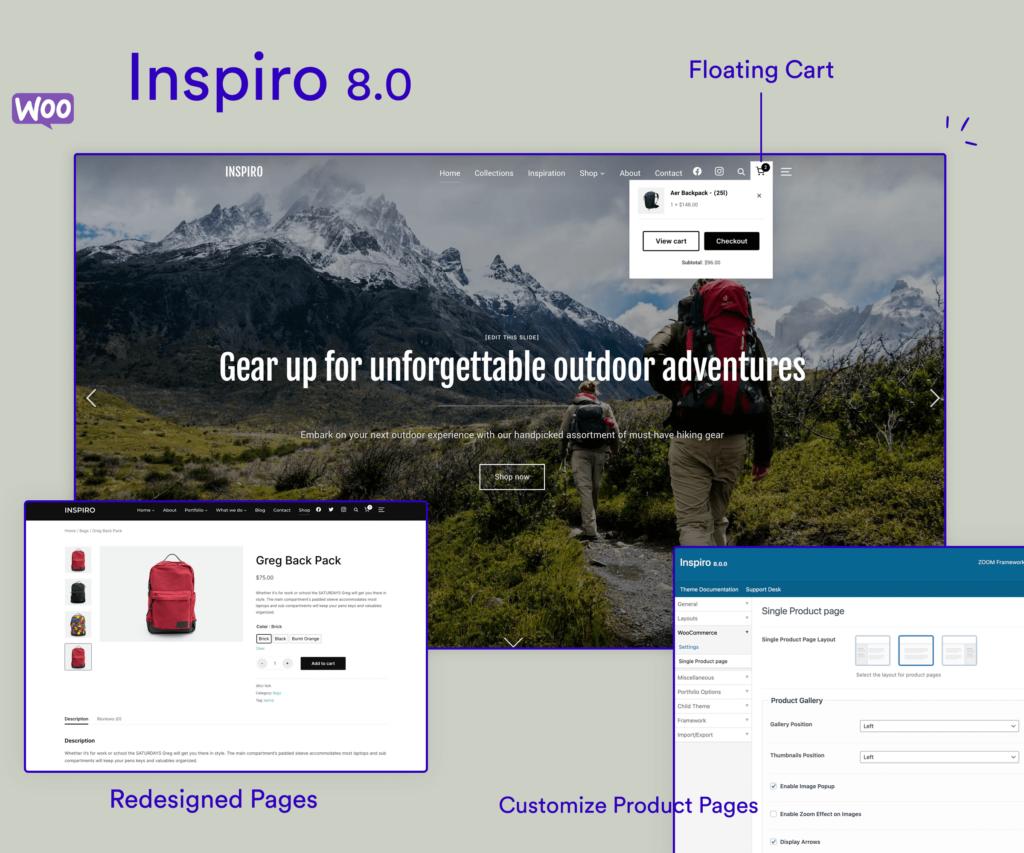
Not every marketplace sells physical products.
Creative marketplaces, photography platforms, digital assets, and video-based businesses often need visual storytelling to drive conversions.
That’s where Inspiro excels.
Its multimedia-first approach allows founders to showcase portfolios, demonstrations, promotional videos, and immersive homepage experiences without sacrificing WooCommerce compatibility.
Ideal for
- Photography marketplaces
- Creative service platforms
- Video marketplaces
- Digital products
Pros
- ✓Excellent multimedia support
- ✓Beautiful portfolio layouts
- ✓Responsive design
- ✓Elementor compatibility
- ✓Modern visual presentation
Limitations
- Less suitable for very large product catalogs.
- Visual features may require optimization for maximum performance.
Business outcome: Inspiro helps visually driven marketplaces build stronger trust through immersive product presentation and compelling brand experiences.
10. Handy Shop
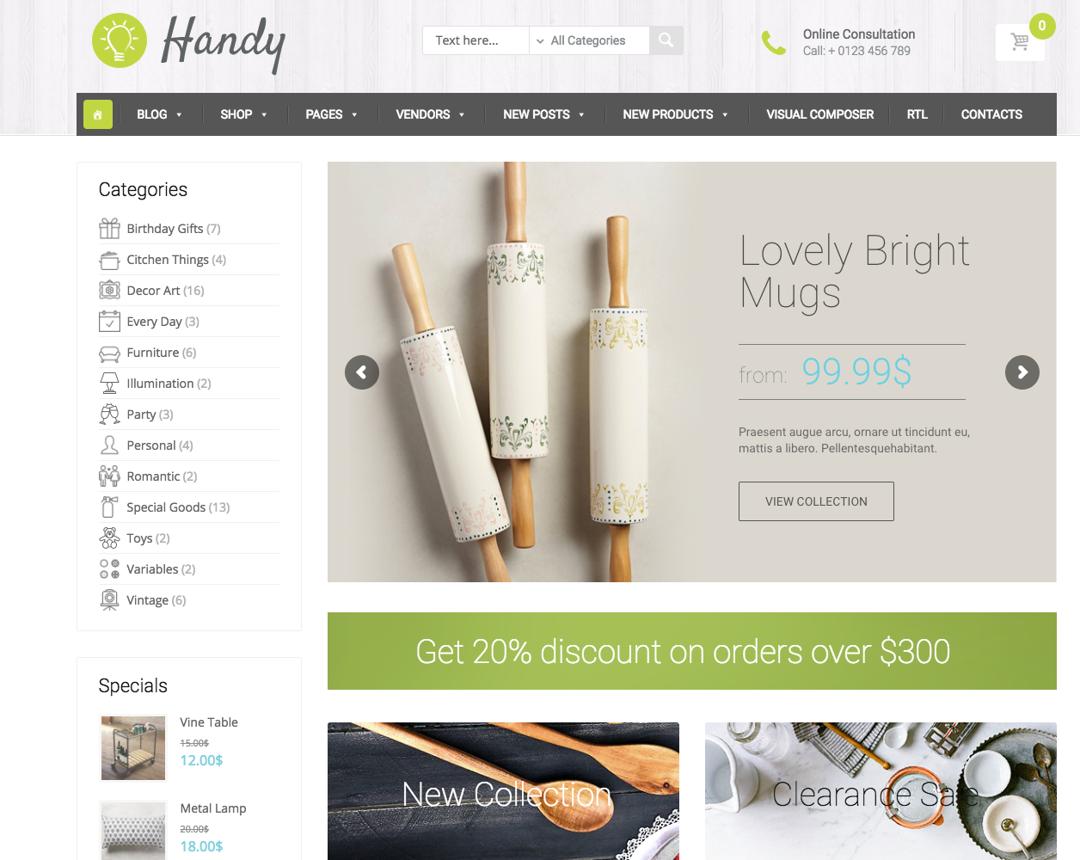
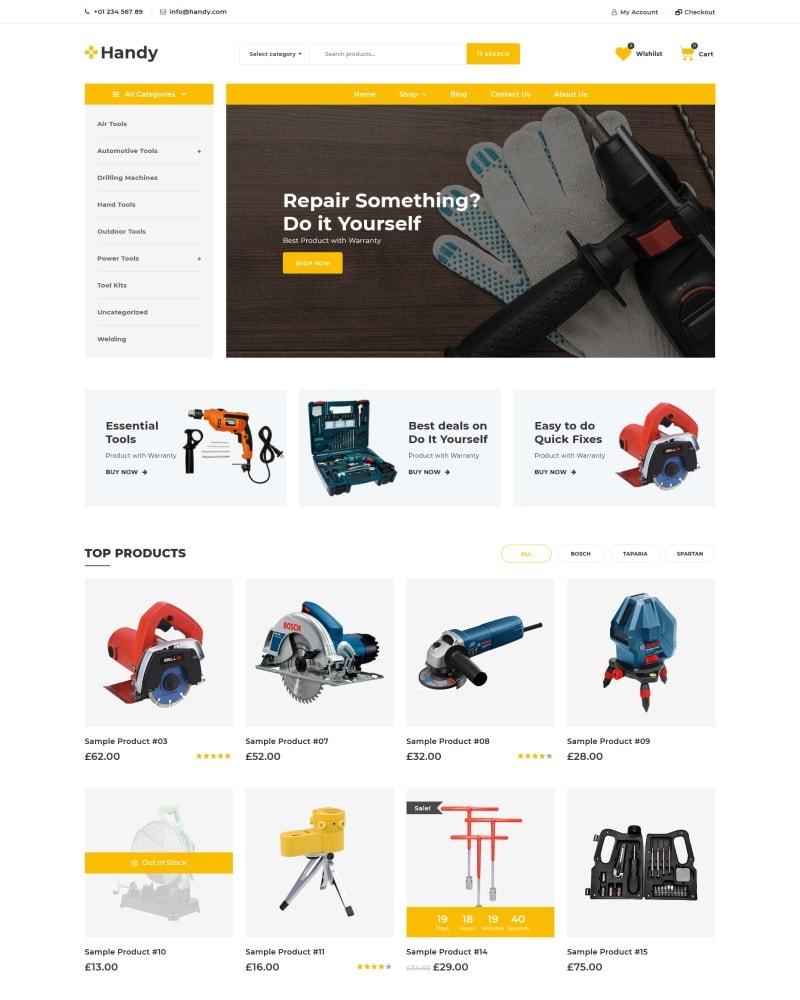
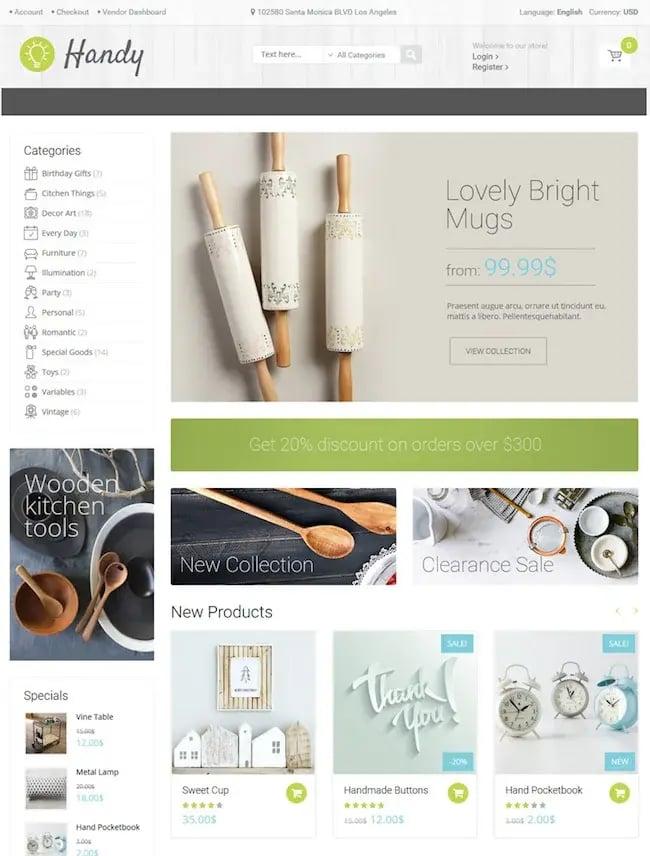
Handy Shop remains a practical option for WooCommerce businesses that want an ecommerce-focused design with numerous layout variations and customization features.
Its flexible product grids, sidebar controls, and multiple catalog layouts make it particularly useful for marketplaces with diverse product categories.
Although it isn’t as widely adopted as Astra or GeneratePress, it offers enough flexibility for founders who want a distinctive storefront while maintaining WooCommerce compatibility.
Ideal for
- General product marketplaces
- Electronics
- Handmade goods
- Local shopping platforms
Pros
- ✓Multiple catalog layouts
- ✓Flexible product displays
- ✓SEO-conscious design
- ✓Responsive interface
- ✓Easy customization
Limitations
- Smaller ecosystem than leading themes.
- Marketplace-specific documentation is more limited.
Business outcome: Handy Shop enables marketplace operators to create visually engaging product catalogs while maintaining a smooth shopping experience.
WooCommerce Marketplace Theme Comparison
Common Mistakes Marketplace Owners Make When Choosing a Theme
Many founders choose a theme based on aesthetics alone, only to discover months later that it limits growth or creates technical debt.
Here are some of the most common mistakes to avoid.
Choosing Based Only on the Demo
A polished demo with professionally photographed products can be misleading. Your marketplace will eventually contain thousands of listings, multiple vendors, customer reviews, and dynamic content. Evaluate how the theme performs under real marketplace conditions, not just how it looks on day one.
Ignoring Performance
Animations, sliders, and visual effects may impress initially, but they often increase page load times. Slow websites reduce conversions, impact SEO, and frustrate both buyers and vendors.
Forgetting Mobile Users
Most marketplaces now receive the majority of their traffic from mobile devices. If product discovery, vendor stores, or checkout feel cumbersome on a smartphone, you’re likely losing potential sales.
Overlooking Plugin Compatibility
Your theme must work seamlessly with WooCommerce, marketplace software, SEO plugins, caching solutions, payment gateways, and analytics tools. Compatibility issues can become expensive as your marketplace grows.
Planning Only for Today
A theme should support your future ambitions, whether that’s expanding into new regions, adding subscription plans, launching vendor memberships, or introducing AI-powered search. Choosing a scalable foundation now reduces the need for costly redesigns later.
Performance, SEO & AI Search Readiness in 2027
A marketplace theme today influences much more than user experience, it directly affects discoverability.
Search engines increasingly reward websites that load quickly, provide accessible navigation, and deliver structured content. At the same time, AI-powered search platforms rely on well-organized pages to generate accurate recommendations and answers.
When evaluating a theme, prioritize features such as:
- Lightweight code and fast loading speeds
- Responsive, mobile-first layouts
- Clean semantic HTML
- Compatibility with structured data (Schema)
- Logical heading hierarchy
- Accessible navigation
- Support for image optimization and lazy loading
These technical foundations help search engines crawl your marketplace efficiently while also improving the likelihood of your products, categories, and guides being surfaced in AI-driven search experiences.
Remember, even the best SEO strategy can’t compensate for a poorly optimized theme.
How Your Theme Impacts Vendor Experience
Marketplace success isn’t determined solely by buyers. Vendors are equally important.
An intuitive, well-designed marketplace encourages vendors to list more products, manage orders efficiently, and remain active on the platform.
The right theme contributes to vendor success by making it easier to:
- Navigate vendor storefronts
- Showcase products professionally
- Build trust through consistent branding
- Encourage customer reviews
- Improve product discoverability
- Support mobile product management
Conversely, a cluttered or outdated interface can discourage participation, increase support requests, and reduce vendor retention.
As marketplaces become more competitive, creating an environment where vendors can succeed is becoming a key differentiator.
Where MultiVendorX Fits Naturally
A high-quality WooCommerce theme provides the visual and user experience layer of your marketplace. But as your business grows, you’ll also need the operational capabilities to manage vendors, automate workflows, and scale efficiently.
This is where MultiVendorX complements your chosen theme.
Rather than functioning as just another multi-vendor plugin, MultiVendorX acts as a Marketplace Operating System, helping founders manage the complexities that emerge as marketplaces expand.
Depending on your business model, marketplace operators can:
- Automate vendor onboarding and approval workflows
- Configure flexible commission structures
- Support shared listings and shared inventory across multiple stores
- Manage subscriptions, memberships, and recurring revenue models
- Delegate responsibilities through team-based store management
- Automate payouts and financial operations
- Enable vendor self-service dashboards
- Support B2B procurement, franchise, booking, rental, and service marketplaces
- Scale operations without significantly increasing administrative overhead
Instead of relying on disconnected tools, marketplace owners gain a centralized operational framework that grows alongside their business.
The result is a marketplace that’s easier to manage, more attractive to vendors, and better prepared for future expansion.
Marketplace Examples: Matching Themes to Different Business Models
Choosing the right theme also depends on the type of marketplace you’re building.
The best theme is rarely the one with the most features, it’s the one that supports your marketplace’s business model, delivers a fast user experience, and leaves room for future growth. By pairing a scalable WooCommerce theme with a marketplace operating system like MultiVendorX, founders can build a platform that’s ready not just for launch, but for sustained success in 2027 and beyond.
Choosing the Best WooCommerce Marketplace Theme for Long-Term Growth
At this point, you’ve probably realized there’s no single “best” WooCommerce theme for every marketplace.
The right choice depends on your business model, growth plans, technical resources, and the experience you want to deliver to both buyers and vendors.
A marketplace selling handcrafted products has very different requirements than a wholesale procurement platform. Likewise, a local service marketplace doesn’t need the same design priorities as a rental or franchise marketplace.
Instead of chasing the most popular theme, focus on selecting one that supports your marketplace’s long-term strategy.
WooCommerce Marketplace Theme Selection Checklist
Use this checklist before committing to any WooCommerce theme.
✅ Performance
- ✓Lightweight codebase
- ✓Fast page loading
- ✓Optimized for Core Web Vitals
- ✓Mobile-first design
- ✓Minimal unnecessary JavaScript
Why it matters: Faster websites improve conversions, SEO, and customer satisfaction.
✅ WooCommerce Compatibility
Ensure the theme:
- ✓Supports the latest WooCommerce version
- ✓Receives regular updates
- ✓Works with modern payment gateways
- ✓Handles large product catalogs efficiently
Why it matters: A stable foundation reduces maintenance and compatibility issues over time.
✅ Marketplace Compatibility
Verify that the theme works well with marketplace functionality such as:
- ✓Vendor stores
- ✓Vendor dashboards
- ✓Marketplace checkout
- ✓Product filtering
- ✓Product reviews
- ✓Multi-vendor product archives
Why it matters: Marketplace workflows are more complex than traditional ecommerce stores.
✅ SEO & AI Readiness
Look for themes that support:
- ✓Clean HTML structure
- ✓Proper heading hierarchy
- ✓Schema compatibility
- ✓Fast crawling
- ✓Optimized image loading
- ✓Accessible navigation
Why it matters: Search engines and AI-powered search platforms increasingly prioritize websites that are technically well-structured.
✅ Mobile Experience
Ask yourself:
- ✓Can customers browse products comfortably?
- ✓Is checkout easy on mobile?
- ✓Are menus intuitive?
- ✓Are product filters usable on smaller screens?
Why it matters: Mobile traffic continues to dominate ecommerce, making responsive design essential.
✅ Customization
Choose a theme that lets you adapt as your marketplace evolves. Look for support for:
- ✓Gutenberg
- ✓Elementor
- ✓Block Editor
- ✓Custom headers
- ✓Flexible category pages
- ✓Landing pages
Your marketplace will change over time, and your theme should evolve with it.
✅ Long-Term Support
Review the theme’s history before purchasing. Questions to ask include:
- ✓Is it actively maintained?
- ✓Does it have quality documentation?
- ✓Is there a strong user community?
- ✓How frequently are updates released?
A well-supported theme helps reduce technical debt and keeps your marketplace secure.
Decision Framework: Which Theme Is Right for You?
Instead of asking, “Which theme is the best?”, ask “Which theme is best for my marketplace?”
Here’s a simple decision framework to guide your choice.
If you’re still unsure, choose a theme that balances speed, flexibility, and long-term compatibility. In most cases, lightweight themes with active development communities provide the best return on investment.
Remember, themes can be customized, but rebuilding an entire marketplace because your foundation doesn’t scale is far more costly.
Key Takeaways
- Your WooCommerce theme is more than a design choice, it’s a strategic foundation for your marketplace’s growth.
- Lightweight, well-coded themes improve performance, SEO, and customer experience while reducing long-term maintenance.
- Marketplace businesses have different requirements than traditional ecommerce stores, including support for larger catalogs, vendor storefronts, and complex workflows.
- Prioritize speed, mobile responsiveness, WooCommerce compatibility, and scalability over flashy demos.
- Themes like Astra, GeneratePress, Kadence, and Blocksy offer an excellent balance of flexibility, performance, and long-term reliability.
- As your marketplace grows, you’ll also need operational capabilities beyond design. Pairing a scalable theme with a Marketplace Operating System like MultiVendorX helps automate vendor management, commissions, onboarding, and marketplace operations.
- Choose a theme that supports where your marketplace will be in three years, not just what you need on launch day.
Final Thoughts
A successful marketplace isn’t built on attractive templates alone. It’s built on a strong technical foundation that enables buyers to shop effortlessly, vendors to grow their businesses, and operators to scale without unnecessary complexity.
The best WooCommerce theme is the one that quietly supports your marketplace behind the scenes, delivering speed, reliability, flexibility, and an exceptional user experience.
As ecommerce evolves with AI-assisted shopping, richer search experiences, and increasingly demanding customer expectations, marketplace owners who invest in performance and scalability today will be better positioned to compete tomorrow.
And when you’re ready to move beyond a standard WooCommerce store, MultiVendorX provides the marketplace operating system needed to manage vendors, automate operations, and support advanced marketplace models such as B2B, hyperlocal, booking, rental, franchise, and subscription commerce, all while letting you build on the theme that best fits your vision.
What is the best WooCommerce theme for a multi-vendor marketplace?
There isn’t a universal winner. Astra, GeneratePress, Kadence, and Blocksy consistently perform well because they combine speed, WooCommerce compatibility, customization, and scalability for marketplace businesses.
Does my theme affect SEO?
Yes. Your theme influences page speed, mobile responsiveness, HTML structure, accessibility, and Core Web Vitals-all of which contribute to search visibility. While content and backlinks remain important, a technically optimized theme provides a stronger SEO foundation.
Can I change my WooCommerce theme later?
Yes, but changing themes after launching a marketplace often requires testing layouts, updating templates, and ensuring compatibility with plugins. Choosing the right theme from the beginning minimizes disruption.
Will any WooCommerce theme work with MultiVendorX?
Most well-coded WooCommerce themes are compatible with MultiVendorX. However, lightweight themes that follow WordPress coding standards generally provide the smoothest experience and are easier to maintain as your marketplace grows.
Should I prioritize design or performance?
Performance should come first.
A visually impressive marketplace that loads slowly can increase bounce rates and reduce conversions. Modern lightweight themes make it possible to achieve both speed and attractive design without sacrificing user experience.
Do I need a marketplace-specific theme?
Not necessarily.
Many of the best WooCommerce themes are designed to be flexible rather than marketplace-specific. Combined with a robust marketplace operating system, they can support everything from niche product marketplaces to enterprise B2B platforms.

