






- This topic has 5 replies, 2 voices, and was last updated 6 months, 1 week ago by
Sangita Support Squad.
-
AuthorPosts
-
-
September 1, 2025 at 5:00 PM #249641
donald_punk
ParticipantHi, I don’t know, if it’s just me and if it is an issue with Woodmart? I tried the snippet on that site (https://multivendorx.com/docs/code-snippet/theme-conflict-issue/), but it didn’t work…
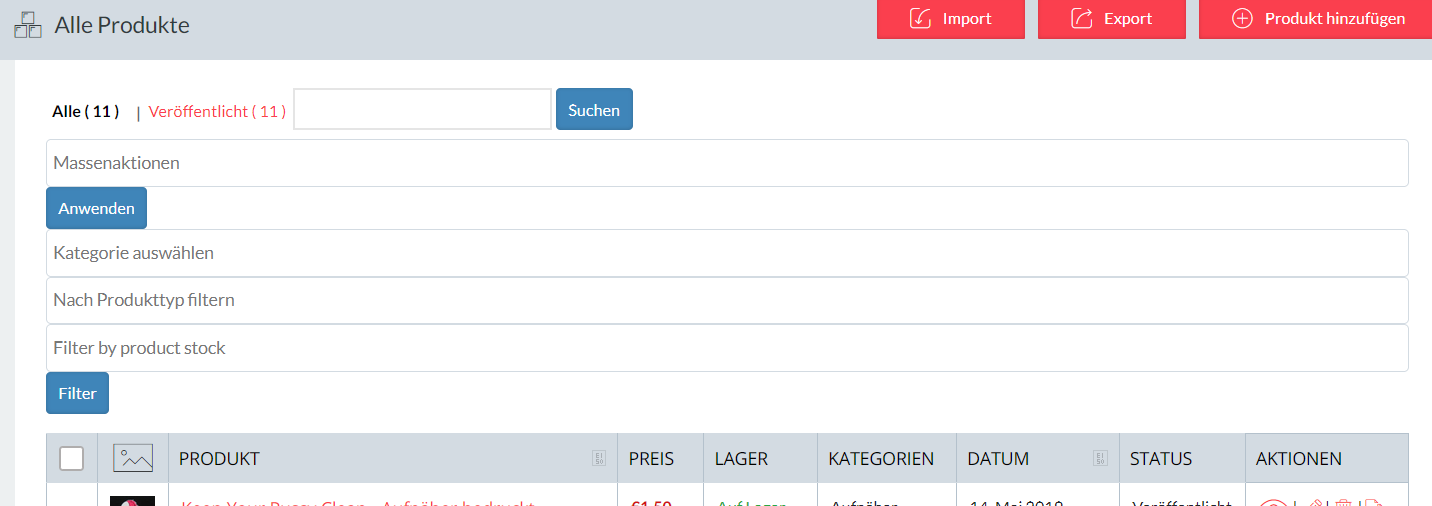
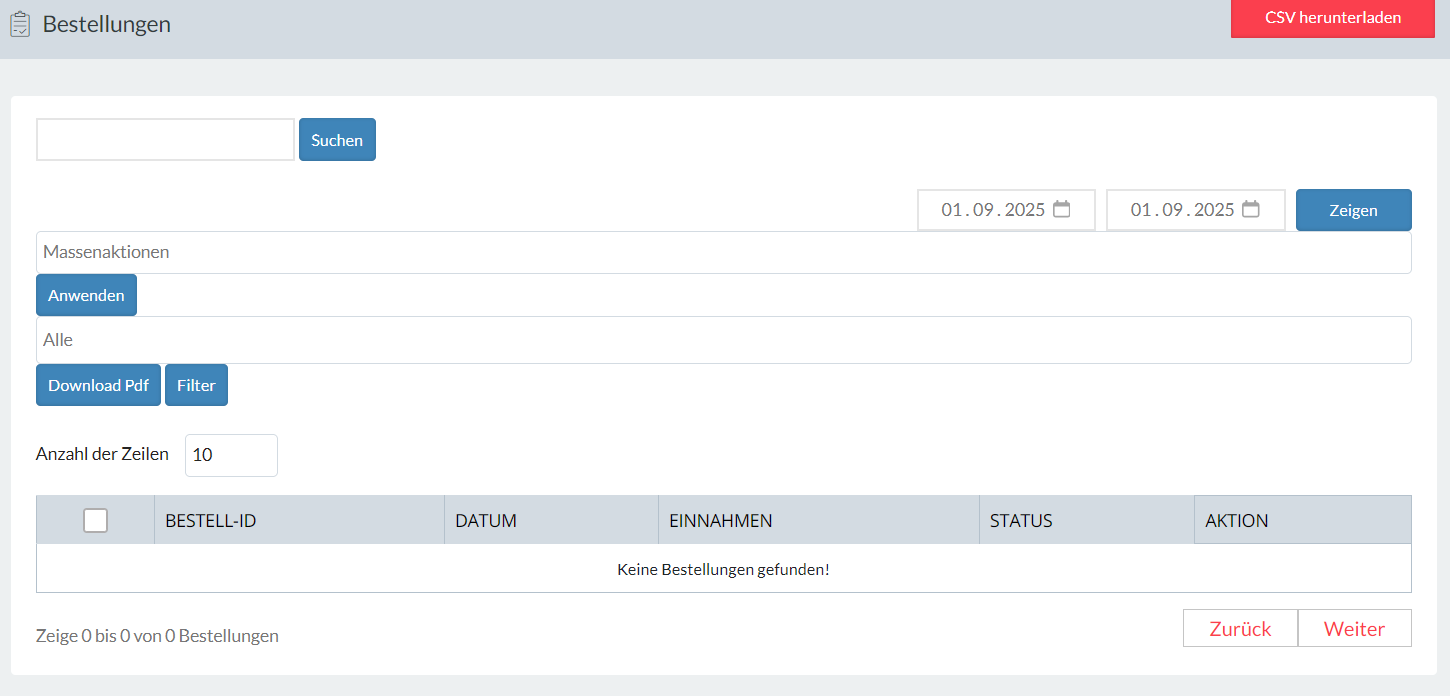
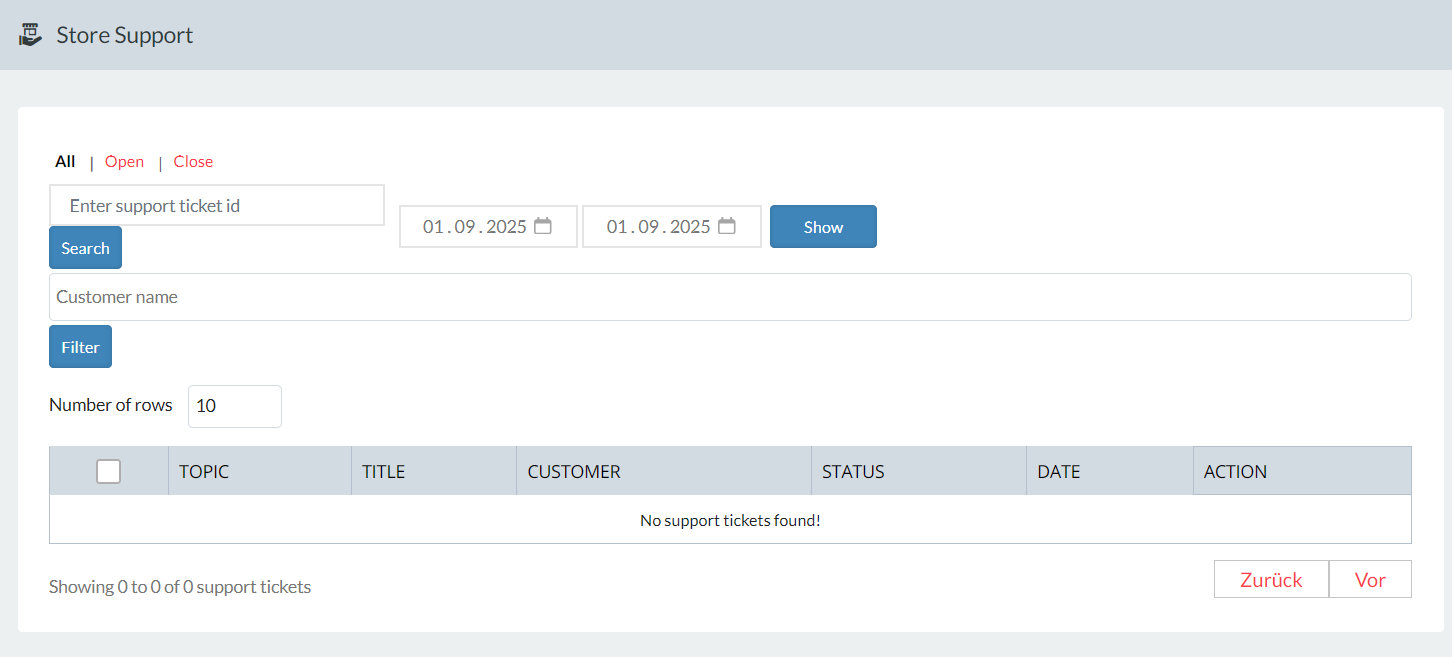
Like you can see in the attachments, the form for “bulk actions” & co. is at 100% width and everything is ordered below instead of next to it. This affects serveral sites.
I made plugin updates today, but I can’t figure out from where this issue is coming…
-
September 1, 2025 at 5:26 PM #249646
Sangita Support Squad
KeymasterHello there,
We’re sorry to hear that you’ve encountered this issue. To help us investigate further, could you please create a staging site (a replica of your live site) and share the staging site URL along with temporary admin and FTP access? This will allow us to check the issue directly and provide you with a proper solution.
Also while sharing the access don’t forget to mark your reply as private.
-
September 2, 2025 at 3:45 PM #249663Participant
Hi Sangita, I figured it out! Woodmart loads also a base.min.css on the dashboard and that should be a part of the dequeue: wp_dequeue_style( ‘wd-style-base’ );
I fixed it now like this, because the whole dequeue made some other troubles:
/*** Enqueue Scripts for Dashboard ***/ add_action( 'wp_enqueue_scripts', 'theme_issue_fix', 99999999999999 ); function theme_issue_fix() { if( is_vendor_dashboard() && is_user_logged_in() && !current_user_can('administrator') ) { wp_dequeue_style( 'wd-style-base' ); } } add_action('wp_enqueue_scripts', 'my_remove_scripts', 9999999999999999999999 ); function my_remove_scripts(){ if( mvx_is_store_page() ){ //style } } function load_jquery_migrate() { wp_enqueue_script('jquery-migrate'); } add_action('wp_enqueue_scripts', 'load_jquery_migrate'); /*** Enqueue Scripts for Dashboard ***/ -
September 2, 2025 at 3:52 PM #249664Keymaster
Hello there, That’s great to hear! Thank you for sharing the details and your fix regarding the base.min.css. It’s really helpful to know that dequeuing wd-style-base resolved the issue without causing additional conflicts.
We truly appreciate you taking the time to share this with us. Please don’t hesitate to reach out if you come across anything else. We are always there for your assistance.
-
September 2, 2025 at 6:01 PM #249676Participant
Yes, important is also this part in the code:
if( is_vendor_dashboard() && is_user_logged_in() && !current_user_can(‘administrator’) )
Because otherwise, my dashboard wouldn’t have a style, if I was logged in as an admin. At the moment, I didn’t experience any errors and I was working the last hours in different browsers and different login-states.
-
September 2, 2025 at 6:09 PM #249679Keymaster
Thank you for pointing this out and sharing the additional code snippet. That’s a very helpful detail, as it ensures the dashboard styling remains intact when logged in as an admin.
It’s great to know that everything is working smoothly on your end across different browsers and login states without any errors. We truly appreciate the time and effort you’ve taken to test this thoroughly and share your findings with us.
Please feel free to reach out anytime if you encounter anything else — we’re always here to help.
-
-
AuthorPosts
- The topic ‘Issues with “mvx_product_list_form”’ is closed to new replies.
