






- This topic has 18 replies, 2 voices, and was last updated 1 year, 2 months ago by
Sangita Support Squad.
-
AuthorPosts
-
-
September 22, 2024 at 3:28 PM #235511
steven-6784
ParticipantHi
I have been unsuccessful at trying multiple size logos, different file sizes and tried to upscale an image at 100 x 100px to accommodate MVX when it uploads to set a vendor logo. Nothing I have done is clear, the image is cropped and modified during the process of setting the image on the dashboard.
Do you have an example image you could share with me which does not lose clarity that is used for the vendor logo? If it works for you then it should work for me 🙂
Thank you.
Steve
-
September 23, 2024 at 10:48 AM #235523
Sangita Support Squad
Keymaster@steven-6784, Sorry to hear that you have faced an issue.
Kindly deactivate all plugins except WooCommerce and MultiVendorX on your end and also switch to some default theme such as twenty twenty four or storefront and check again whether the issue still occurs with the images.Please do keep us posted about your findings.
-
October 2, 2024 at 1:41 PM #235866Participant
Hello
Could you provide a sample image which works for you.
This is not working in any circumstance on my side.
Regards,
Steve -
October 2, 2024 at 7:57 PM #235869Keymaster
Hi there, Can you please share a test vendor access with us so that we can look into your issue and assist you further.
While sharing the access details don’t forget to mark your reply as private.
-
October 3, 2024 at 8:13 AM #235875ParticipantThis reply has been marked as private.
-
October 3, 2024 at 9:38 AM #235877Keymaster
Hello There, You can share the details in this email – contact@multivendorx.com.
-
October 3, 2024 at 9:49 AM #235878ParticipantThis reply has been marked as private.
-
October 3, 2024 at 2:13 PM #235882Keymaster
Thanks for sharing the access details. Wev have created a test vendor on your end and updated a store logo and the logo in coming accordingly on the store page. kindly check the screenshot here https://prnt.sc/cKXDzNSt4lSs.
You can also check the same for the test_vendor store page on your end.
If you have any further query please do let us know.
-
October 3, 2024 at 5:06 PM #235884ParticipantThis reply has been marked as private.
-
October 3, 2024 at 5:54 PM #235885Keymaster
Kindly provide us some time to check this and we will get back to you accordingly.
-
October 4, 2024 at 10:07 AM #235891Keymaster
Hi @steven-6784, We’ve added another image for the test vendor store logo, and it’s displaying correctly. Could you please take a look? If the image still appears blurry on your end, please let us know how it looks to you so we can assist you further. Thank you!
-
October 4, 2024 at 2:19 PM #235893Participant
Hi
No change on any device.
The process the plugin takes reduces the quality dramatically.
Regards -
October 4, 2024 at 2:53 PM #235894Keymaster
Hi @steven-6784, Could you please share a screenshot of how the image appears on your end? We’re not seeing any blurriness on our side, and this will help us understand the issue better. Thank you!
-
October 4, 2024 at 4:04 PM #235896Participant
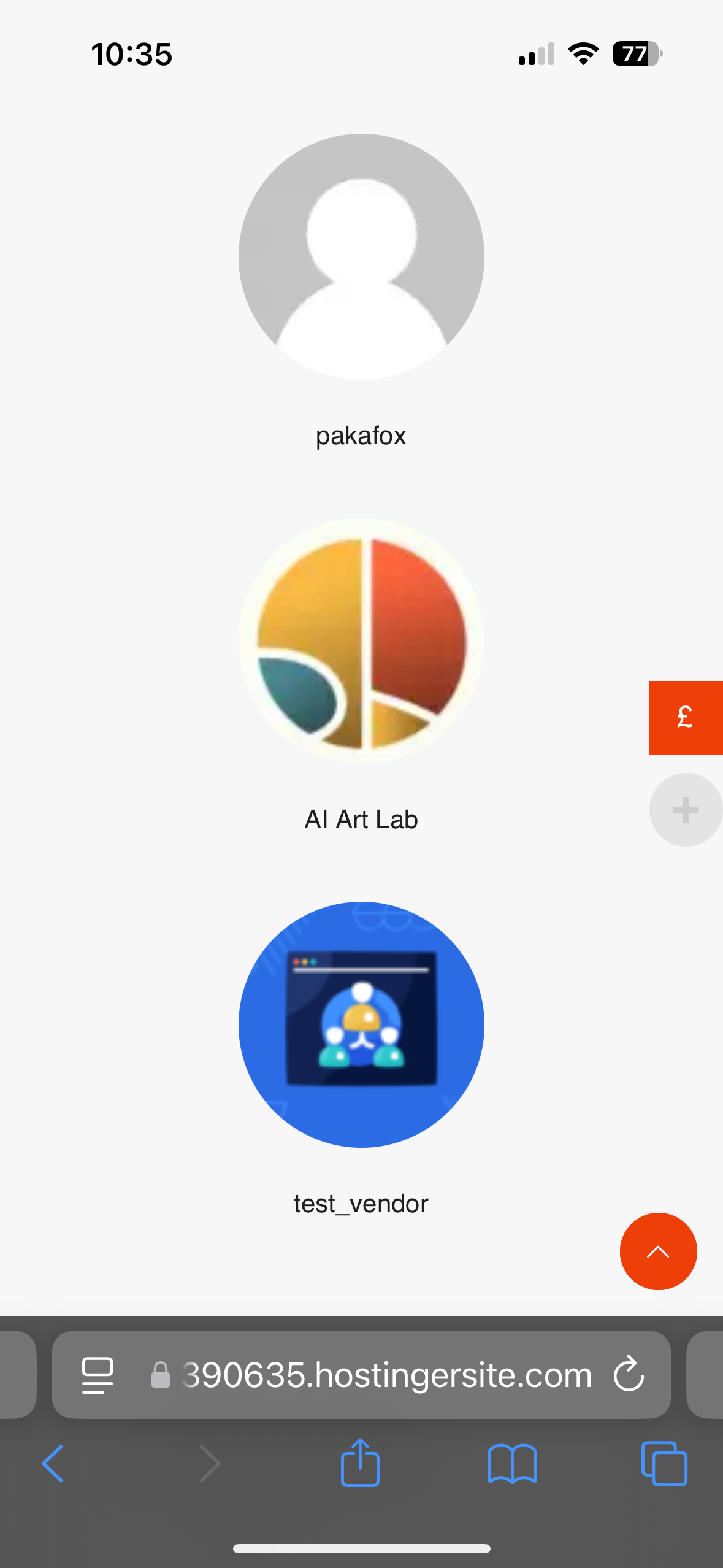
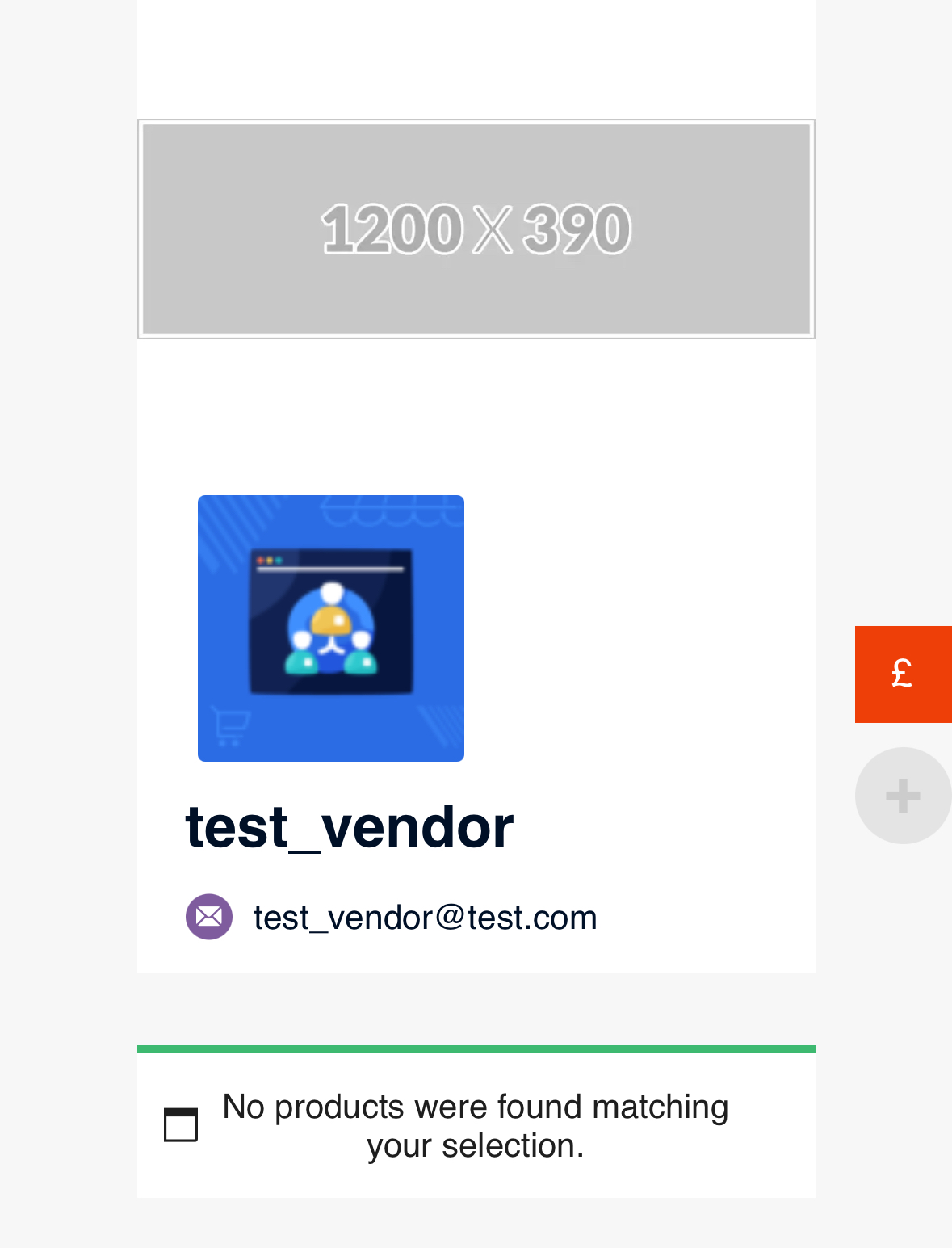
of course – see attached 2 images from an iPhone and one from a Mac laptop.
-
October 4, 2024 at 5:06 PM #235913Keymaster
Hi @steven-6784,
The default image size should be 100 x 100 px. Please upload an image with that exact resolution and check again. Additionally, try deactivating any plugins other than WooCommerce and MultiVendorX, and switch to a default theme like Twenty Twenty-Four or Storefront to see if that resolves the issue. Thank you!
-
October 10, 2024 at 9:35 PM #236048Participant
Hi,
Thank you for helping me review my issue. I think this is an issue with the theme I’m using but I’m having troubles.
What function/s are required to retrieve the vendor photo or avatar? I think I’ll have to figure out another way to resolving the issue.
Regards,
Steve
-
October 12, 2024 at 10:10 AM #236063Keymaster
Great to hear that you’ve identified the factor causing the issue on your end. Regarding the function to retrieve the vendor image, I will share this with the dev team. Once I have any updates from them, I’ll be sure to keep you posted
-
October 14, 2024 at 5:43 PM #236123Keymaster
Hi there, We use the below function to fetch the vendor image.
$image = $vendor->get_image()
If you have any further query please do let us know.
-
December 14, 2024 at 10:14 AM #237759Keymaster
It’s been a while since we last heard from you, so we’re assuming your query has been resolved. We’ll go ahead and close this thread for now. If you need any assistance or encounter any issues in the future, please don’t hesitate to create a new support ticket.
-
-
AuthorPosts

- The topic ‘Blurred vendor logo after MVX sets new image’ is closed to new replies.
