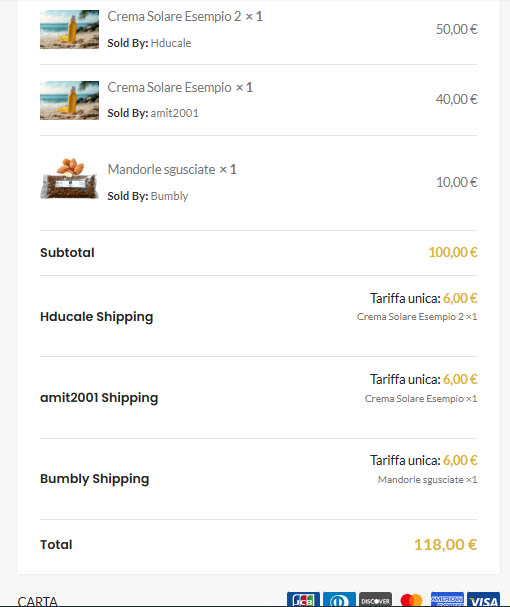
@Luca, Thank you for reaching out and sharing the details.
To allow vendors to receive a 90% commission on orders, navigate to Admin Dashboard → MultiVendorX → Settings → Commission. Set the “Revenue Sharing Mode” to Vendor Commission, the Commission Type to Percentage, and the Commission Amount to 90. Once a vendor’s product is ordered, they will receive 90% of the amount as commission, while the remaining 10% will go to the admin.
Since you have enabled the “Payment Gateway Charge” option and configured the vendor to bear the 2% payment gateway fee, this fee is deducted from the vendor’s commission.
For a more detailed explanation, you can refer to our documentation here: https://multivendorx.com/docs/knowledgebase/payment-gateway-charge/.
Let us know if you need any further assistance.






.