Forum Replies Created
-
AuthorPosts
-
donald_punk
ParticipantHi Sangita, I told you that it is an error because of the Woocommerce Paypal Payments Plugin. Everything is working, when this Plugin is deactivated. I use this Paypal-Plugin: https://de.wordpress.org/plugins/woocommerce-paypal-payments/
Should I use another Paypal-Plugin instead? But I use this from Woocommerce…ParticipantThis reply has been marked as private.ParticipantThis reply has been marked as private.ParticipantI forgot this attachment…
Attachments:
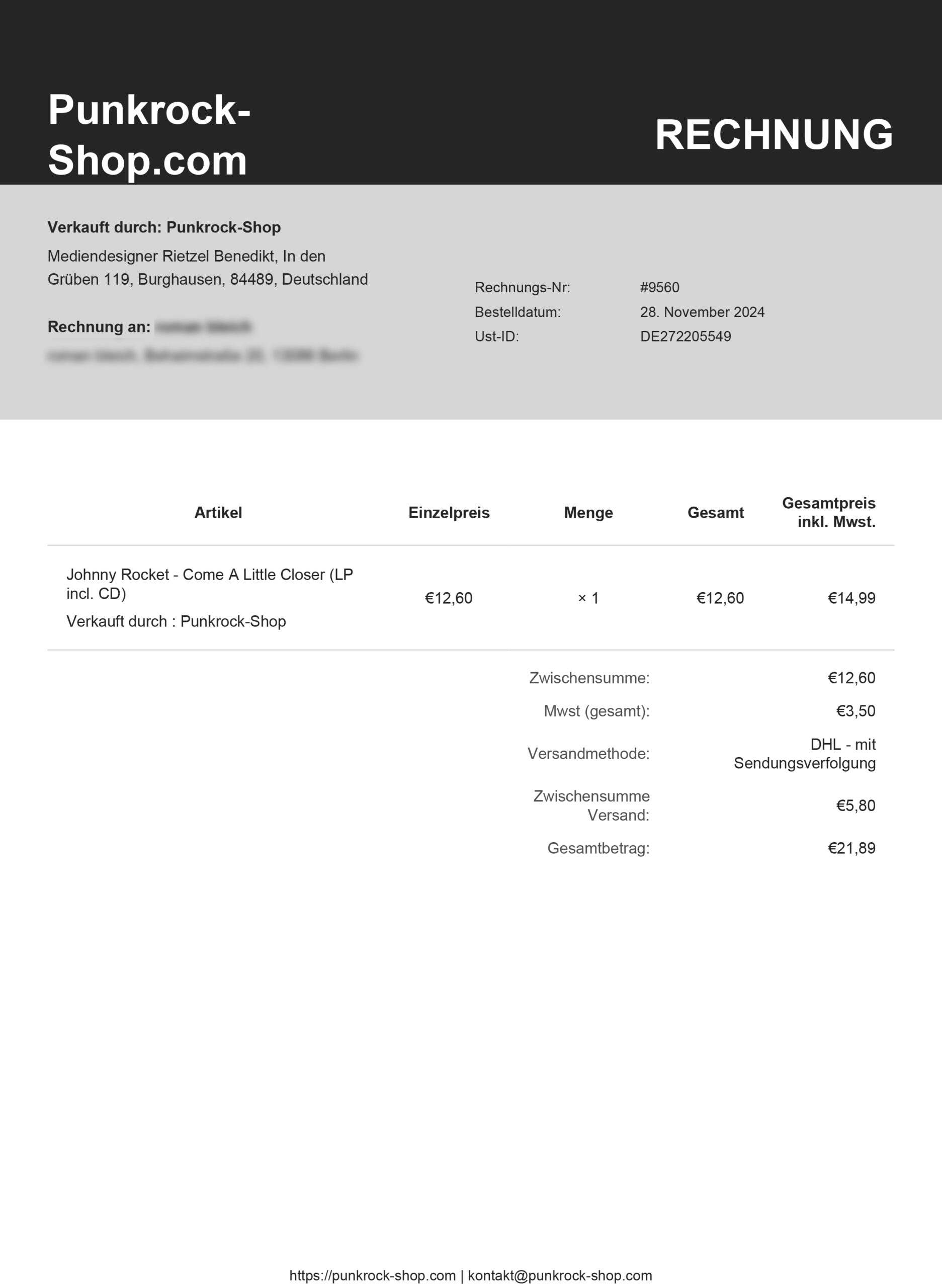
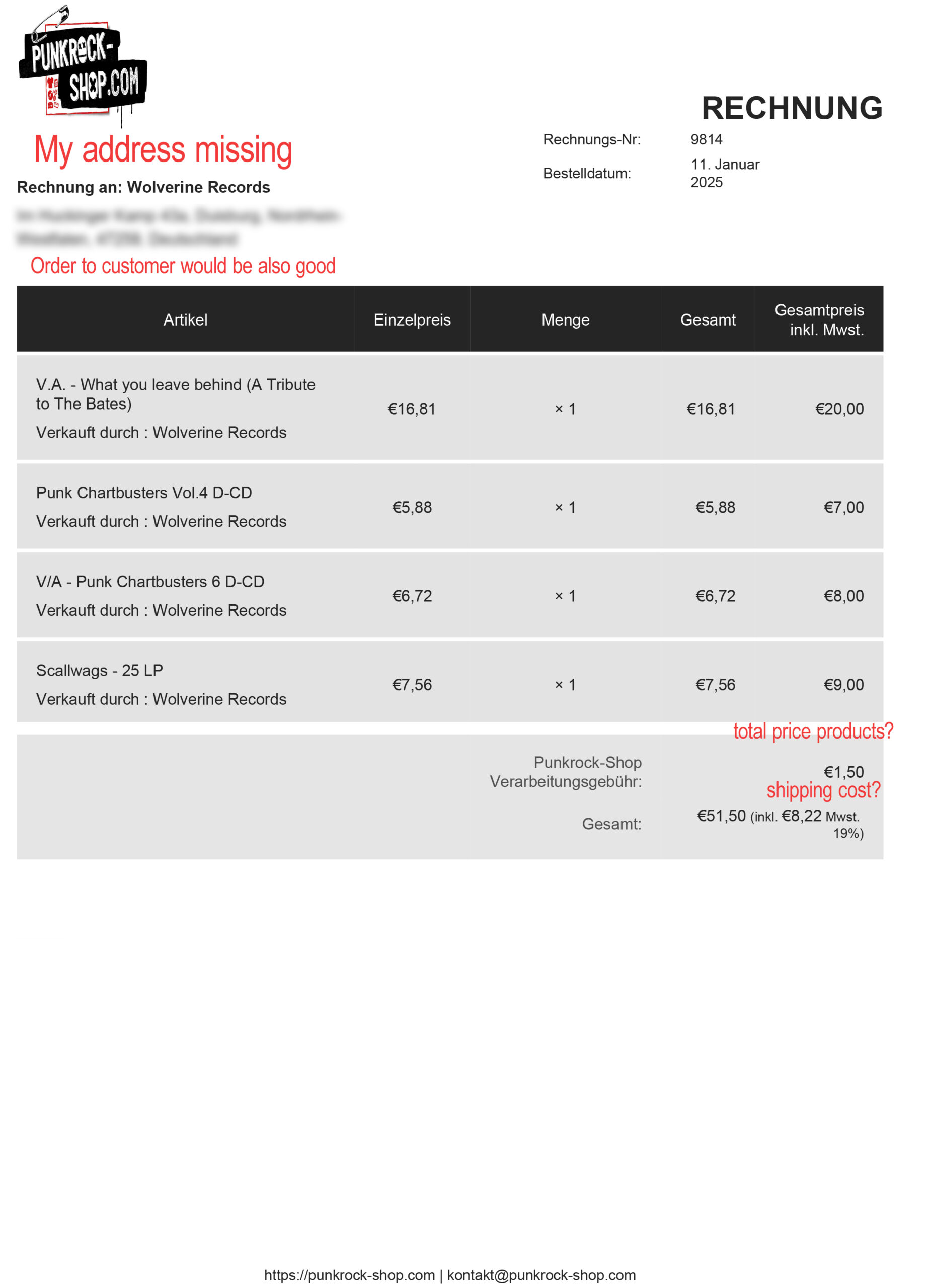
ParticipantFor the invoice issue. It would be great, to have more settings. In Germany we need a lot of “important” things on the invoice.
1. It would be cool, to have the columns like this (or with an option to switch on, off, what you need): price without taxes, amount, total price, taxes for the position, total price with taxes2. The address of the shop should be on the invoice (not sure, if I did this as a change, or if it was there before).
Also it would be good to have the address of the main-shop, the vendor and the customer on the invoice-for order and invoice-for-vendor.3. In the last row there it would be good to have the option for ordering: total price (netto), shipping-cost (option to show with or without tax), total price (brutto) with an information, how many taxes are included (e.g. “incl. 5€ 7% taxes, 35€ 19% taxes”)
4. Speaking of invoices: could there be a possibility, that the invoice-numbers are generated automatically at an order? To have it a bit easier I just changed the Order Number to the Invoice Number now.
Attachments:
ParticipantHi Sangita, thank you for the great support! The CSS is working!
I will send you in the next comment my changings about the invoices.
About the tracking info issue: It is strange and I am not sure, if I find out now, what this error causes. But I might have a clue. Yesterday I deactivated my plugins step by step. I still had the error with a standard wordpress-theme and 2 or 3 plugins running. I only know, that one of the last plugins were the payment plugins. After deactivating I activated every plugin step by step again and it seems to work then. But today I again got a message from a vendor, that it is still not working. When I deactivated again step by step my plugins at the live-environment it immediately worked after deactivating paypal. But also my test order was an order with paypal (so I am not sure, if I have the same issue with the stripe payment). I use this paypal plugin: https://woocommerce.com/de/products/woocommerce-paypal-payments/ should I rather take an other plugin or can you maybe fix this error?
I again describe my error: In the dashboard, when I try to enter a tracking-link with the tracking number, I get a critical error (Internal Server Error 500). Now without this plugin it seems to work.
ParticipantThank you for the fast support! I read the mail to the Theme-Developer and hope that there is a fast reply.
1. Sadly the link to the video is broken. Did you actively switch off any plugin on my staging that may cause the problem?
2. I would like to make the changes in the active theme but sadly I couldn’t figure out that this file has any hooks or the possibility to put it as an override in my theme.ParticipantThis reply has been marked as private.ParticipantThis reply has been marked as private. -
AuthorPosts