




Hold on! Effortless Integration is here!
Transform your WordPress site into a seamless multivendor platform with MultiVendorX. Get a 15-minute free consultation today!



With the integration of Google Analytics with MultiVendorX vendors can use google analytics to track their store pages

Sellers can use Social Media Open Graph support to make their products more noticeable in social media feeds.
If you are interested in expanding your target audience, increasing your revenue and creating a long-term brand revenue – Store SEO might be your best friend. This module of MultiVendorX Pro helps vendors increase their product value by using SEO features to rank high during organic searches. Our plugin also have support for these two SEO Plugins :

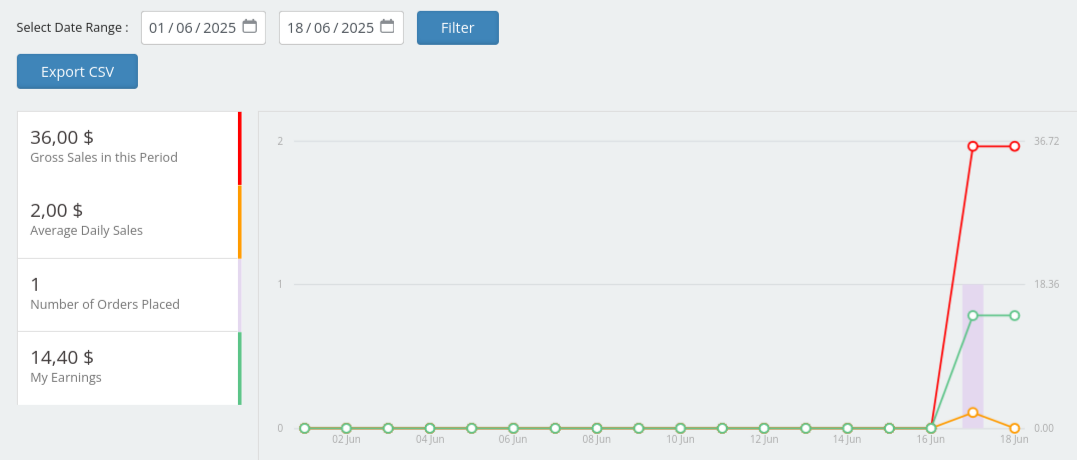
This module grants vendors six reports that they can use for their advantage. These reports include sales reports, product reports, category-wise reports, tax reports, stock reports, and transaction reports.
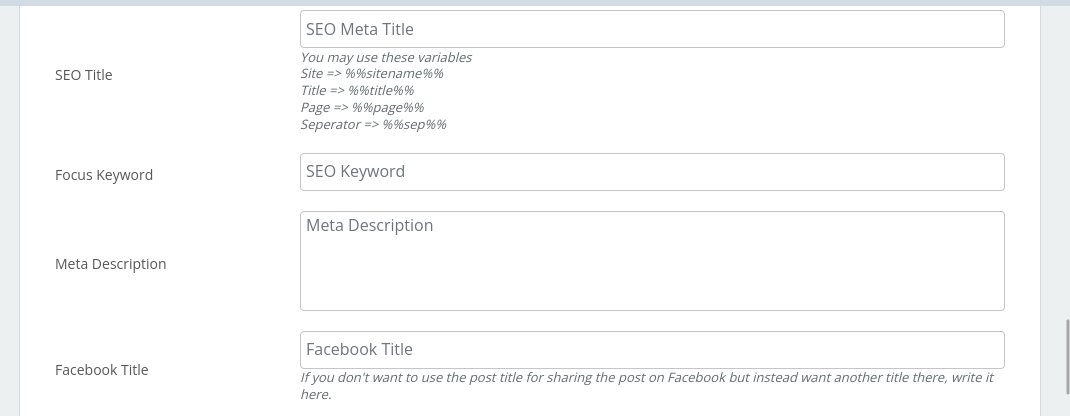
Vendors can make your products stand out in the search results using power of SEO. Take advantage of SEO’s best-of-breed structured data to get rich product results.
The function of MultiVendorX’s Marketplace Analytics is no different from what you expect from any other analytical data. The only difference being it provides you with data regarding the performance of your marketplace. From the Analytics submenu in Admin dashboard ,the admin can track the performance of his marketplace through the below tabs. .

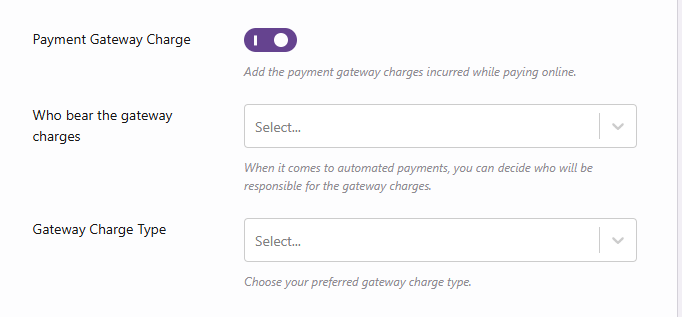
The payment gateway charge feature insures that the payment gateway cost goes to the vendor apart from the commission value which is set by the rules. There are three options available. One is 'admin bear the gateway charge', here the site admin is responsible for the fees, which are taken from the administrator’s revenues or commissions. Another option is 'vendor bears the gateway charge', if this option is selected the fee is taken from the vendor’s commission. Lastly, 'Admin and Vendor bear gateway charges separately', in this final alternative, if both the vendor and the admin agree to bear the gateway fees separately, the fees for utilizing the gateway are taken from both of them.
There are five different levels of commission available to make it more convenient.
There are seven types of commission options available, like :
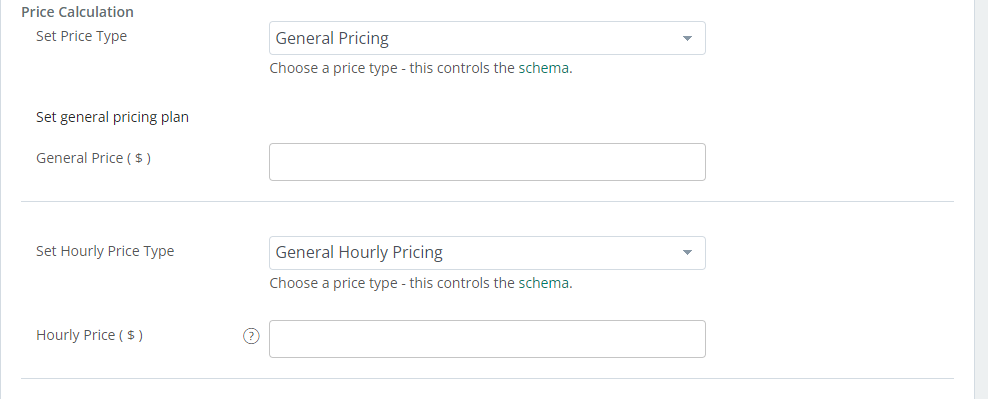
Multiple pricing options are available based on renting distance, discount offers, duration of rent.
Vendors can manage the duration of buffering period between each appointment booking.
The 'Can be Cancelled' option can be enabled by the vendor which will give the user the ability to cancel their appointment. After selecting the option, there are two fields that allow to choose how many Minutes/Hours/Days/Months before the start date the customers are allowed to cancel their appointment.
Let the vendors set the duration of the booking. This determines how long an appointment lasts. The actual duration units can be Months, Days, Hours or Minutes. The vendor can delegate exactly what time the appointments can start inside Availability product option.
This feature allows the customers to confirm the booking date of the appointment and adds that date to the calender of the vendor.

This feature allows the customers to confirm the booking date of the appointment and adds that date to the calender of the vendor.

This feature allows to add location of rental product drop and pick-up. Vendors need to fill in the details in the Pickup Location tab. They need to give a title, description, set a pickup cost and need to provide the latitude and longitude of the pickup location.
This feature allows the customers to quote a price within which they want to rent the rental product. This customers friendly feature helps to attract more customers as their preference is also given importance.

Rental inventory is used to set the specific details about the product like vendors can give a unique number to identify that product, number of products they want to allow for rent, product price and price type and product availability.

This feature allows the vendors to keep a track of their past, present and future rental bookings.

This feature lets the customers pick the duration for which they want to rent the product.
This feature allows the vendor to set the duration of buffering period between two auction.

This feature allows to extend the duration of the auction if a new bid is made few minutes before the expiration of the auction.

The vendor need to set the auction date and time from the auction calendar. They need to set the starting and the ending date of the auction, this will show a countdown timer on the single product page, reminding customers of the time left to enter in the bids.

This feature allows the customers to buy the product at a fixed set amount without participating in the auction.

Vendors can set a certain amount as a bid increment. Customers participating in the auction cannot pay less than the increment amount.

Proxy Bidding is a method through which a customer can choose to enter a maximum amount he or she feels comfortable paying. Once they’ve set the maximum, the system will keep an eye on the auction on it’s behalf, and if he or she gets outbid the system will automatically bid again on their behalf, up to the maximum limit.

In reverse auction the bidder is the seller. Like, the sellers compete to obtain business from the buyer and the prices will typically decrease as the sellers underbid each other.

This allows vendors to set the minimum price of the product and publish product. Then while bidding, the customer who have the highest bid gets the product.
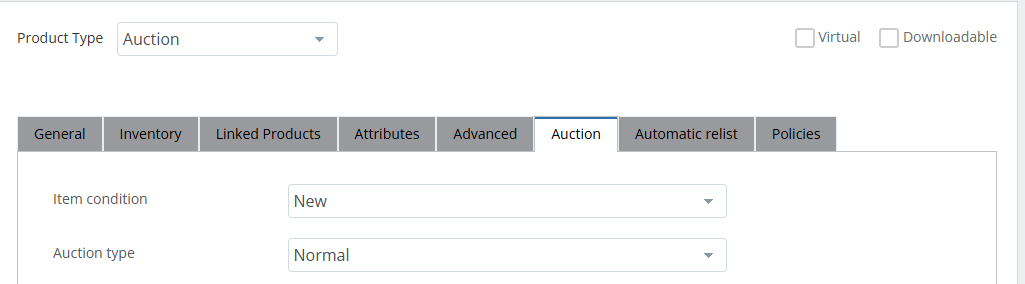
Allows the vendors to set discount prices when selling products in bundle.

This feature lets the vendor to charge price for each individual products included in the bundle.

This feature allows vendors to create exciting deals by offering customers, multiple products bundled together at a discounted price. This let vendors create various combinations that can be sold at a set price. Thus attracting more customers.
Managing the availability tab of the product data meta box will help the vendor display to customers the availability of their service or product. Vendors can set the maximum booking per block, maximum or minimum blocks available, buffer period required between bookings and can also set dates and other rules.

Enabling the 'can be cancelled ' option enables the customers to cancel their bookings. Once enabled the vendor can decide on the date till which cancellation can be allowed.

This section lets the vendors set the period till which they want the booking to last. They set fixed blocks, or customer-defined blocks.

It helps the vendors keep a record of all the customers who have subscribed to the product.
This feature allows the vendor to let the customers have a free trial of the subscription product and after the free trial period is over, the customers have to pay the fee.

The sign-up fee option refers to the initial amount a vendor can charge a customer for subscribing to their service or product.

The vendors can set the duration for the expiration of the subscription.

Based on the time set for the booking (minutes/hours/days), a period that is not available for others, can be specified. For example, if the vendor wishes to sell appointments in 2-hour blocks and wants to have an hour break in between, they can specify a buffer period of their choice. With adjacent buffering option they can add a buffer period both before and after the appointments.

This feature allows to control the availability of slots via the Availability Tab. If the vendor choose to check availability per starting slot only, they can set any date/time rules they want and their customer will be shown available slots no matter which slot they schedule, as long as starting date/time is available at the time of booking. Otherwise, availability is checked against all slots in booked range.

This feature allows vendors to create bookable products and shows available booking in real time.

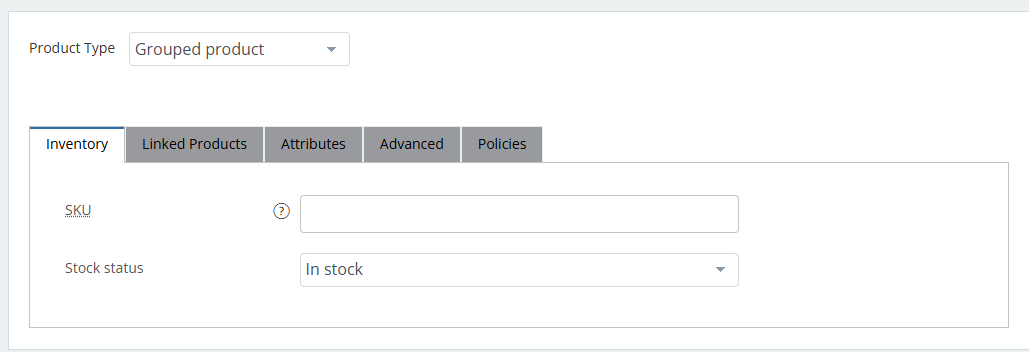
This feature allows vendors to group together certain products and sell as a combo pack. Like if the vendor sell shampoo, conditioner and hair serum separately as simple products, they can group them and name them as hair care products and sell these three items all together as a combo pack. These feature makes it easy for the customers to get a full set of products all at ones.
This feature allows vendors to sell other sellers' products in their shop. That is external products are products that are not owned by them. Vendors earn a commission for the sale of these products by advertising them in their stores. For this they need to add the product url while filling the details of the external product in the add product section.

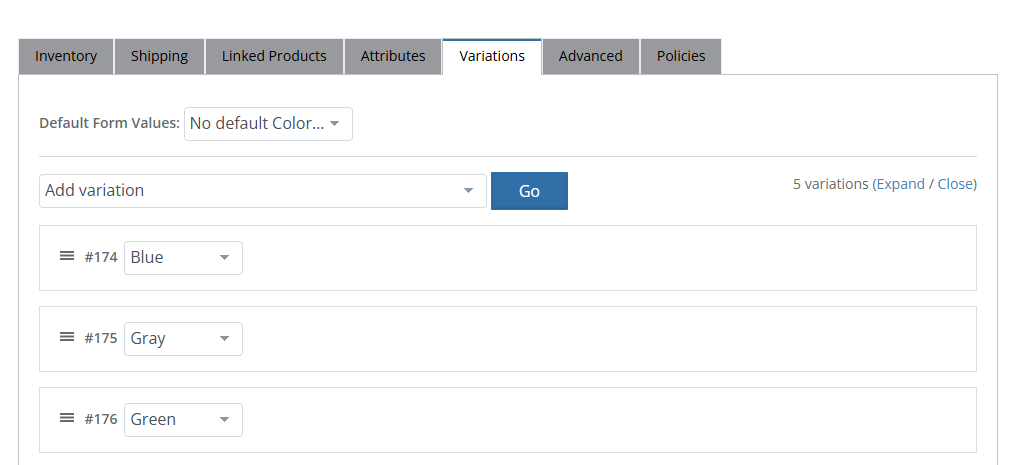
This feature allows vendors to sell a product with multiple variations in size, color, price, etc. The vendors need to add attributes from the attribute tab, then they can add variations to them from the variation tab. Thus, can offer more option to the customers to choose to from. Like they can be used for a product like a shirt, where they can offer a large, medium and small and in different colors.
Simple products covers the vast majority of any product item with single SKU. These can be tangible products like books that can be shipped or can be intangible products which can be downloaded like any software application and it can also be virtual product like subscriptions.

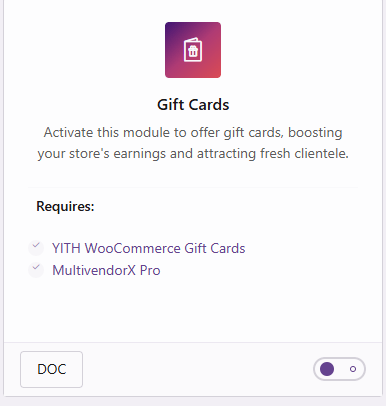
The Gift Card module allows vendors to create and manage gift card products directly from their dashboards. Vendors can set parameters such as card value, expiration dates, and personalized messages, providing flexibility to cater to diverse customer preferences.
When deciding membership plans and packages, it is imperative to have a billing cycle that will let vendors renew or upgrade to better plans automatically.

Initial payment lets admin charge a fixed amount to the vendor. However recurring amount will ensure that admin will earn an exact amount per each week / month etc.

The Free Trial gives new users a chance to experience all the benefits of the full membership plan without any cost for a limited period.

Once a plan will be expired, the admin can set the user role of that vendor.

Admin can decide which module will be allowed per plan. i.e. whether vendor can access invoicing, rental product etc.
Admin can decide whether vendor can export order csv, or whether additional capabilities are per plan.

Set which type of product, categories vendor are allowed per each plan. Vendor can sell under that plan i.e. simple/variable etc. By restricting categories the admin can set which category is allowed under each plan. The admin can also set whether vendor can publish their product, edit their product etc.
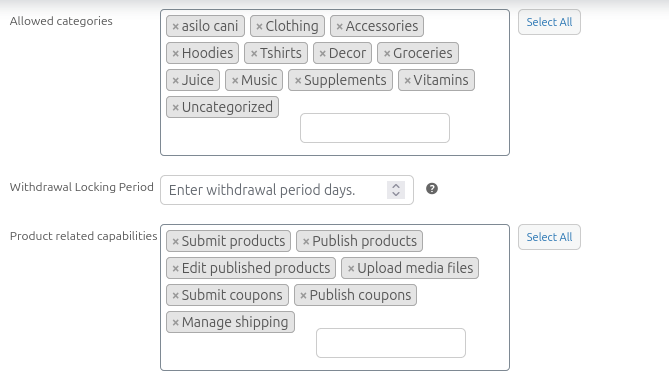
Admin can set different commission amount per each plan. This basically help vendors to select plan as per their need. Admin can also set whether vendor can withdraw their commission and what will be the withdrawal limit.

Create membership packages that enables vendors to become part of the store. You can earn one time payment or recurring payment from the vendor. The most interesting part is to allow specific features for each plan.

The Template Customizer allows members to personalize and tailor pre-designed templates to fit their unique style and branding. With an easy-to-use interface, users can adjust colors, fonts, images, and layout elements to create a design that reflects their vision.

Offers sellers various means through which they can purchase your membership.

When a user is buying from multiple vendors at the same time, in the cart page, we group the products by vendor and show the respective details in the cart, checkout page per each vendor order:

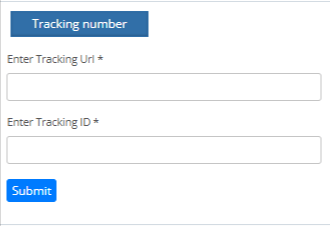
The “Tracking Number” option asks you to provide the shipment tracking details – Shipment Tracking URL and Tracking ID. The URL and ID entered here are mailed to the customer so that they can track their order.
It's totally in admin's hand whether to accept or reject the refund request made by the customer. Admin can also disable refund request for customers.

The admin can set conditions for refund. They can enable the status of the product for which customers can apply for refund (pending, on hold, processing, completed). They can set the refund claim period like 5 days or something. They can provide some reasons for refund which the customer can select as their reason for refund or can provide other reason in the space provide.

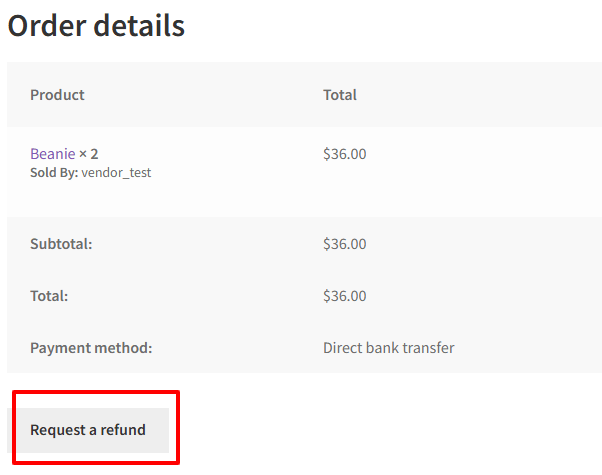
This feature allows customers to ask for refund in case they don't want the product. Refunds are a good way to win customer confidence. The existence of Refunds and Refund Policies lets the customer know there exists an alternative to buying a product. This will give customers the confidence to buy a product as well as create a favourable opinion. Customers can request refunds easily from the order page itself.
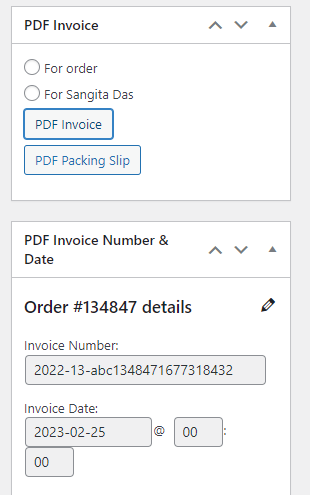
A packaging slip is a document that includes the complete list of items included in the package. With the help of MultiVendorX, admin can let vendors download a packaging skip for their products. To let vendors download the Packaging slip, simply enable the Enable Packing Slip option.

Give vendors the option to edit the invoice slip as per their convinience. Vendors can download individual as well as bulk invoices using the bulk action. Vendors also have the option to download the packing slip using the bulk action.

Invoice slips that are handed out to customers have a few additional settings that are different from an admin’s. Thus, the vendors have the authority to customize the invoice as they want the customer to receive.

An invoice is a document given to the customer on the sale of goods or services. This document keeps a record of the transaction that takes place between the vendor and the customers, as evidence of the transaction. The MultiVendorX invoice module sends an automated invoice to both vendors and customers. Vendors and customers both have the option to browse or download the invoice.
VAT ( Value Added Tax), GST ( Goods & Services Tax) can be added in this field.

Lets customers place orders in the absence of available stock.
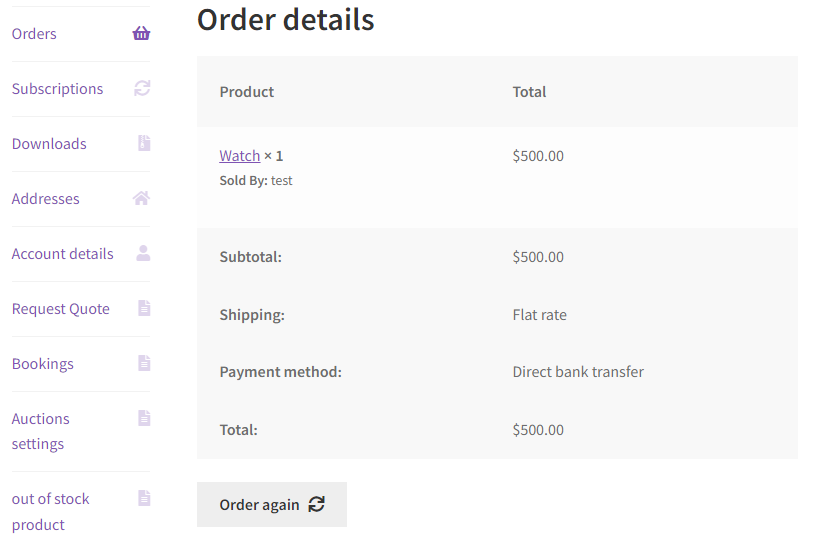
The customers can communicate with the vendors and give feedback through order notes. The vendors can also add private notes for the customers .
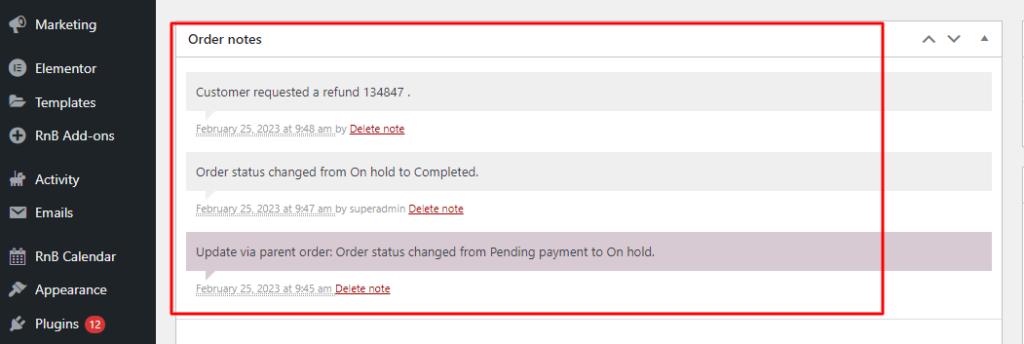
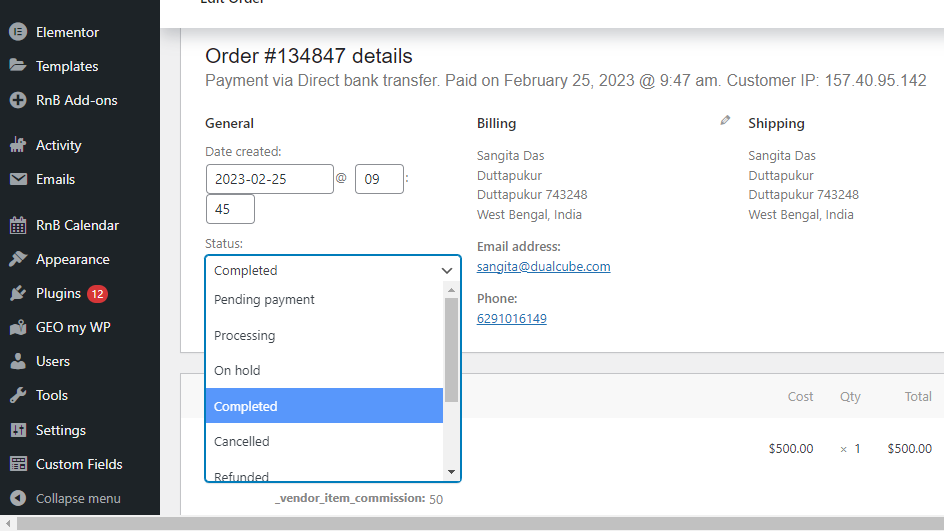
Admin can track order statuses by viewing the Order Log found on the admin dashboard. They can change the order statuses also.
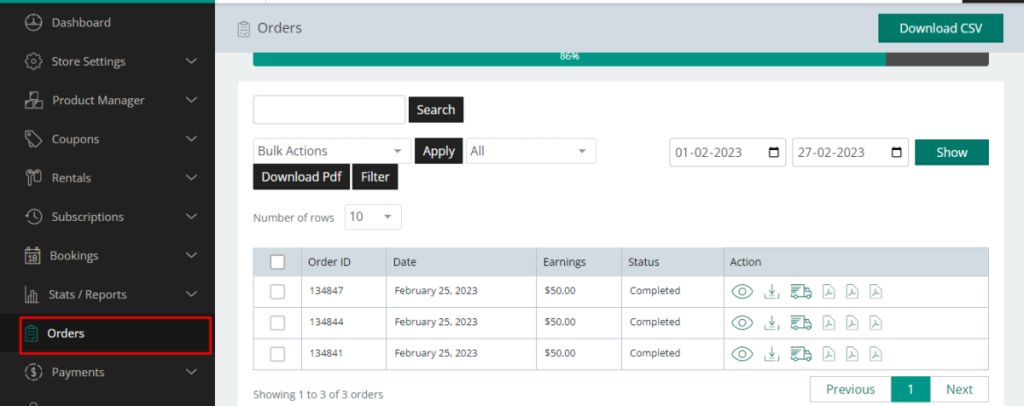
The Order Log is used to keep a record of the orders placed by customers. It records the list of orders placed under a vendor and their specific details.

This feature allows the vendors to split the main order into multiple sub-order depending on the product's vendors.

From the orders section in vendor dashboard sellers can view their complete order details along with earnings per orders.
Allow customers to upload images of their purchased products directly from the order details page when submitting a refund request. This helps vendors and admins better assess the request, ensuring faster and more accurate resolution.

The admin can set the disbursement threshold amount after which a vendor would be able to request for payments.

If the Request Withdrawals option is enabled , the seller will be able to request the admin to disburse their payments from the seller's dashboard.

When disbursement schedule is specified, sellers will receive their portion of the commission automatically in accordance with the disbursement schedule created by the administrator. Otherwise, the admin may have to manually pay the commission.

If this feature is enabled then the shipping cost received would pass onto the vendor. In case it is not enabled the shipping cost received would remain with the admin.

The admin of the marketplace gets the option to divide the coupon cost with the vendor. There are basically two options, first is 'who will bear the coupon cost', enabling this option would allow the discount charges to be deducted from the vendor’s commission. Second is 'exclude admin created coupon', this option is only applicable if the first option is enabled. This mostly means that if any coupon is created by the admin while the first option is applicable, then the discount amount would be deducted from the commission.

If this feature is enabled athe tax collected would pass onto the vendor. In case it is not enabled the tax collected remains with the admin.

MVX also supports payment through razorpay. Razorpay is an Indian payment system that makes it easy to accept, process, and distribute payments to the sellers as soon as a transaction is completed.

Mangopay makes payments easy for users by allowing them to pay in multiple currencies and with various payment methods. Using it can easily set up recurring payments and even set up global payment platforms. It provides customizable payment flow along with real time monitoring and of course strong security.

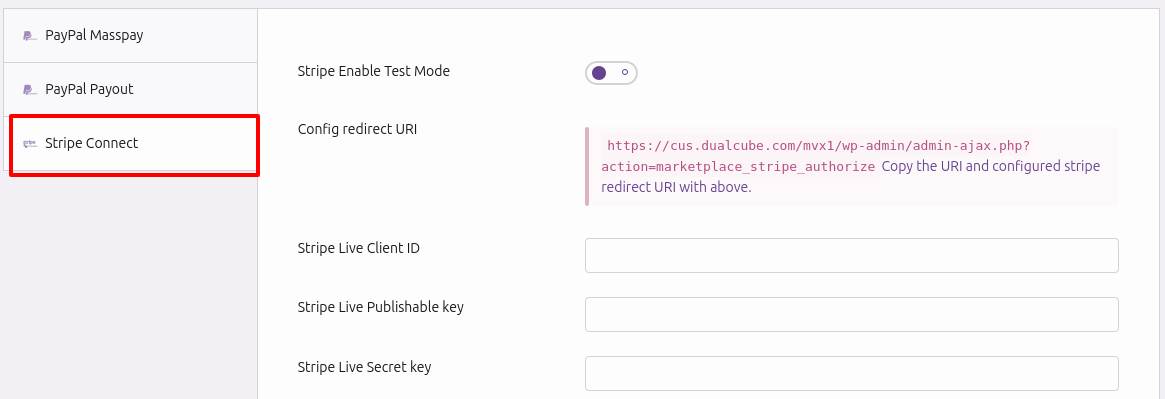
Stripe marketplace allows vendors to receive real time payments and also allows customers to pay using both credit and debit cards. This feature also provides three types of stripe connect account type - 'Standard', with Standard accounts vendors would have to connect their accounts with admin in order to receive payments. Then, 'Express', here the the Admin can connect with multiple vendor accounts and transfer the vendor’s payment immediately. Lastly, 'Custom', here from the creation of the vendor stripe account to payment processing, is done by the Admin. It also supports stripe charges. Depending on the charge type selected by the admin the funds are split between admin and the vendor. The charge type support Marketplace Stripe provides are 'direct', 'destination' and 'separate charges and transfer'.
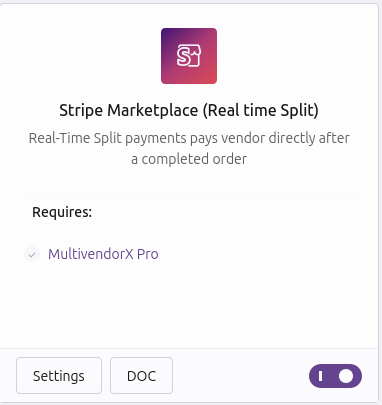
Stripe is a simple way to accept payment online. Using Stripe allows customers to pay for their purchases by using a credit or debit card.
This feature is introduced to make payment more convenient. With this feature now admin can accept payments from any mode, many vendors, and operate on a real-time basis. It's real time split payment feature allows the vendors to receive the payment as soon as the customer pays. Moreover, it accepts payment from any currencies and any account type be it credit or debit. Admins can even set dates of payment for vendors. Moreover, PayPal’s in-built plus strong antifraud and money laundering tool helps make payment secure.

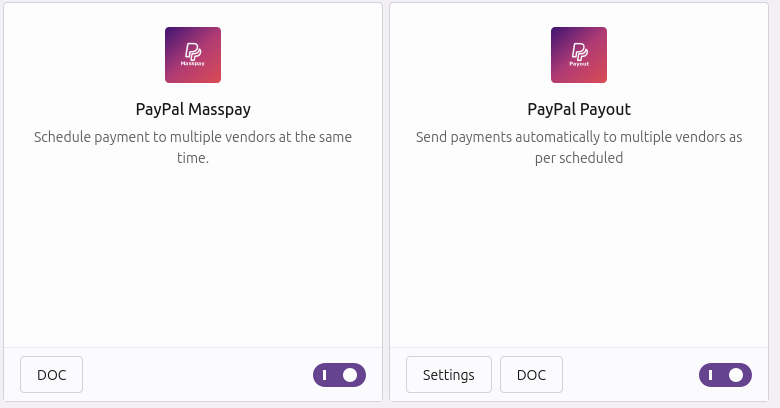
PayPal Masspay is a payment method that allows to make multiple payments to multiple vendors at the same time. This is a great way to make sure that all the payments are made on time, and it can also help to avoid any late fees that might be associated with making multiple payments separately. PayPal is also similar like PayPal Masspay, also it sends payments automatically to multiple vendor as per scheduled.
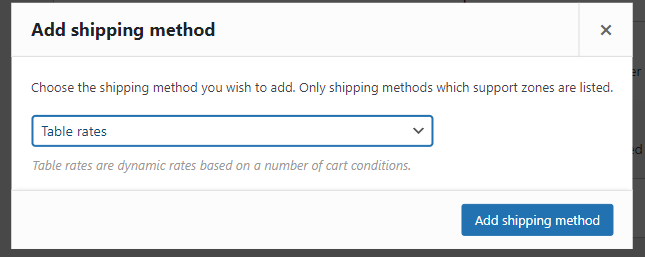
To use this feature need to have the plugin WooCommerce Table rate shipping. It helps to define shipping costs based on weight order or cart order. It allows admin to create shipping rules based on the total weight of the shipment and the destination country. And can add method title to display to customers.
Per Product Shipping is a premium extension that allows to define different shipping costs for products, based on customer location. These shipping costs can be added to other shipping methods, or used as a standalone shipping method.

Country-wise shipping allows admin and vendor to set country where they want to sell their products. It's very beneficial to get access to new international markets, leading to a significant increase in sales. It helps to reach a more extensive customer base.

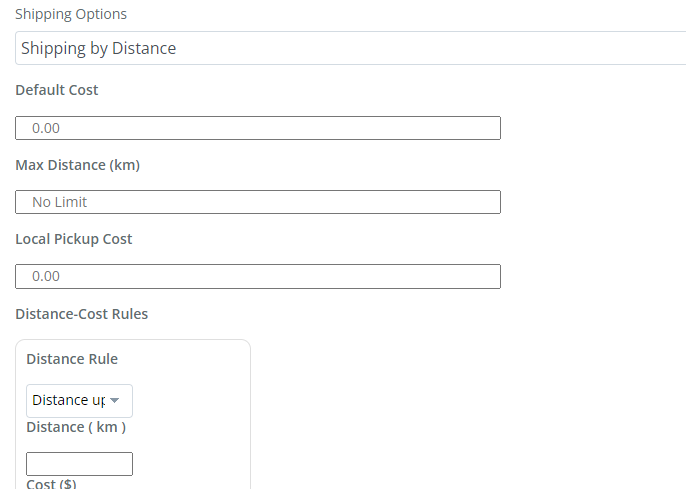
Distance shipping allows the admin and vendor to charge for shipping according to the distance covered to deliver the product. This will calculate the cost at the checkout page using a map.
Zone-wise shipping allows admin and vendor to set particular zones for shipping the products. They can set a zone name like zone A for example and set zone regions within it. Shipping zones not only helps to be efficient by reducing distance and shipping transit time, but it also helps in reducing shipping costs. Different shipping methods can be set for different shipping zones.

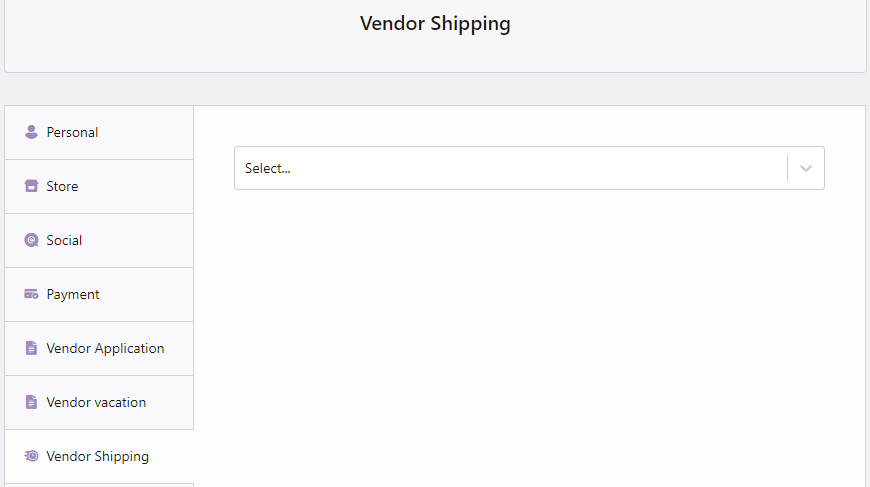
This feature allows vendors to deliver goods from their shops to the customers. It gives the option to the admin to allow the vendors to handle shipping by themselves. Vendors can decide the preferred shipping method and can add ideal shipping rates and prices .Vendor can also collect shipping fees when they handle shipping by themselves.
This feature give vendors the option to view the list of the products along with the customers that have subscribed to the out of stock products. So that they can keep a record and avail the products as soon as possible.
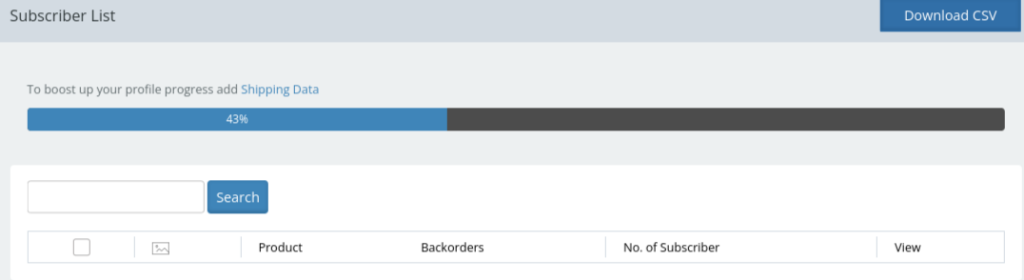
This feature allows the customers to subscribe to the out of stock products. When customers subscribe for products that have run out of stock, vendors would be able to keep a note of those products. So, once product is back in stock, customers will receive a mail alerting them of the availability of the product.

Anytime the stock drops below the out-of-stock limit set by the admin, the vendor will receive an alert prompt to re-stock.
This feature allow the admin to set a lower limit for stock count. thus when the stock count lowers then the set value it will send a alert prompt.

When the out-of-stock alert option is enabled, vendors receive a warning mail letting them know that their stock quantities have run out.

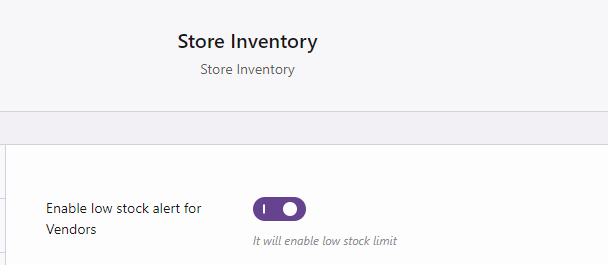
By enabling the low stock alert option, all vendors in the marketplace would receive a stock alert warning in the form of an email. This will help them to arrange products before the products get out of stock.
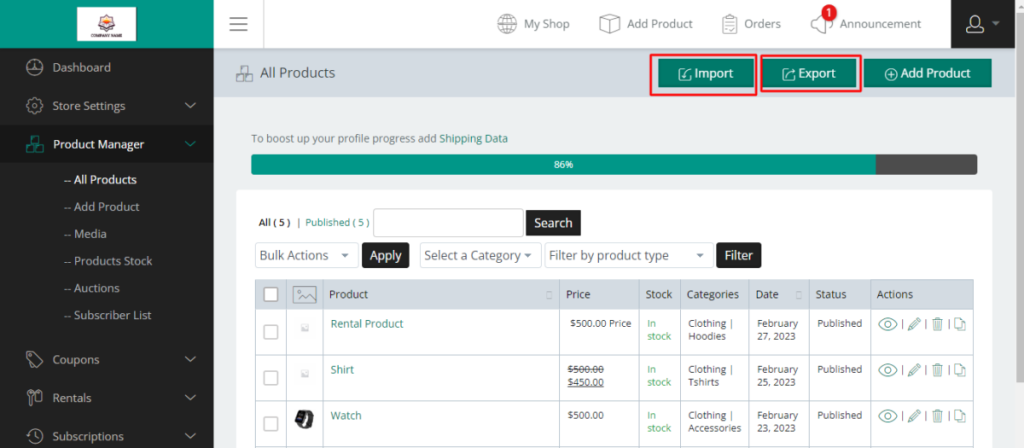
Once the import/export module is enabled by the admin, vendors can export products from their dashboard. They need to select the All Product option available under Product Manager. As vendors get directed to the All Products page, they would notice the Export button present beside the Add Product option. To import Product Data the vendor can need to go to the Vendor Dashboard and Navigate to the Product Manager menu option. From the list of product manager menu, they can select the All Product sub-menu option, then on the All Product Page, select the import button present at the top of the page.
Allows vendors to add media files such as photos and videos of the products while adding products to make it more appealing to the customers.

Allow vendors to create coupon and submit for admin approval.
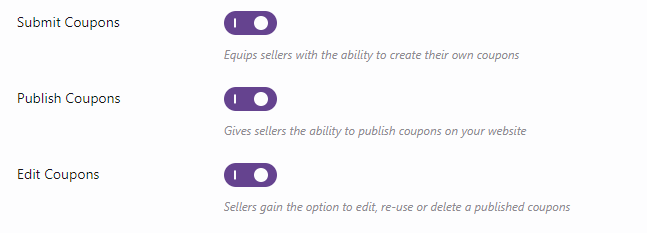
Allow vendors to create coupon and submit for admin approval.
Allows vendors to create and submit their products from the vendor dashboard itself and publish it in their store without the approval of admin.

Allows vendor and admin to edit the already published product and update it.

Allows vendors to add and publish their products in store without the approval of the admin.

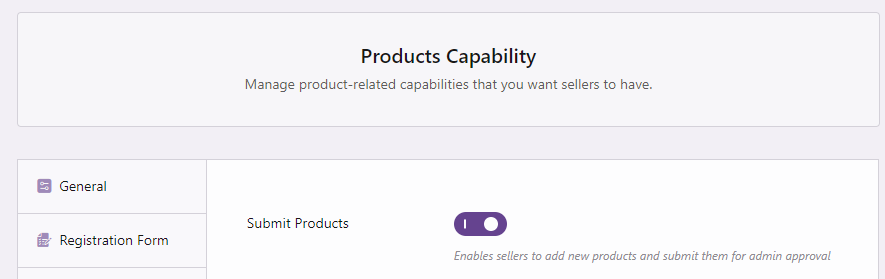
Allows vendors to add and submit their products to get reviewed by the admin.
SPMV have option to display other vendors selling the same product to the customers. Once the customers select the "more vendors" option they can compare the product with other vendors selling the same item.This way they will have more options, which in turn would create a positive impression about the marketplace.

Allows customers to compare same products with different prices and sellers to choose what best fit them.

Allows vendors to search for products sold by other vendors, that they want to sell in their own store. By using the SPMV feature they can copy the product and then edit it before selling.
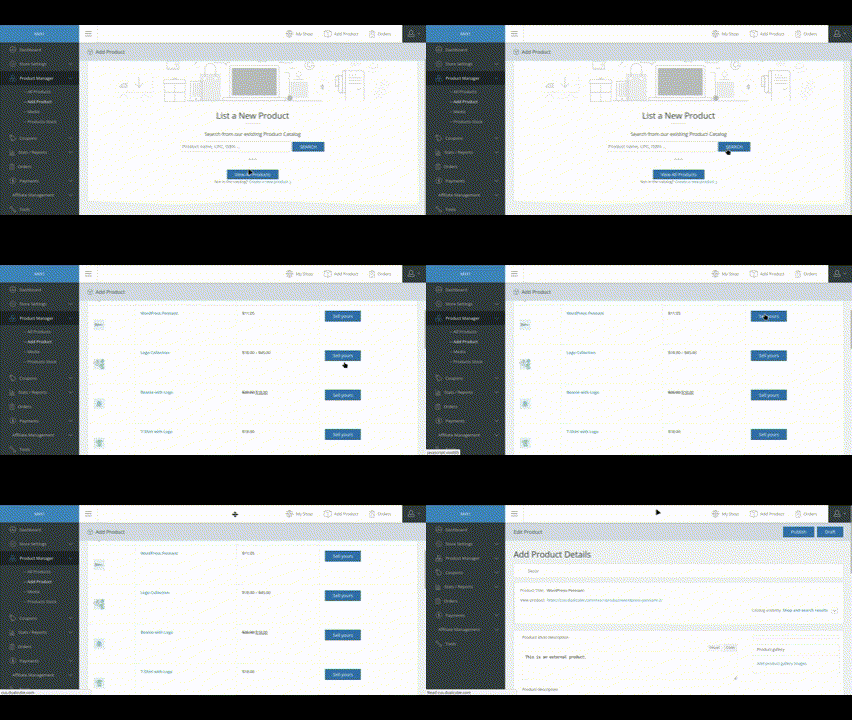
This feature gives the option of letting multiple vendors sell the same product. The SPMV module lets vendors lists the same items as fellow vendors.

This feature allows to edit heaps of products together simultaneously which makes it faster and efficient.

This feature allows vendor to make a copy of the existing SKU. This way with just a click on the duplicate button the vendors can make a duplicate copy of the product and can just change the title and image. This feature saves a lot of time for the vendors.

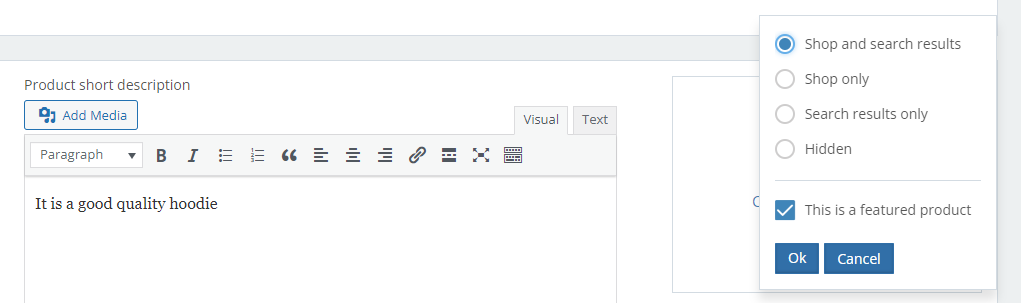
It allows the vendors to choose the products they want to set as a featured product.
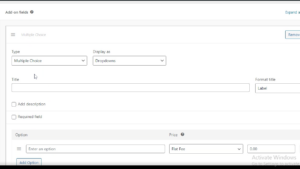
This feature allows the vendors to provide more detailed information about the products by customizing the product field.
Easy and fast way to manage and track heaps of products.

With the help of GeoMyWordPress plugin customer can locate product location. It will help customers to determine the area before picking the product.

Easy and helps vendors to identify correct categories for their products.

There are times when the admin may want to make some site changes, or in the case of backlog clearance, wants to temporarily suspend all the vendors from adding new products to the site. In special cases like these, they can temporarily take away the vendor’s capability to add new products and instead assign products to them.

Let customers discover more! This feature allows the admin to select and showcase related products on individual product pages—helping increase visibility, engagement, and potential cross-sells.

MultiVendorX lets you choose your desired chat providers. These options include-

Live Chat module allows vendors to have real-time chats with customers, resolving all their doubts and queries. From email marketing to social media chats, you can employ any technique to reach out to your target audience in no-time. Apart from this, you can access additional features like exchanging images for references, sharing shop or home addresses, and tracking previous chat conversations.

This feature allows the vendors to chat with the customers almost instantly. This helps to communicate them better and enhances better services.

The vendors can set wholesale product prices for simple products, variable products, new products. Then can sell the wholesale products.

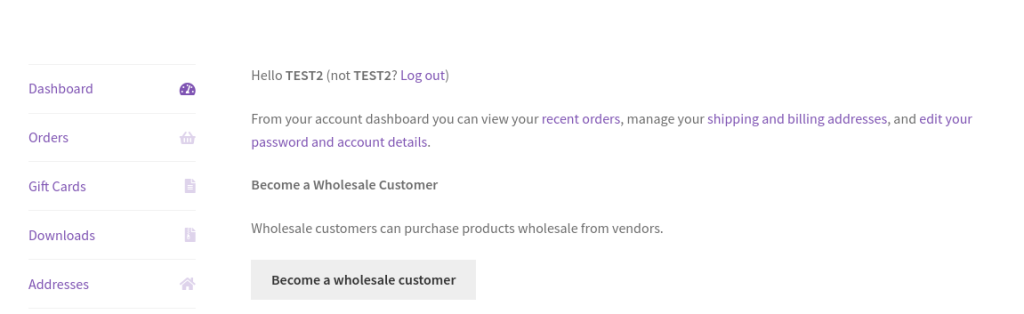
To apply for becoming a wholesale customer, a customer has to go to his/her my account page, and then apply for becoming a wholesale customer. If admin set the “Need approval for customer” to ‘No’ then, the customer will automatically become a wholesale customer. Otherwise, the customer will have to wait for the admin approval.
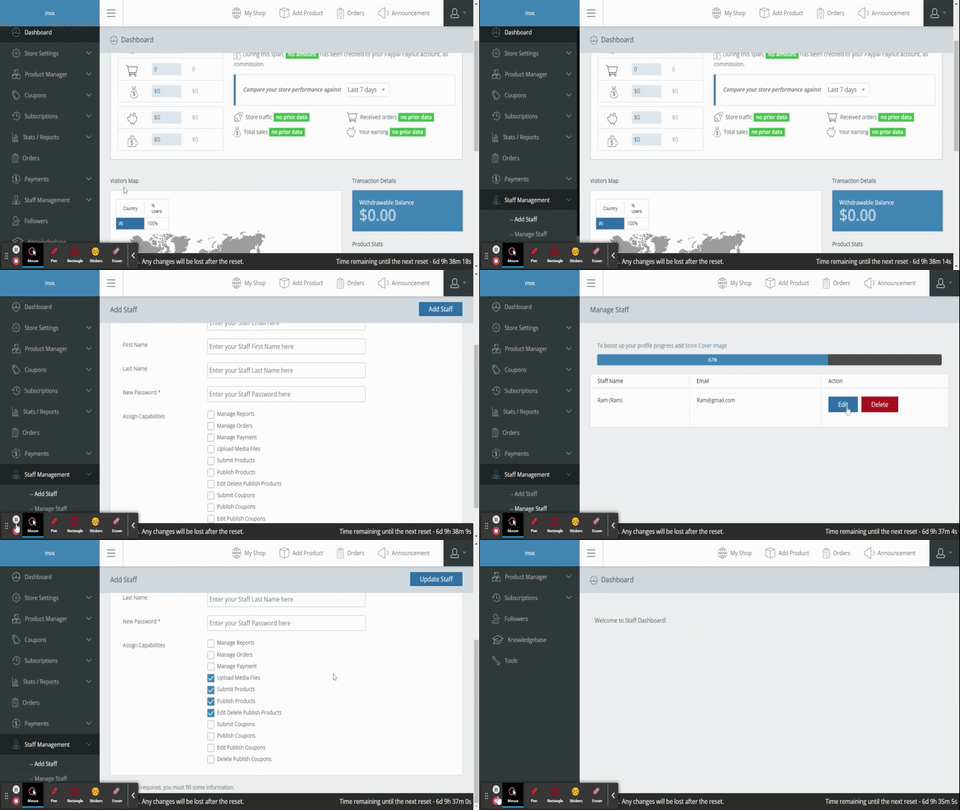
MultiVendorX gives vendors the option of hiring unlimited staff members and assigning different tasks to the staff to handle store responsibilities and share the work load of the vendors.
Vendors can use notification messages to inform customers about the duration of their absence. Vendors can also add the number of days they prefer the customers to see the notification messages. Thus this will keep the customers inform why the vendor is not able to accept orders for the time being and even they are available again.

It gives vendors the option to disable add to cart for the time being they will remain absent. Here the vendor can type messages like “Sorry!”, “Can’t Accept”, “Will Be Back” or so on text, that will replace the Add to Cart option and display only the text. Enabling this option will stop customers from adding new orders.
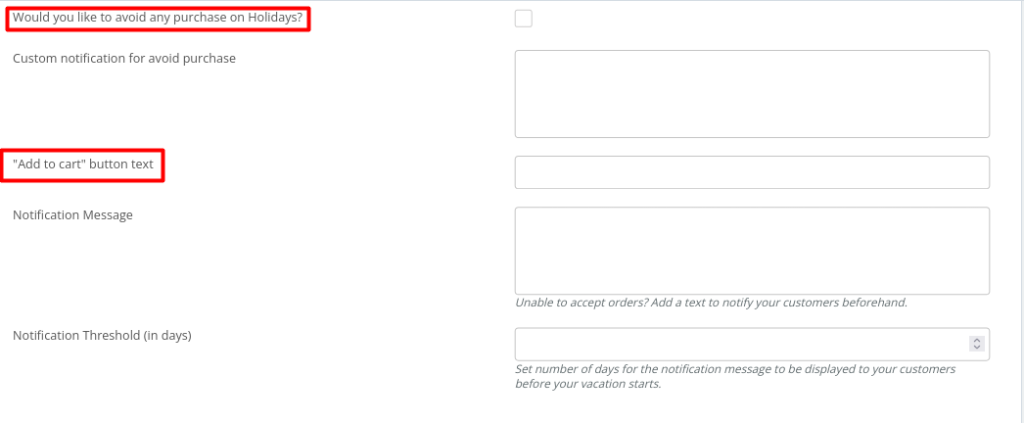
This feature allows vendors to use a clickable calendar to select dates on the calendar of the days he/she wishes to be absent. These dates will then be sent out to the admin in the form of mail to inform them. You can also enable / disable different option here . Like -

This feature allows admins to add advertisements directly from the admin dashboard.

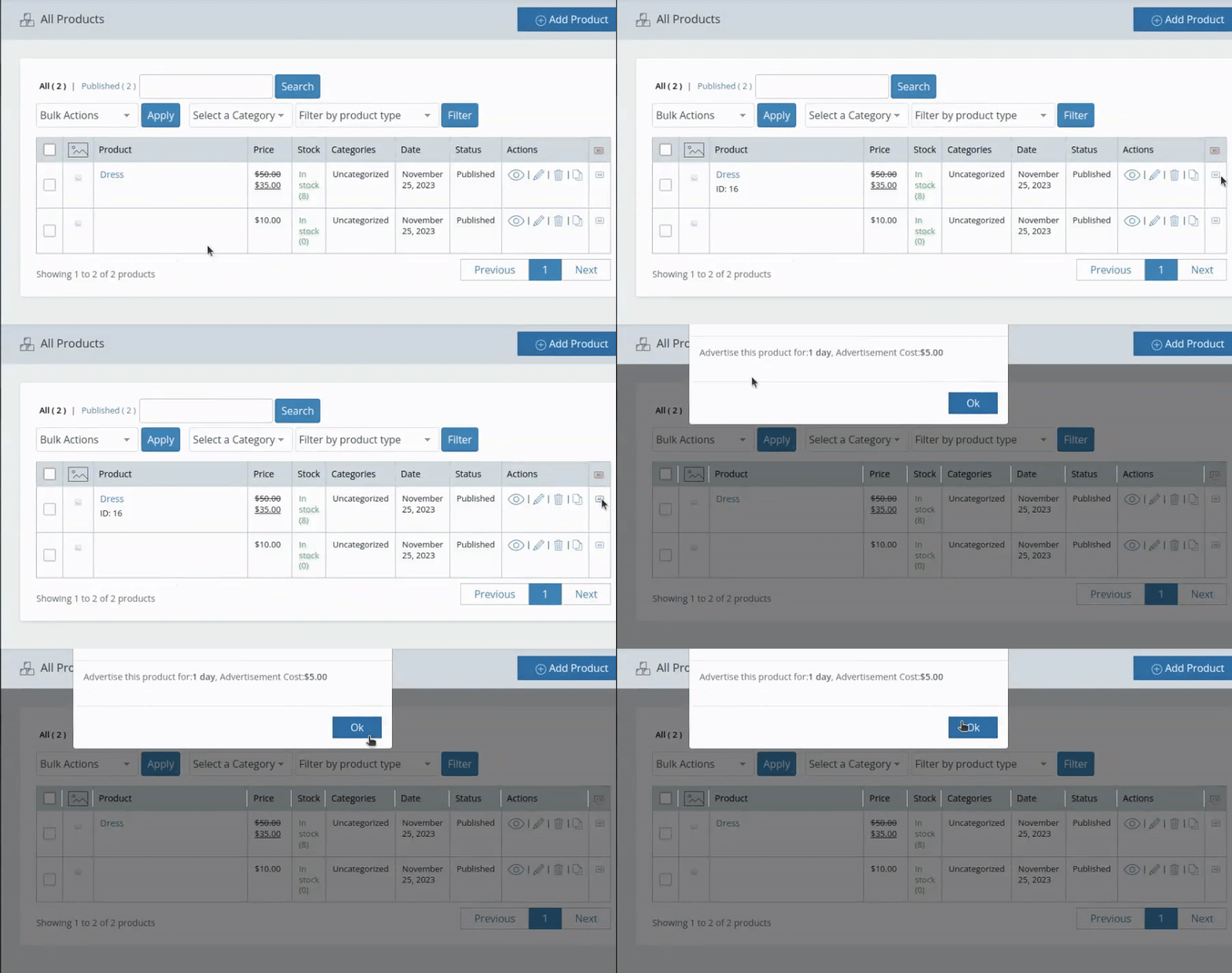
This feature enables vendors to manage and purchase advertisements for their products directly from the vendor dashboard.
This feature simplifies order support by implementing a streamlined ticketing system between vendors and customers. It allows both parties to easily raise, track, and resolve issues related to orders, ensuring faster and more efficient communication. Vendors can respond to customer queries, and customers can receive timely updates, all within the same platform, improving the overall support experience.

To make sure you have seamless communication with your vendors, MultiVendorX provides you with both the announcement and knowledgebase features. With these two features, you can write small messages, educational tutorials or any other important data you want your vendors to know.

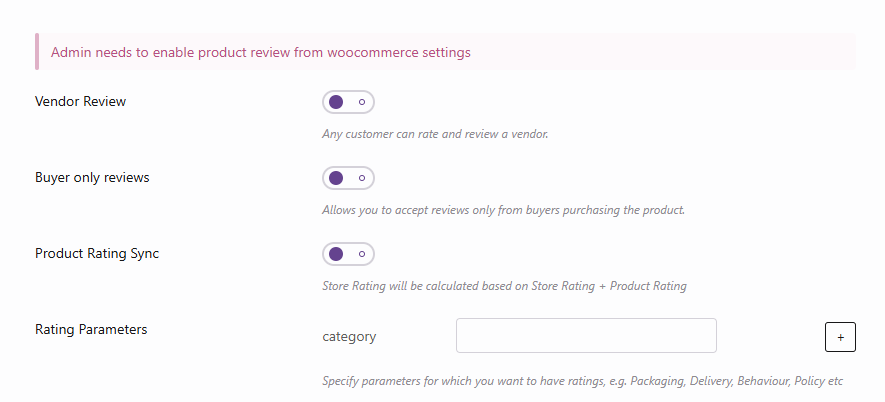
Give your customers the ability to provide more detailed feedback by enabling reviews across multiple product aspects. This feature allows admin to add or remove specific review parameters—such as quality, value, delivery experience, etc.—with simple plus/minus controls.
The vendor badge would appear only on the vendor who has been approved by the admin. Hence by viewing the vendor badge the customer can be assured of a safe and secure shopping experience.

After the vendor submit all the information along with attached proofs, It's admin's job to verify them and after its done a verification badge is shown beside the vendor's name and their store. The verified badge is given to the vendor who has passed the verification process. Admin can upload any image they wish to use as a badge.

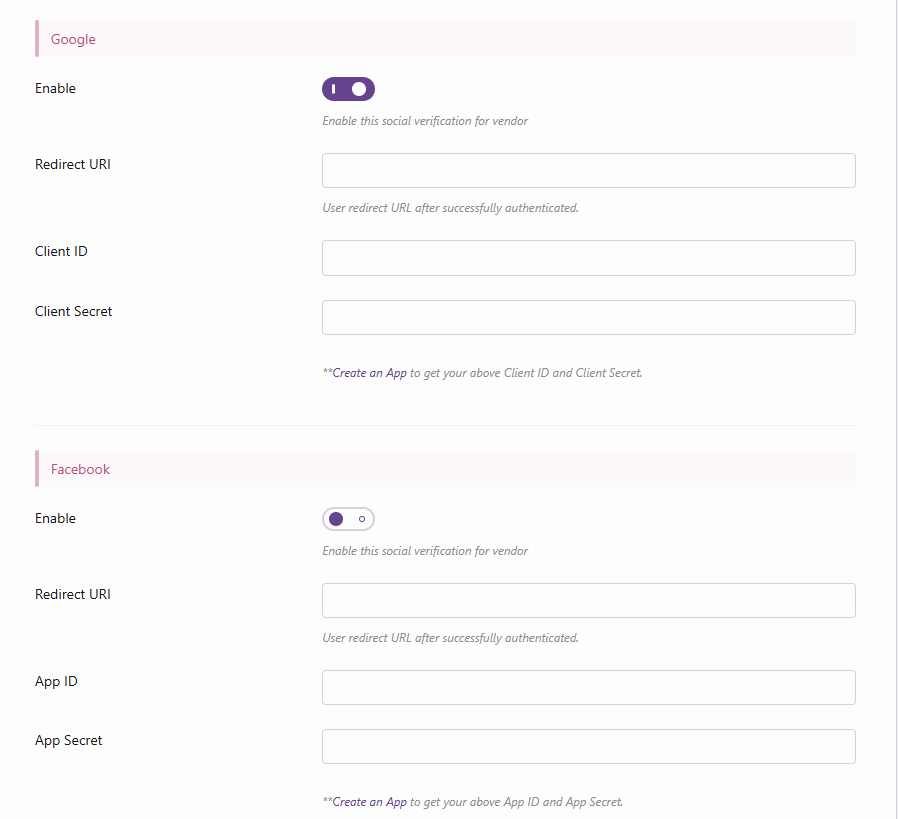
This feature allows the admin to verify the social platforms used by the vendors. To enable the social verification feature need to add API keys of various social media platforms.
This feature allows admins to verify vendors’ physical addresses by reviewing submitted addresses. This adds trust and credibility to the marketplace while helping prevent fraudulent activity.
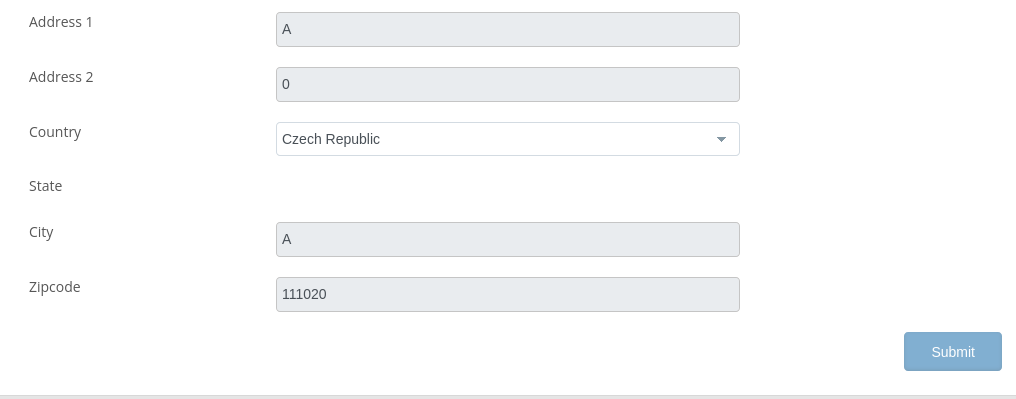
Trust is a relative term but what runs a successful business is assurance. And now with Seller ID Verification, the admins can give their customers the assurance of a safe and secure multi-vendor site along with corrupt-free vendors. The admin just have to enable the seller identity verification module and then enable the address and identity verification. Then the vendors from their dashboard have to submit respective proofs for the admin to approve.

Keeps record of all the information related to the vendor and his/her store and products.

Keeps record of all the information related to the vendor and his/her store and products.

Enabling this allows to showcase the product vendor's name alongside the product in the store, which will help customers to identity who is selling the product.

Want to let your customers search for a product they are looking for by location? With the Geolocation module enabled and using our shortcode Vendor List [wcmp_vendorslist] you can achieve that with ease. Vendor's list can be viewed based on :
With this module, admin can add the following searches :

The admin have the authorization to decide whether to approve or reject the vendor application and their store. They also have the power to suspend or reactivate the vendor's account.

Admin gets the option to admit vendors automatically or accept them manually after evaluating the registration form. In case it is set to automatic, the vendors do not need to wait for approval, its done as soon as they apply. But in case of manually the vendors need to wait for the admin's approval. Though the automatic method is easy and hassle-free, it is recommended to go for manual process of registration for the safety of the site.

Used to make customizable and personalized vendor registration forms to collect various personal details to check whether the vendor and their products are a best fit for your site.

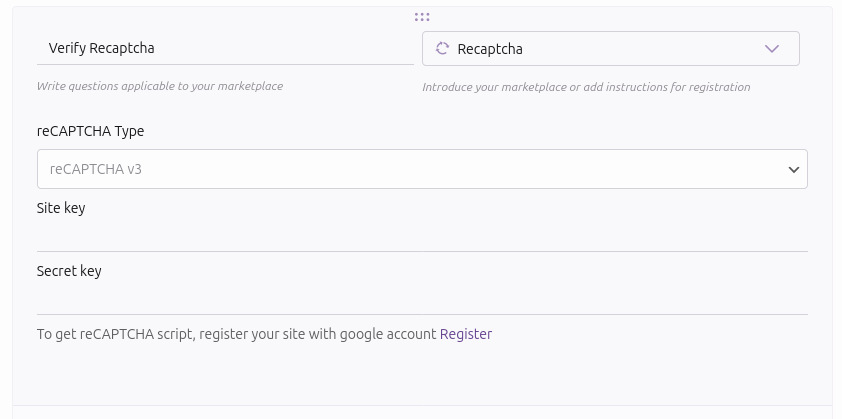
To protect your marketplace from spam and automated registrations, MultiVendorX integrates Google reCAPTCHA into the vendor registration form. This feature helps verify that registrations are made by real users, enhancing the security and integrity of your vendor community.
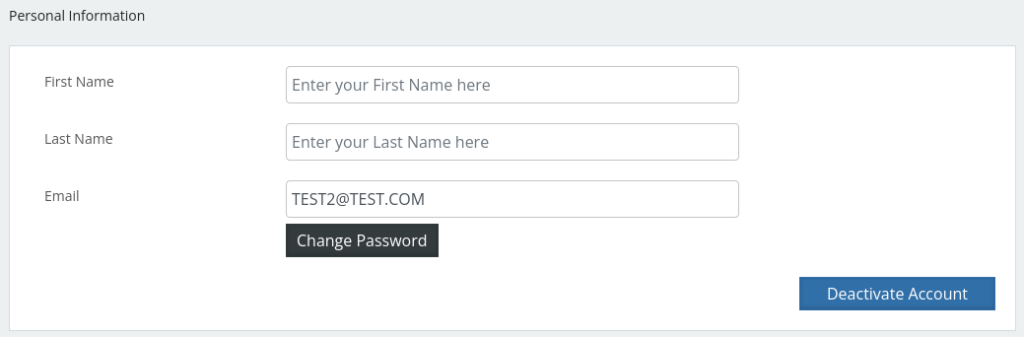
This feature enables vendors to submit a request to deactivate their profiles, providing them with greater control over their account status.
Control the visibility of vendor contact information with ease. This feature allows you to manage whether vendor details—such as email addresses, physical addresses, and phone numbers—are displayed on the site.

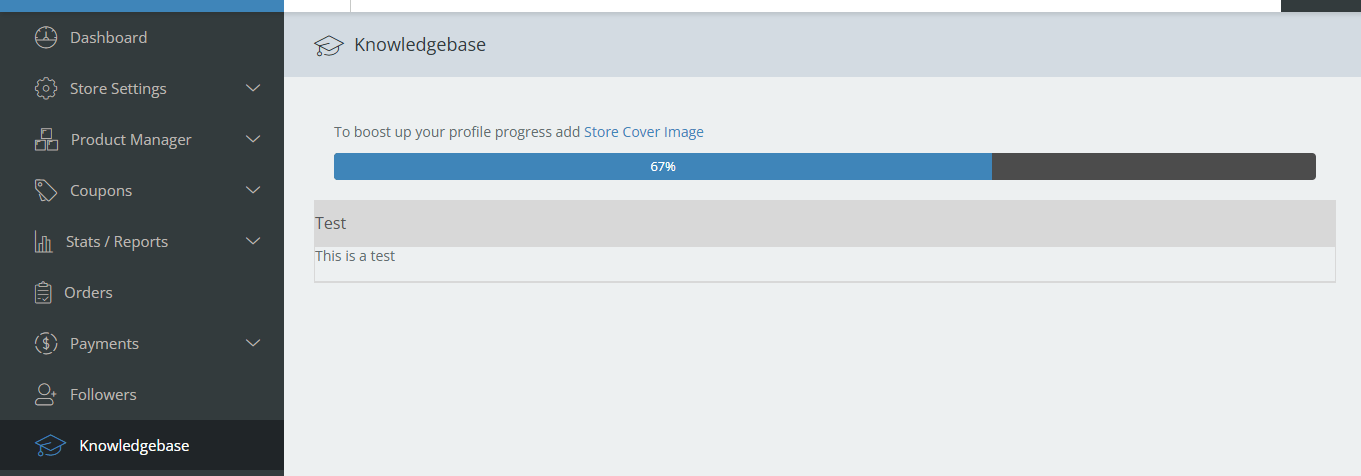
Provide vendors with easy access to helpful resources. This feature allows the admin to share tutorials, guides, and other vendor-specific information directly within the vendor dashboard—making onboarding and day-to-day operations smoother and more efficient.
Vendors can easily view all financial transactions related to their store in one place. This includes order payments, commissions, withdrawals, and other payment records—ensuring full transparency and better financial tracking.

Enable this setting to prevent vendors from accessing the WordPress admin dashboard. This ensures vendors manage their stores exclusively through the dedicated vendor dashboard, maintaining security and a streamlined experience.

Sellers get to notify customers about their store's working hours.

This feature let customers know about the seller’s business schedule by displaying the store working hours of a week in the form of a widget:

This feature allows customers to follow their favourite store by selecting the follow button available on the vendor’s store page. This way whenever there is a new product in the store they will receive a mail notifying them of the update. This way vendors can retain customers in long run.


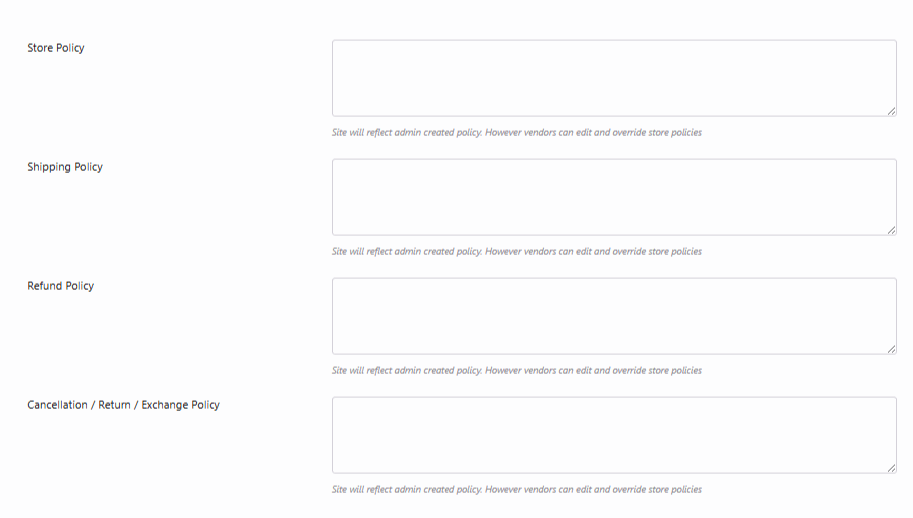
Policies help customers know what they are getting into.It also helps build customer trust and confidence regarding a product. They know that once a policy is set the vendor has to keep his end of the bargain or risk losing his customers. Vendors can set their store policies or in case they do not the policies set by the admin would be applied. There are three types of policies vendor can set. Firstly, 'Shipping', here vendors can fill in shipping details like the processing period or extra charge or even the cases when free shipping is allowed. Secondly, 'Refund', in case of refund what are the dos and don’t a customer must follow. Lastly, 'Cancellation', in case of cancellation what are the dos and don’t a customer must follow.
Vendor's can add their store location on the map that will help customers to locate it easily so that if they are near it they can visit it and can also plan the product delivery more conveniently.

Vendors can add or edit coupons for their customers. The coupon feature lets vendors drag more traffic to their store, which will ultimately increase the sales.

In this Widget, a bar diagram is displayed showing the different product statuses. A list is then displayed from which vendors would be able to check how many of their products are completed, how many are pending, how many have been disapproved and how many of them are still just drafts. Vendors can also add product from here by selecting the add product button available below the list.
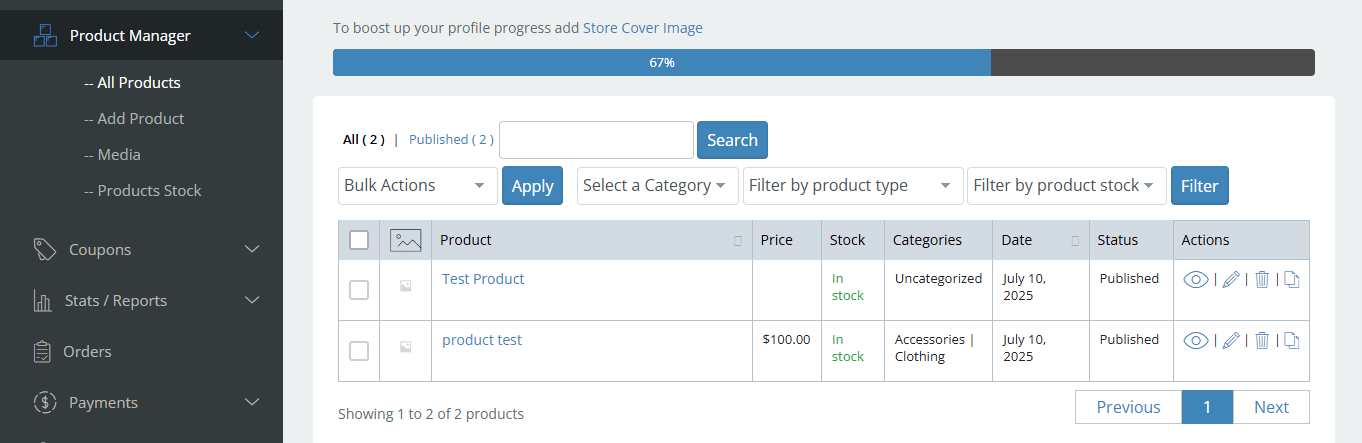
Sellers can monitor their overall sales, revenue, number of orders placed, purchased products, and more from their Dashboard.

This feature allows you to easily add widgets using the Gutenberg block editor. You can register and display widget areas on any page or post by simply adding the block in the editor.
Elementor is a WordPress plugin specifically built to help the admins design a custom website for the business. With this all-in-one plugin, they can customize their website to fit the brand with motion effects, multiple fonts, and enhanced background images. It has a visual editor feature that allows to create custom-made pages for your vendor store withput any complicated coding. Thus making it more pleasing to look at.

A social media platform that gives seller the option to sell products while interaction with their customers at the same time.
When we sell products all across the globe, can't let language be a barrier in our way. Thus this feature is introduced to solve this problem. Now with the addition of WPML to MultivendorX, vendors can add product information in various languages that can later be translated by customers with just one click.

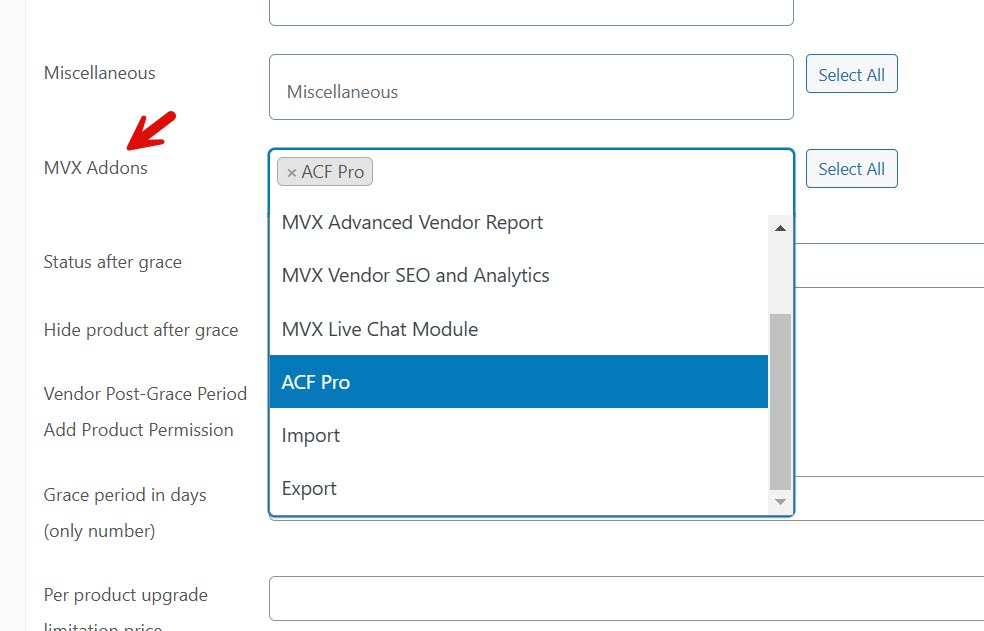
Sellers will be able to add more data fields to the add product page using the Advanced Custom Fields plugin in MultivendorX Pro.

GeoLocation allows vendors to add the location of their store and products on the map in real time. This helps customers to locate the store. Another advantage is that if the store owner sells rental goods like motorcycles, customers can determine the area before picking them up. It even helps with distance-based shipping.
From the vendor dashboard a vendor can see all their affiliates, how much their affiliates earned. The vendors can also un-assign an affiliate for their products using the ‘Delete’’ option.
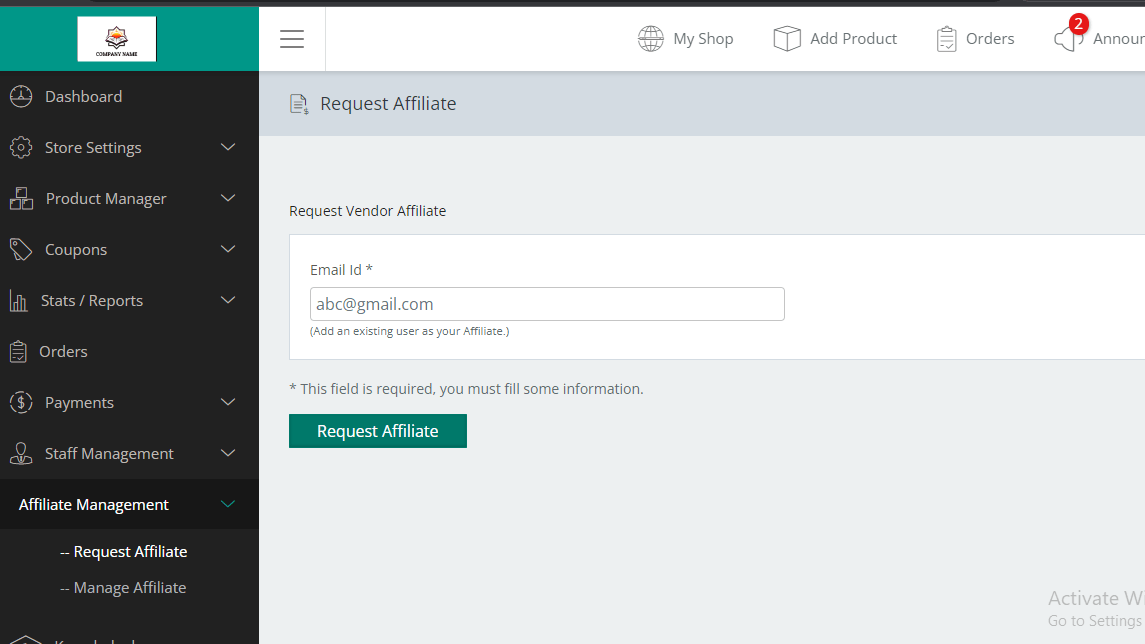
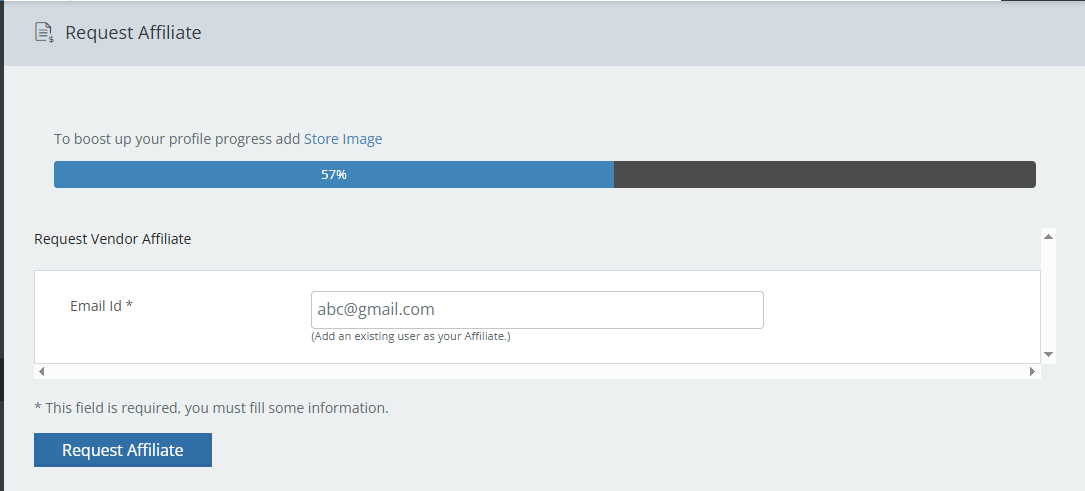
Build customer trust and turn them in affiliates who can advertise seller products.
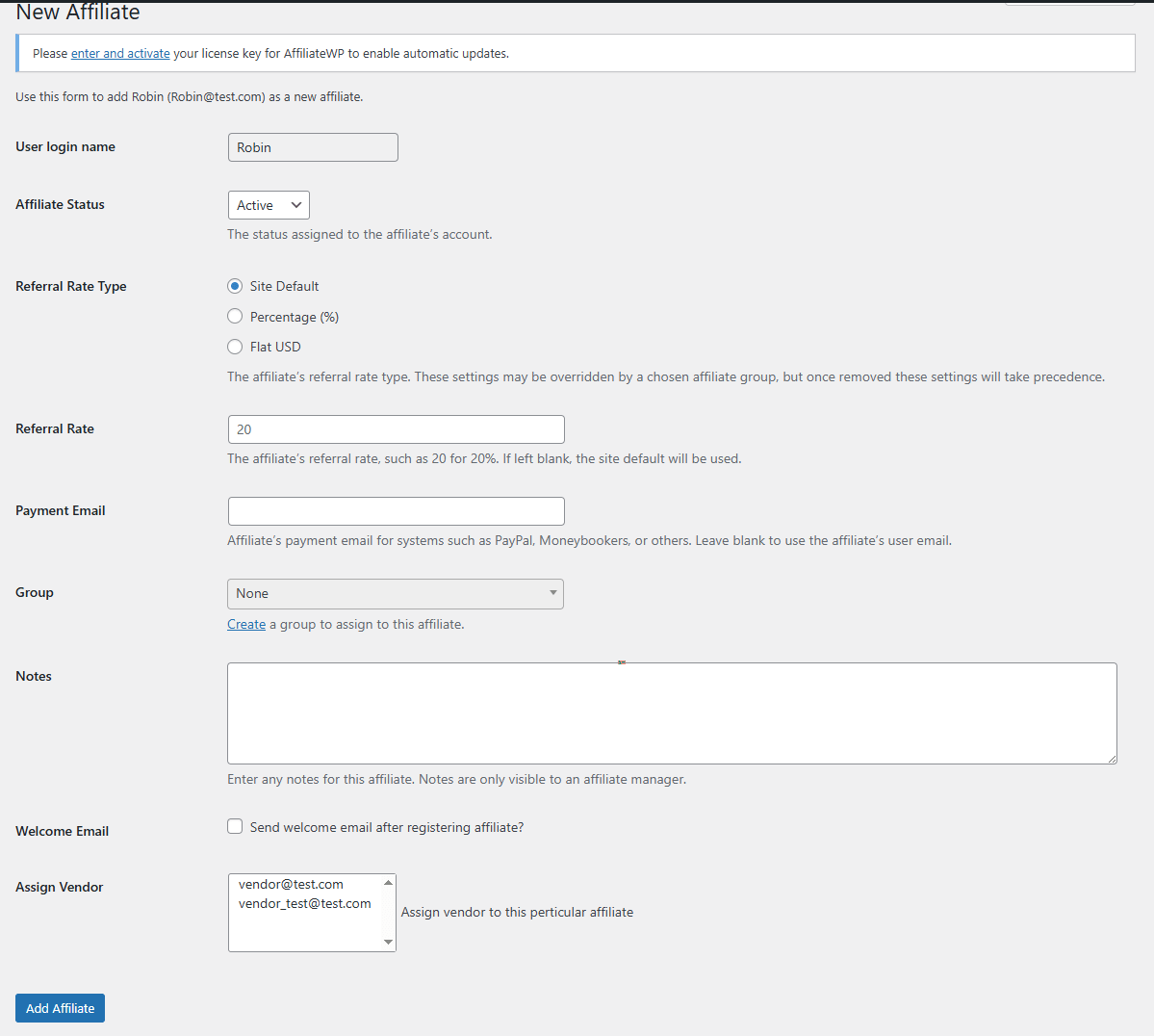
AffiliateWP is a WordPress plugin that lets you rapidly set up an affiliate network, recruit and handle affiliates, monitor referrals accurately, and send out affiliate commissions.
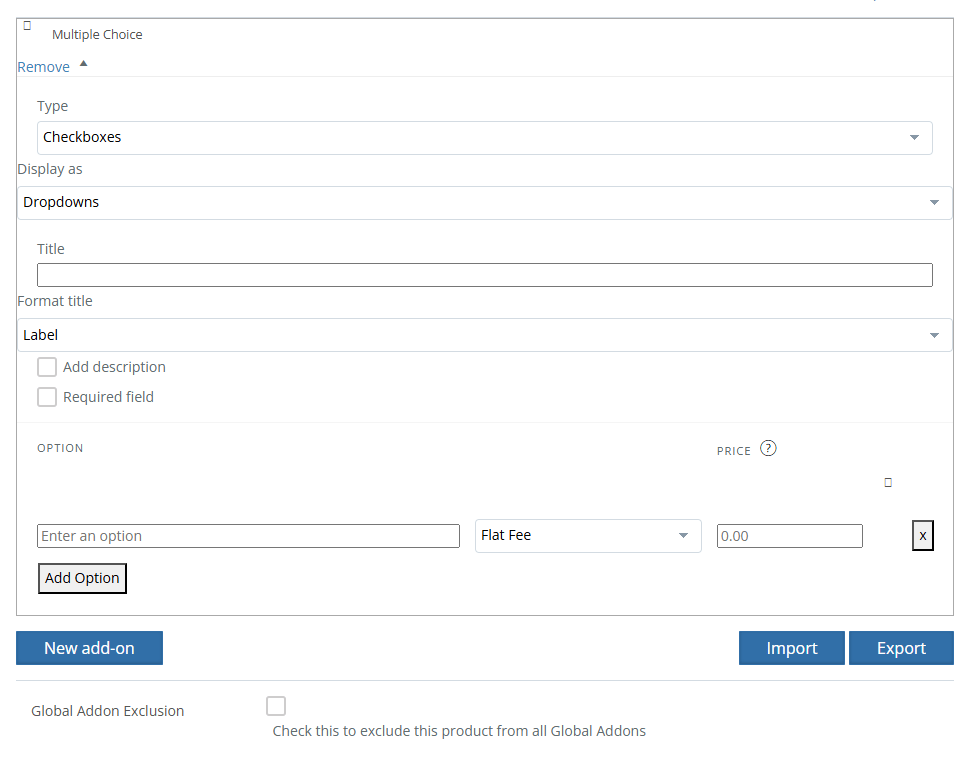
The Product Addon plugin simplifies the process of creating customized fields to your WooCommerce product page.
The ShipStation module enables automatic synchronization of orders from your WooCommerce marketplace to ShipStation. This integration allows vendors to efficiently generate shipping labels, track shipments, and manage orders directly within the ShipStation platform. By streamlining these processes, vendors can improve delivery times and optimize their shipping operations.

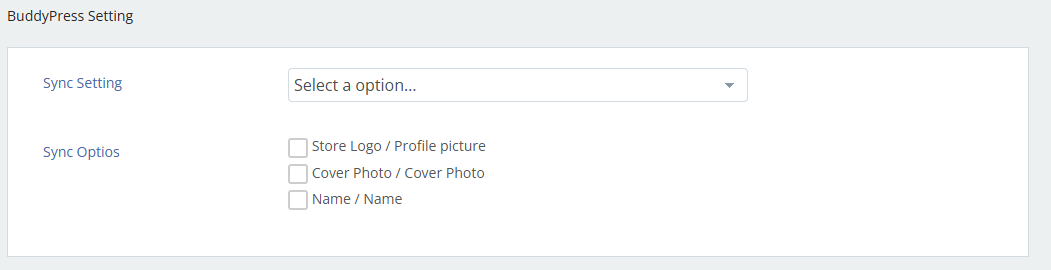
Enable social networking features on your marketplace with our BuddyPress integration. This module lets vendors seamlessly connect their store with their BuddyPress profile, allowing for enhanced engagement, activity feeds, and a more community-driven shopping experience.
Handle the payment of vendor commission by arranging the affiliate payout configuration. As an admin, you can either can choose to bear the affiliate amount by yourself or let the vendor carry the affiliated cost by following simple steps.

Transform your WordPress site into a seamless multivendor platform with MultiVendorX. Get a 15-minute free consultation today!