





Brief Introduction #
The Follow Store module enables shoppers to follow their favorite stores, helping them stay informed about new products and updates from trusted store owners. This feature enhances customer loyalty, increases engagement, and drives repeat sales by creating a direct communication channel between stores and their interested customers.
Required Module #
- Follow store
To enable the Follow Store module:
- Go to Admin Dashboard → MultiVendorX → Modules
- Select the Customer Experience tab at the top.
Find the Follow Store module and enable it.
Once activated, customers will be able to follow stores across your marketplace.

How customers follow a store #
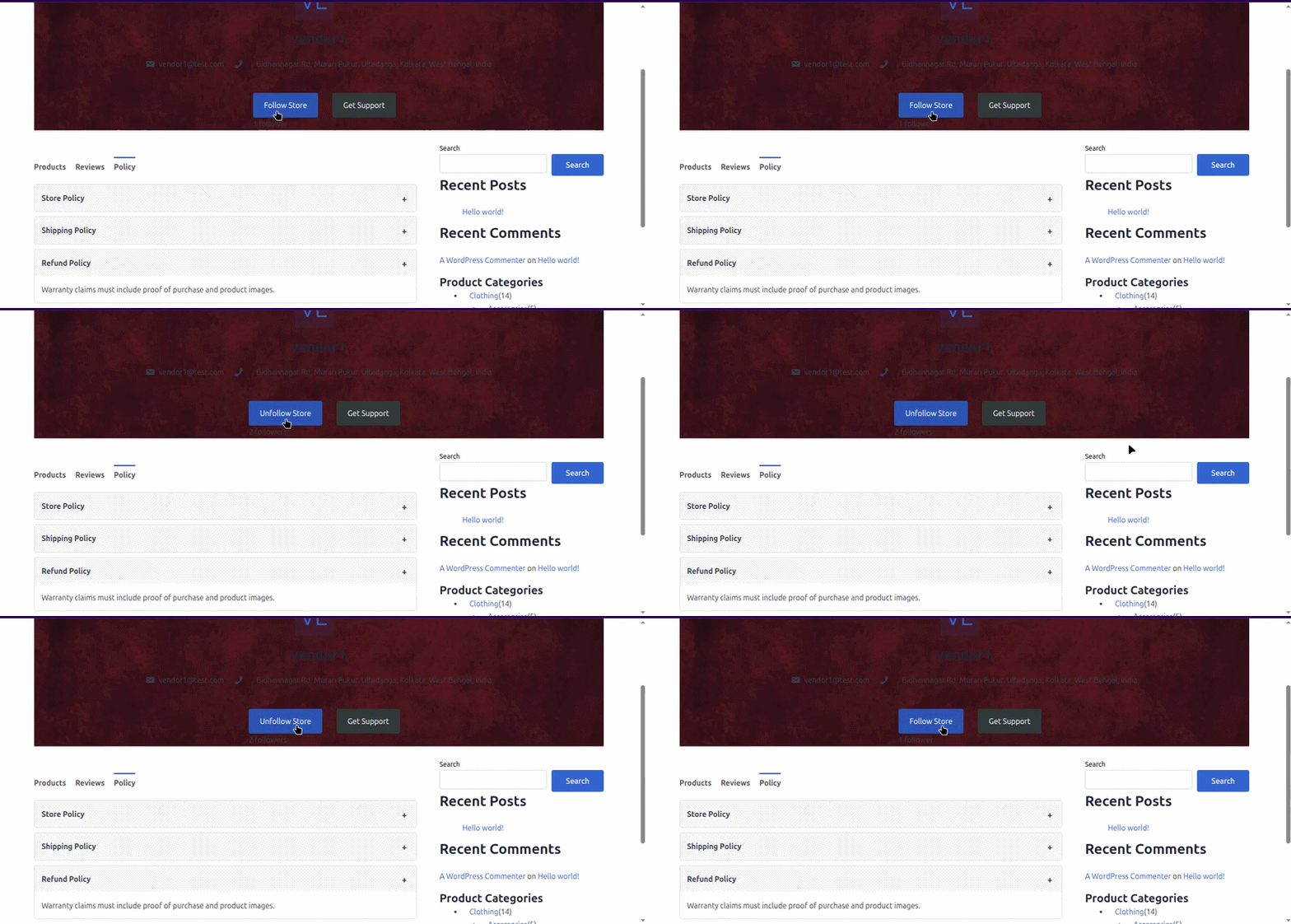
Customers can follow any store directly from the marketplace storefront.
Step 1: Open a store page #
The customer visits any store page available in the marketplace.
The store page contains a Follow button, usually displayed on the store banner or header section.
Step 2: Click the Follow button #
Once the customer clicks the Follow button:
- The store is added to the customer’s followed store list
- The customer becomes subscribed to future store notifications
- The marketplace records the follow action in the backend
After the follow action is completed successfully, the customer immediately starts receiving updates related to that store.
Note: Customers can unfollow a store at any time based on their preferences.
What happens after a customer follows a store #
Customers may receive notifications for the following store activities.
New product launch notifications
Whenever the store owner publishes a new product:
- Followers receive an email notification
- The email usually contains product information and store details
- Customers can directly visit the product page from the notification email
This helps stores promote newly added products to interested customers immediately.
Coupon and discount notifications
When the store owner creates promotional offers or discount coupons:
- This helps improve customer engagement and repeat purchases
- Followers receive promotional notification emails
- Customers are informed about available discounts and limited-time offers
Customer unfollow process #
Customers are not permanently subscribed to a store.
They can unfollow a store at any time based on their preferences.
What happens after unfollowing #
Once a customer unfollows a store:
- Future notification emails from that store stop immediately
- The customer is removed from the store follower list
- The store owner will no longer see that customer as an active follower
Previously received emails and notifications remain unaffected.
Note: Unfollowing only stops future store notifications. It does not affect previous orders, customer accounts, or marketplace access.
How store owners manage followers #
Store owners can monitor and review all customers following their store directly from the Store Dashboard.
Step 1: Open the Store Dashboard #
The store owner logs into their store account and opens the Store Dashboard.
Step 2: Navigate to Store Followers #
Go to:
Store Support → Store Followers
This section displays the complete list of customers currently following the store.
What store owners can view #
Inside the Store Followers section, store owners can monitor follower-related information such as:
- Customer details
- Total follower count
- Growing customer community visibility
- Store engagement tracking
This helps store owners understand customer interest and build long-term relationships with loyal shoppers.

Notification workflow summary #
The complete workflow works in the following order:
- Customer opens a store page
- Customer clicks the Follow button
- Confirmation email is sent to the customer
- Customer becomes subscribed to store notifications
- Store owner performs actions like:
- Adding products
- Creating coupons
- Publishing announcements
- Followers automatically receive related email notifications
- Store owner can monitor followers from the dashboard
- Customer can unfollow the store anytime if needed
This creates an ongoing communication channel between customers and stores, helping improve customer retention and marketplace engagement.


